HTTP server functions/web pages
82 FP Web-Server V2.810 EN
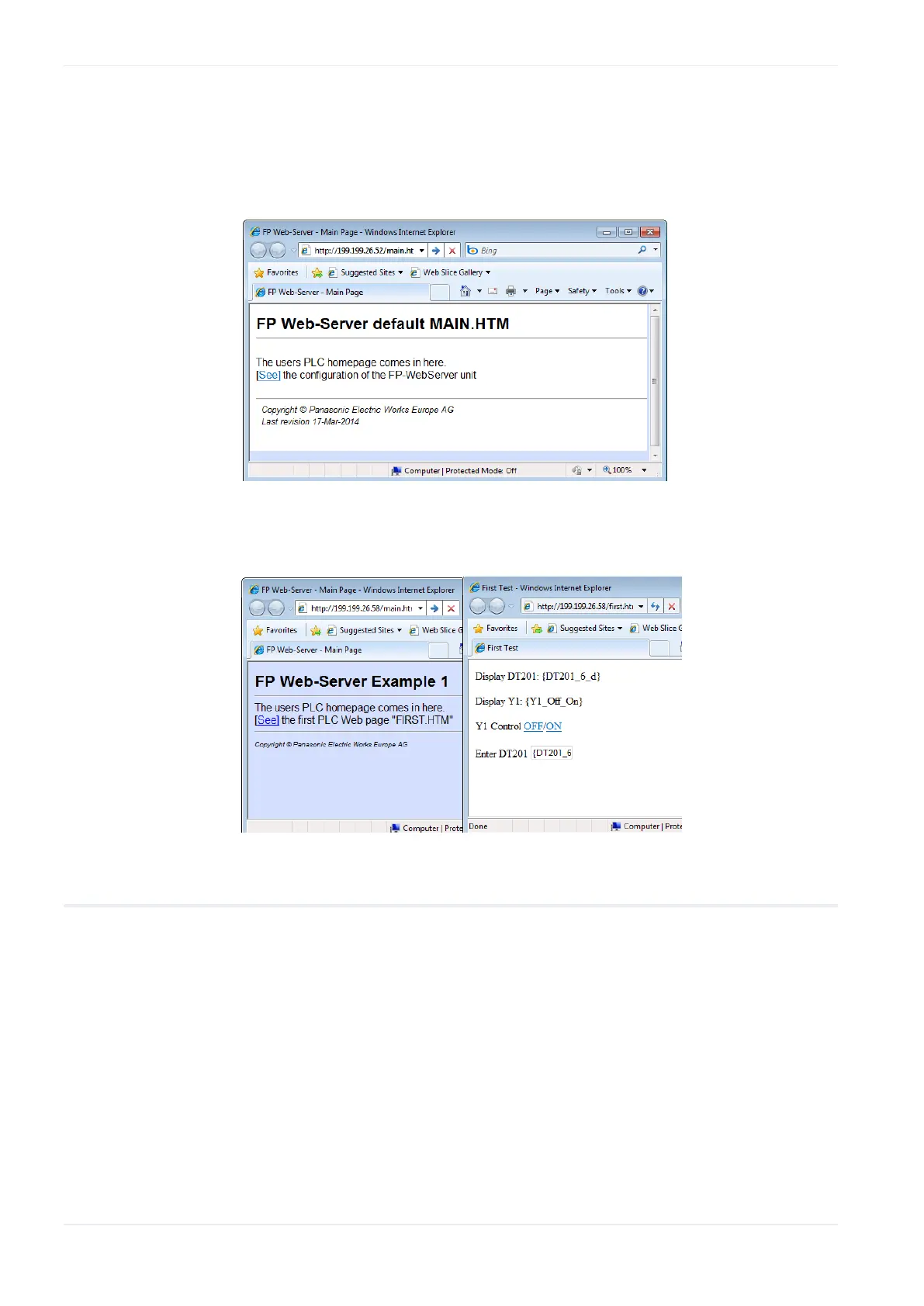
The HTML page "MAIN.HTM" of the FP Web-Server will be displayed.
For the "default_project" (without PLC data, FP Web-Server may not be
connected to a PLC) for example:
Or 'Example - First web page with PLC data':
12.1.2 Internet browser settings
If the FP Web-Server is operated in an office network with a Proxy gateway
to the Internet, the access to the FP Web-Server HTML pages might take a
long time. In this case, shut off the Proxy function of the browser for this
specific IP address of the FP Web-Server. For the browser setup refer also
to TCP/IP Setup: Configurator/Browser Operations Via LAN.












 To Next Page