Additional information
FP Web-Server V2.810 EN 191
e. Disable all additional firewall and security software packages.
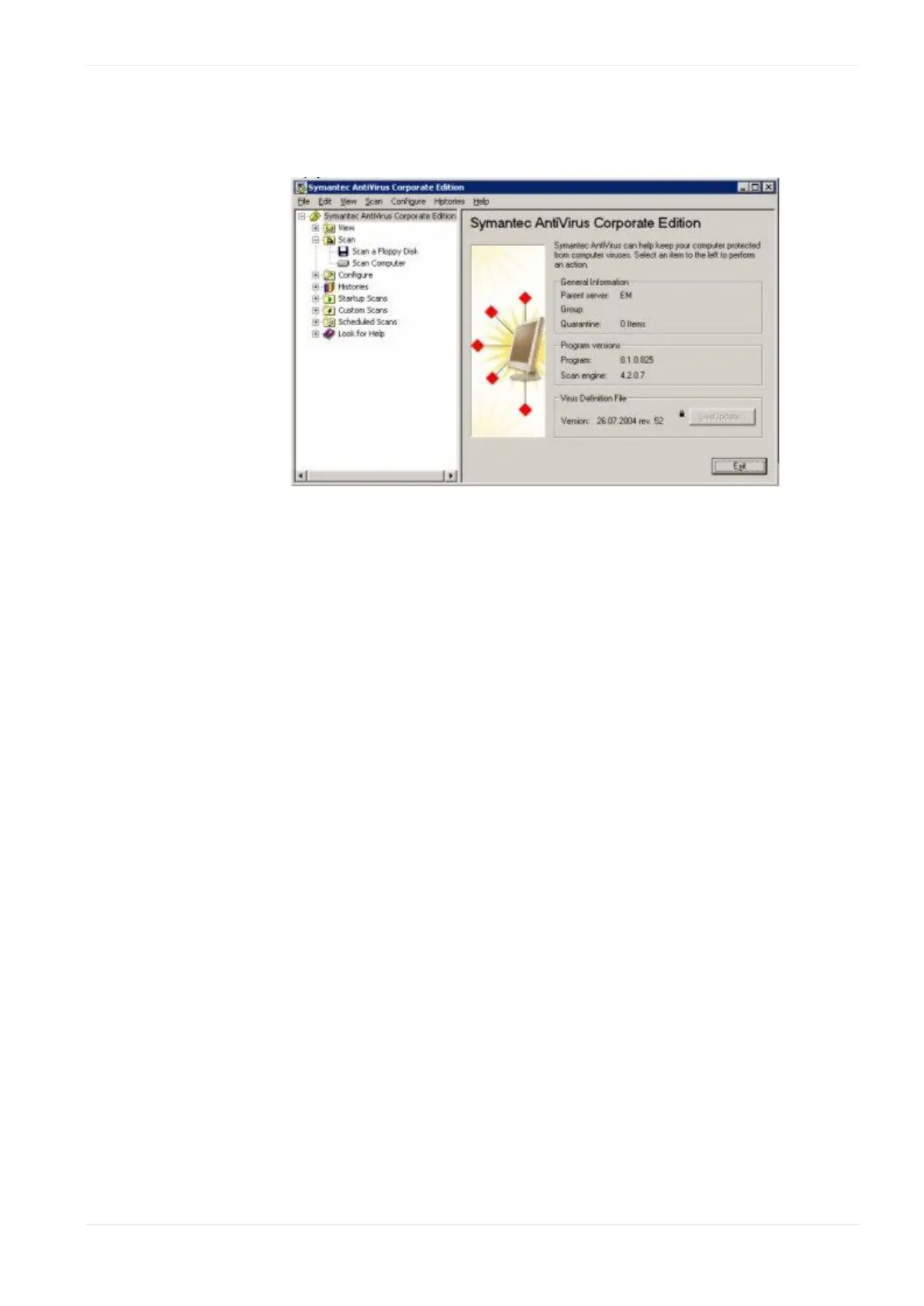
Especially disable virus scanner and spy software blocker for a test.
f. Use the latest FP Web Configurator Tool version.
g. Edit the file "tool.ini" at "C:\Program Files\ Panasonic-EW SUNX
Control\FP Web Configurator2" with Notepad. Change [FTP]
PASSIV=1 from 0 to 1. And then test function again.
h. Uninstall all recently installed Windows security updates and patches
for a test.












 To Next Page