First steps
FP Web-Server V2.810 EN 35
The serial interface parameter used by whatever functions have been
configured. the PLC may have to be adjusted (RS232C, 19200 8O1 is
pre-adjusted).
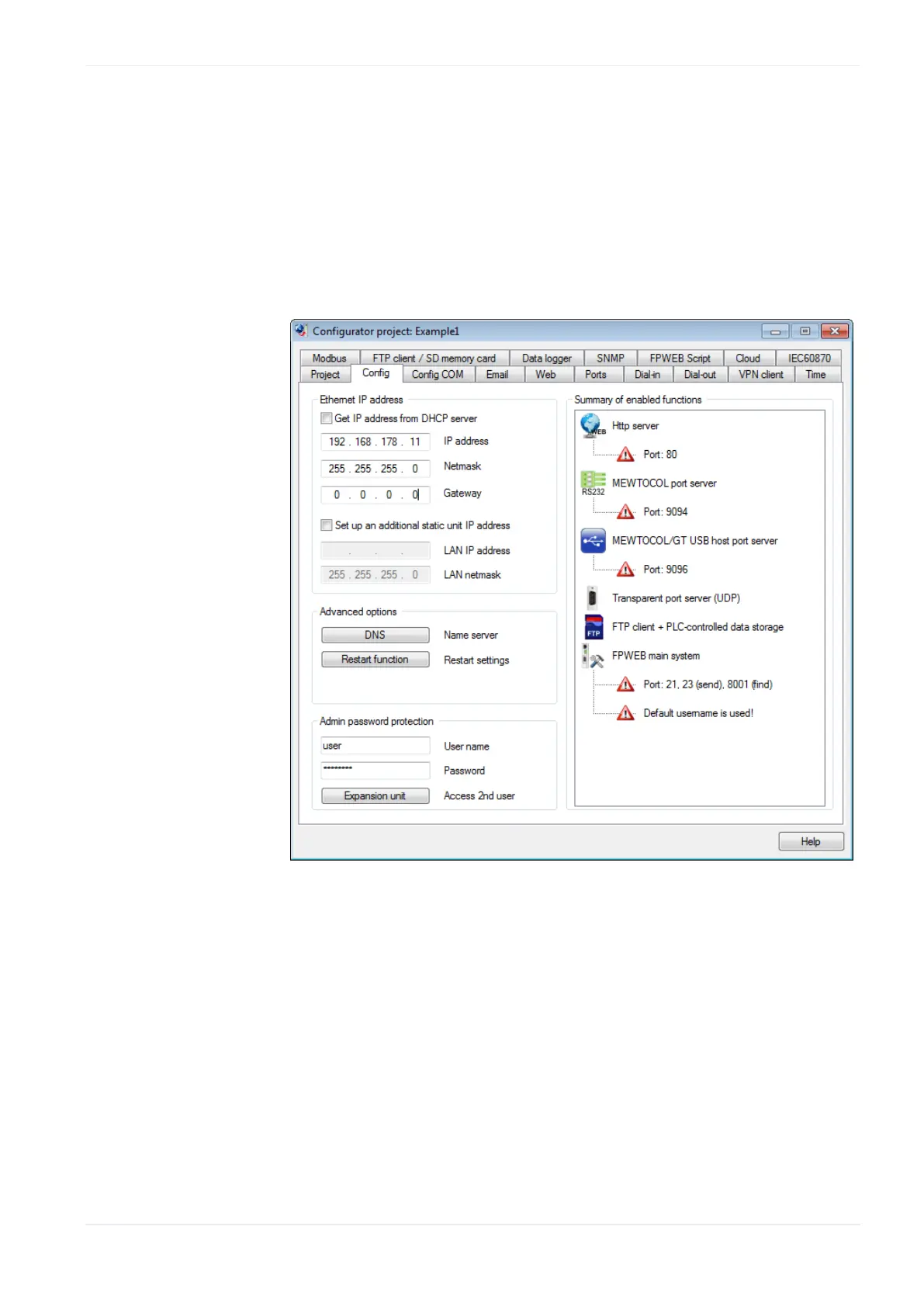
It is also recommended to enter an individual user name and a
password of your own.
The HTTP server has to be activated for this initial test (please turn off
e-mail and PPP!):
For the initial test, no other parameters have to be altered. Save the
changed project with [SAVE].
Comments:
To receive additional help and information on the various Configurator
entries, please move the cursor to the respective input field and press
<F1>.
The "default_project" works without PLC data, i.e. it does not need to
be connected to the FP Web-Server. Nevertheless, in case "Example -
First web page with PLC data" is used, a PLC should be connected.












 To Next Page