Pharma Test Apparatebau AG
Operating Manual
B-24-00100_PT-NODE_v1.0e.docx Page 11 of 64
Section 3 Setting-Up the Instrument
To use PT-Node you must:
▪ Connect PT-Node to your network to be able to print reports via a web browser
and/or to export data to an external system (such as a LIMS)
▪ Connect PT-Node to one or two Pharma Test instruments using the supplied
connecting cables
▪ Configure the corresponding instrument communication settings in PT-Node
Section 3.1 Initial Set Up of the Network Configuration
By default, PT-Node tries to connect through a wired Ethernet connection to a network
using DHCP. This means PT-Node expects to be assigned an IP address automatically from
your network.
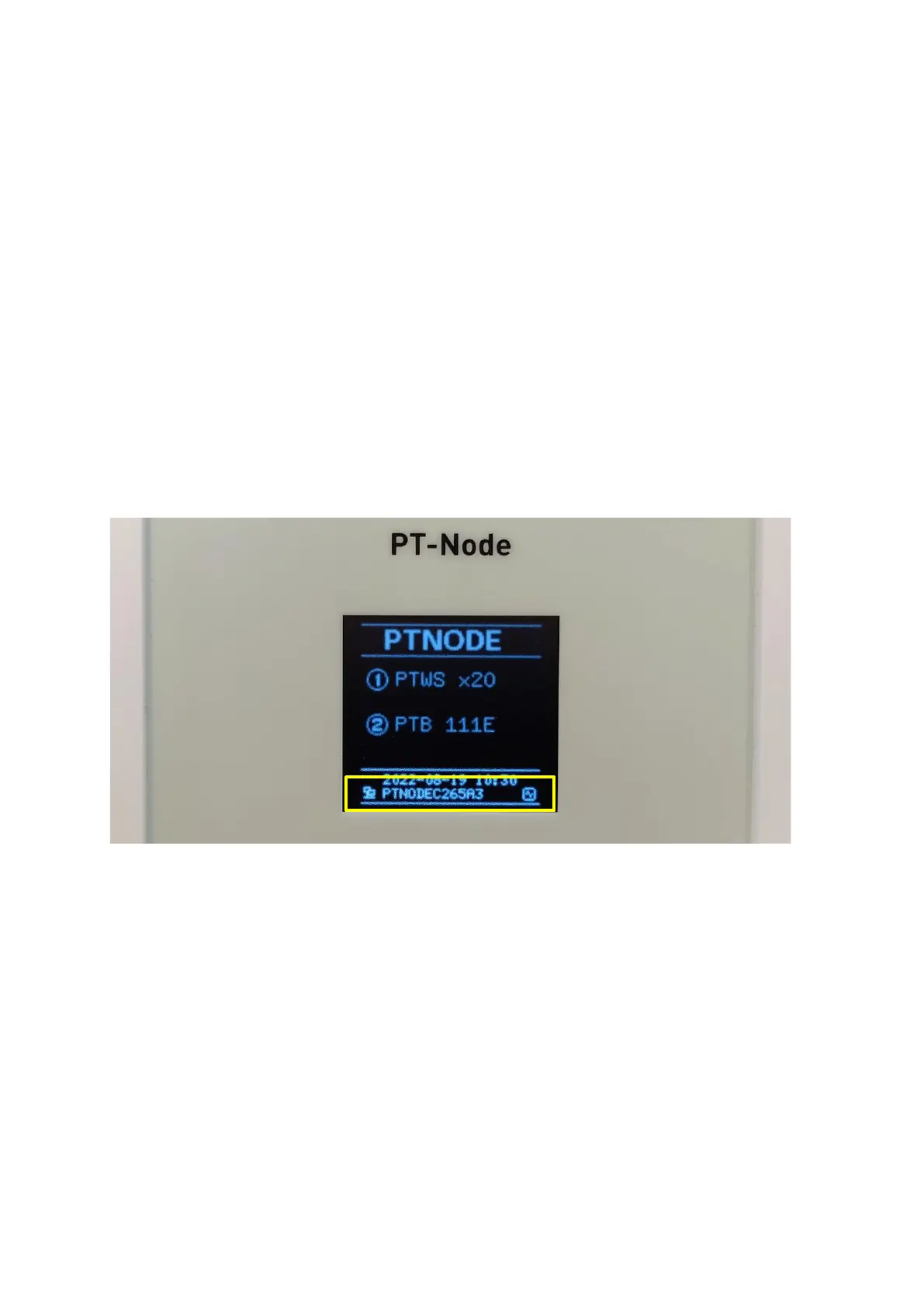
In case this fails, PT-Node creates a Wi-Fi hotspot. You can connect to this hotspot to
configure your network and other settings. If your network is using static IP addresses, you
will have to perform this next step:
Figure 3 Hotspot SSID is displayed on screen
Once the hotspot is created the name of the hotspot (“SSID”) is displayed on the screen of
PT-Node. In this case it is “PTNODEC265A3”.



 To Next Page