Pharma Test Apparatebau AG
Operating Manual
B-24-00100_PT-NODE_v1.0e.docx Page 14 of 64
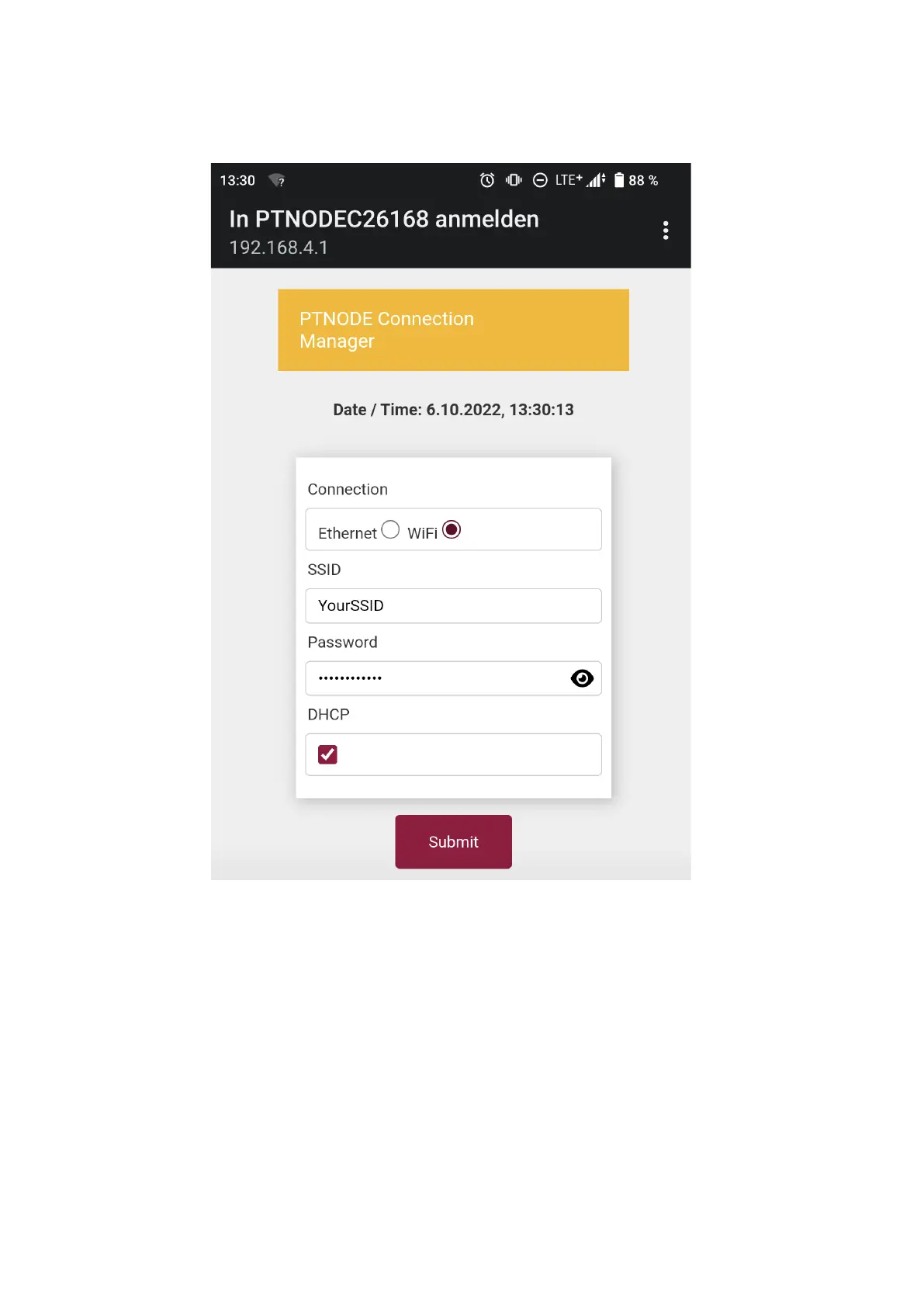
Here you can select to use a wired Ethernet connection (shown above) and a wireless Wi-Fi
connection (shown below):
Figure 6: Network connection manager – Wi-Fi
Consult with your IT department for information on what settings you need for your network.
In case you are working with static IP addresses disable “DHCP” and manually enter the IP
address you want PT-Node to use.
Section 3.1.1 Connecting a PT-Node directly to a PC
In case you do not want to use any existing network, you can also directly connect a PT-
Node to a PC using an Ethernet cable. Refer to Section 4.4.2.1 below for more information
on this.



 To Next Page