Pharma Test Apparatebau AG
Operating Manual
B-24-00100_PT-NODE_v1.0e.docx Page 21 of 64
Section 4.3.1 Downloading Folders and Files
After logging in at the user level you have the option to download individual files or whole
folders from the internal storage of PT-Node.
4.3.1.1 Downloading Folders
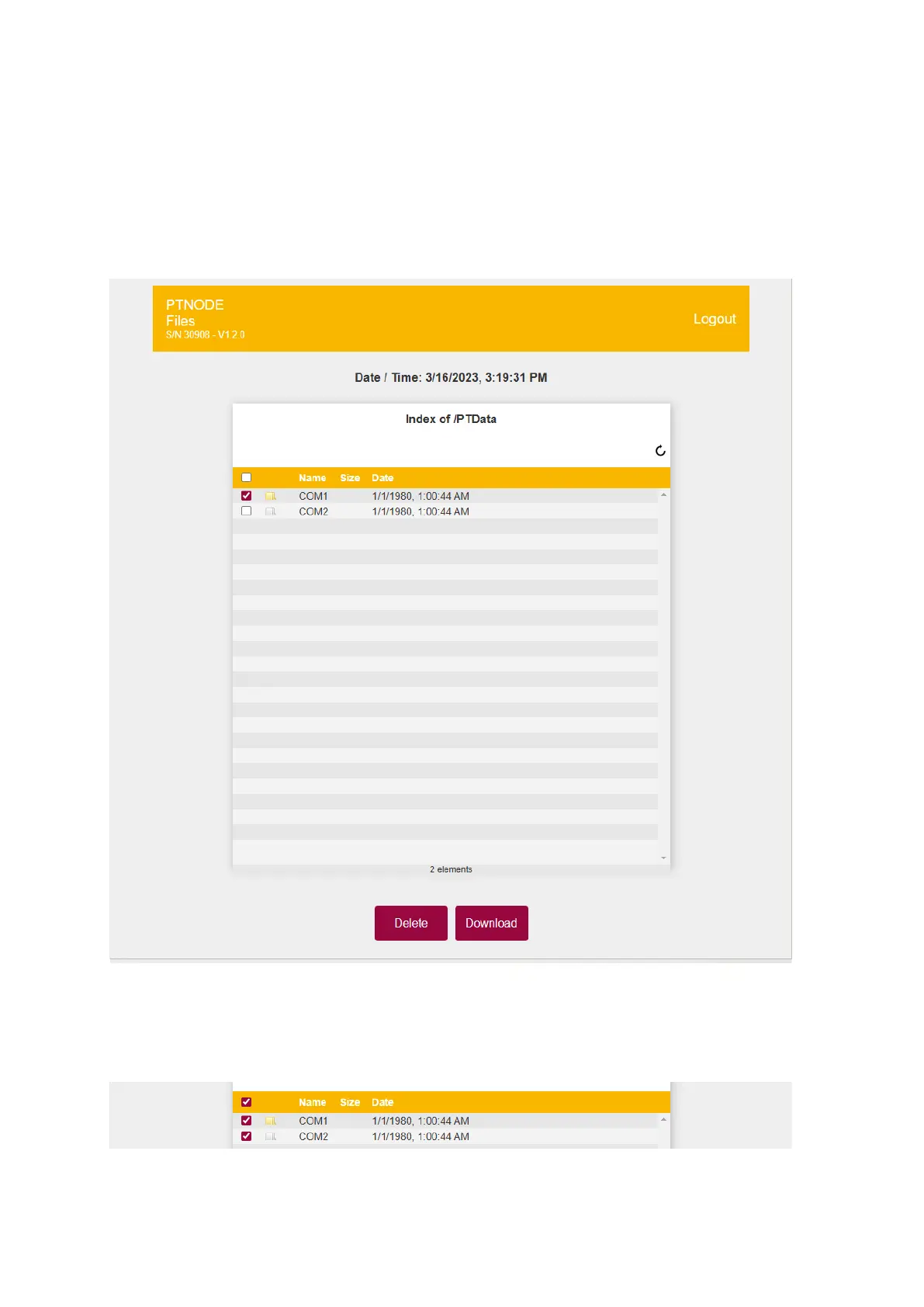
Use the checkbox on the left of a folder name to mark the folder to be downloaded and
confirm with the “Download” button:
Figure 17: Downloading folders
This will put all files in this folder into a ZIP-archive and download it to your downloads
folder.
You can also use the topmost checkbox to mark all folders:
Figure 18: Marking all list items



 To Next Page