Pharma Test Apparatebau AG
Operating Manual
B-24-00100_PT-NODE_v1.0e.docx Page 56 of 64
Section 5.7 PTWS 120D, PTWS 120S, PTWS 820D, PTWS 620, PTWS 1220, PTWS
D620 and PTWS 1420 instruments
PTWS 120D, PTWS 120S, PTWS 820D,
PTWS 620, PTWS 1220, PTWS D620, PTWS
1420
Serial 8pin D-Sub (male) plug labelled “RS
232” on the side of the instrument head,
cable part no. 34-01203
9600 bit/s, 8 data bits, no parity, 1 stop bit,
no handshake
Run time report, OQ report
Section 5.7.1 Capturing Run Time and OQ Reports
Please contact Pharma Test support on information on how to access the factory settings
of the instrument.
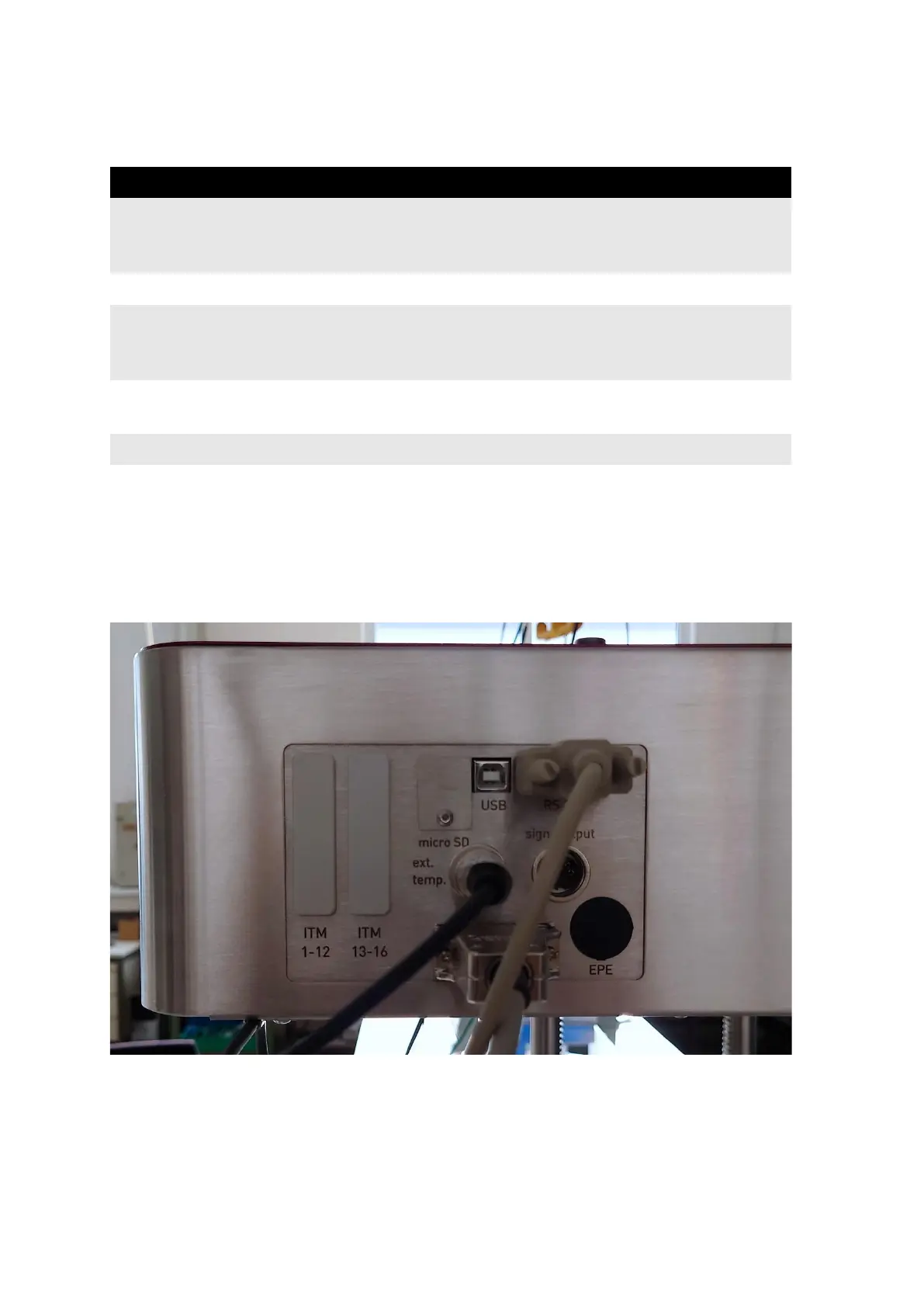
Connect the communication cable (part no. 34-01203) to the port labeled “RS 232” on the
side of the instrument head:
Figure 62: Communication cable connection to PTWS 1420
Connect the other side of the cable to one of the ports of PT-Node. Note the channel number
the port corresponds to. Turn on PT-Node and the PTWS x20 instrument.



 To Next Page