Pharma Test Apparatebau AG
Operating Manual
B-24-00100_PT-NODE_v1.0e.docx Page 25 of 64
Again, you can use the topmost checkbox to mark all files.
After clicking “Delete” the file(s) will be deleted from the internal storage of PT-Note.
Note that there is no way to recover files deleted from the internal storage of PT-Node.
We recommend to setup a backup of the internal storage of PT-Node if you plan to
permanently store your reports here. See below the instructions about setting up a FTP
connection to PT-Node.
Section 4.4 Login as Administrator
To change any settings, you must login as the administrator. By default, these user settings
are defined:
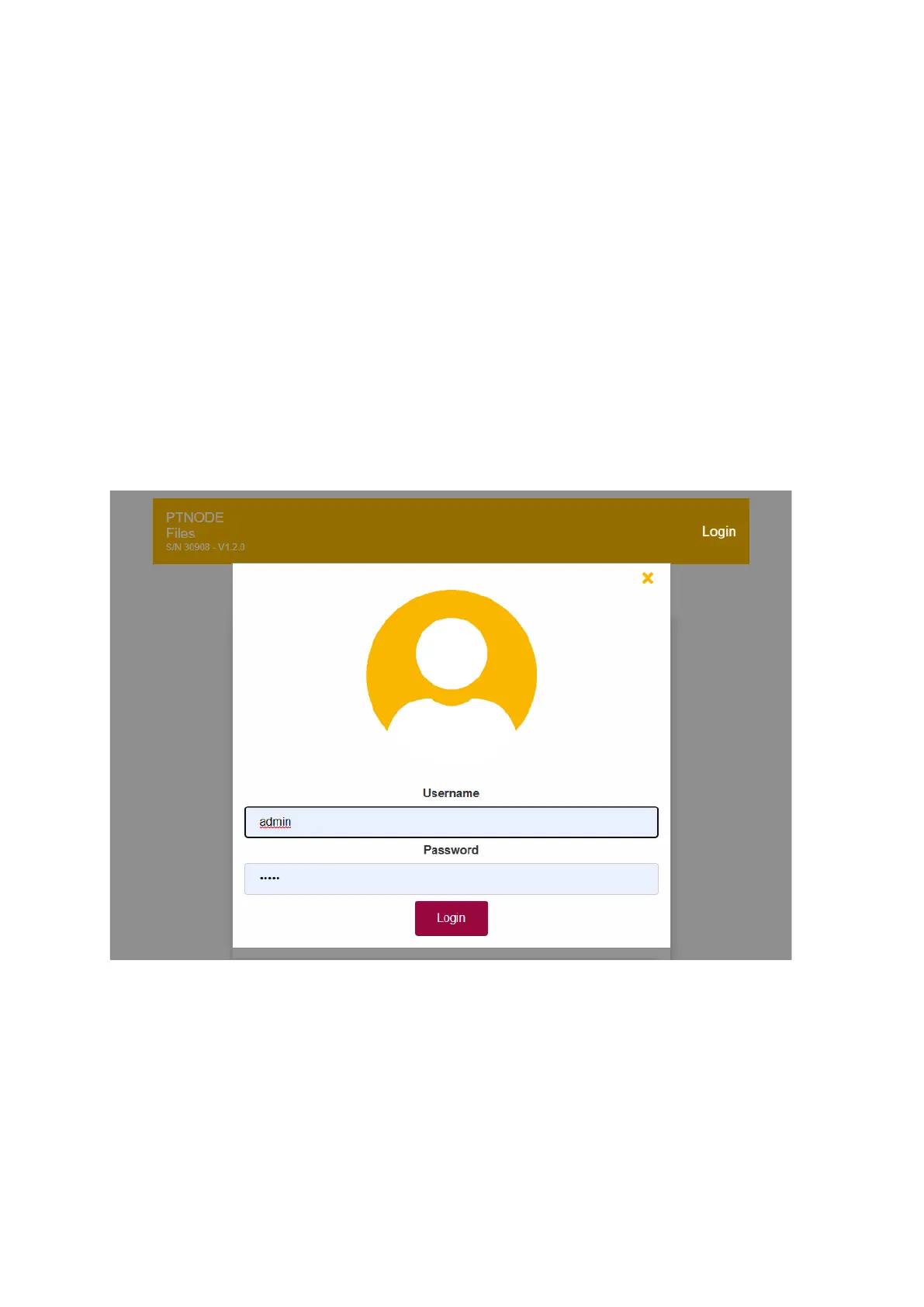
Username: admin
Password: admin
For security reasons this password should be changed when you first receive your PT-Node.
Enter the username and password:
Figure 23: Login as administrator
You can now access the following menus using the buttons on the top right:
▪ Devices = device manager
▪ Network = network settings
▪ Settings
▪ User Settings
▪ Date & Time Settings
See below for the details of these menus.



 To Next Page