Pharma Test Apparatebau AG
Operating Manual
B-24-00100_PT-NODE_v1.0e.docx Page 59 of 64
Section 6 Connecting to PT-Node Through an FTP Connection to
Transfer Date to an External Software
To transfer the result data stored locally on the PT-Node the external software must
connect to it through an FTP connection. You can also use any standard FTP software to
connect to PT-Node. In this example we will use the free software WinSCP (visit
www.winscp.net for more information).
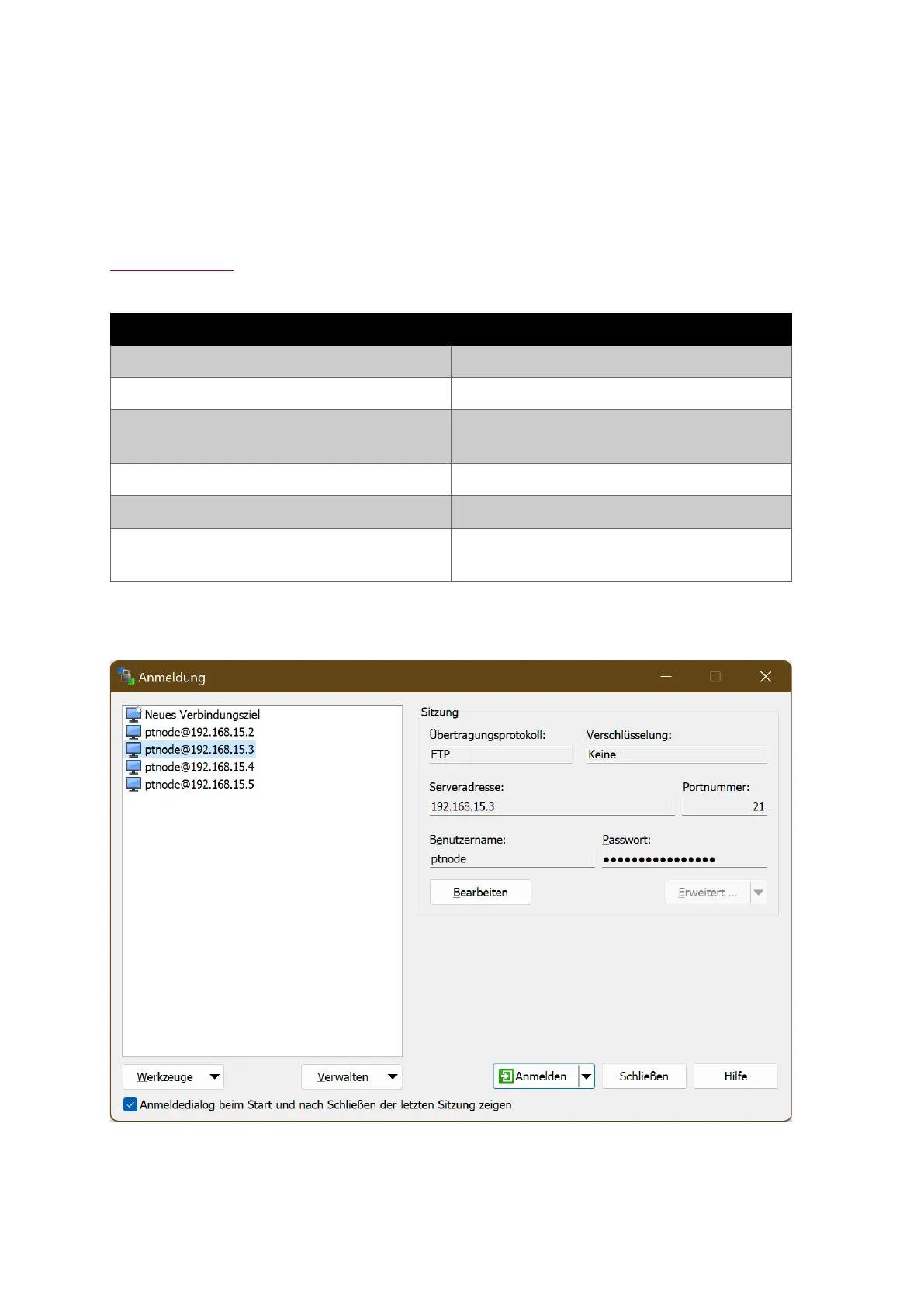
Use the following settings to connect to PT-Node:
the password of the FTP user of PT-Node,
by default this is “ptnode”
Table 15: PT-Node FTP connection settings
The parameter settings might be named slightly differently depending on the FTP client
program you are using. This example shows the settings entered in WinSCP:
Figure 67. FTP client - connection



 To Next Page