Pharma Test Apparatebau AG
Operating Manual
B-24-00100_PT-NODE_v1.0e.docx Page 31 of 64
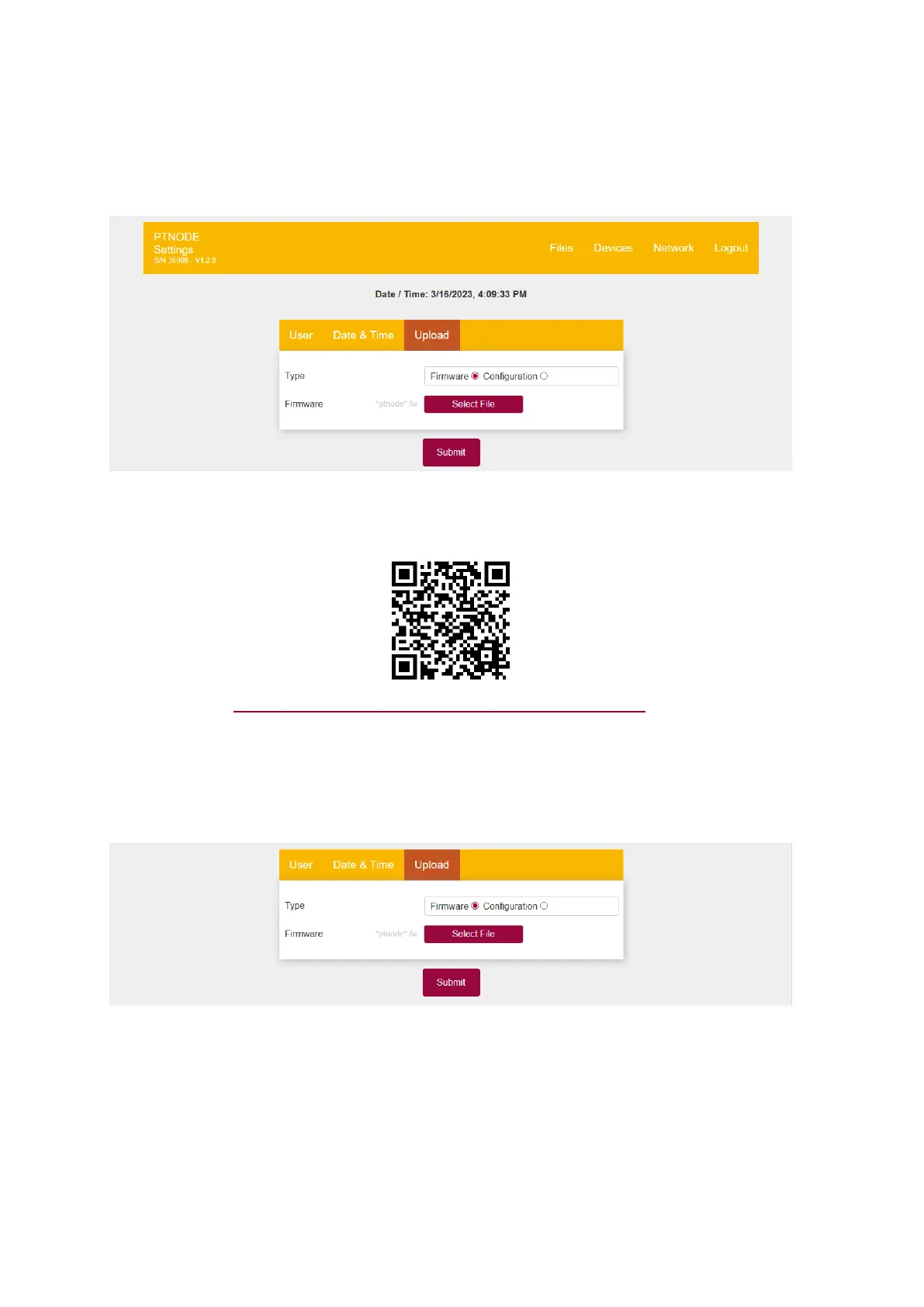
4.4.3.3 Upload
In this menu you can upload new firmware files to PT-Node to update its internal firmware
and upload new configuration files containing the connection and report details of
instruments to be connected to PT-Node.
Figure 32: Upload menu
Scan here to visit the PT-Node downloads page on our website, to check if a new firmware
version or configuration file is available:
Or use this link: www.pharma-test.de/en/services/downloads/pt-node/
4.4.3.3.1 Updating the PT-Node Firmware
To update the firmware of a PT-Node you need to download a .fw-file. Save this file on a
location on your computer for example in Downloads.
For “Type” select “Firmware”:
Figure 33: Uploading a new firmware version



 To Next Page