Pharma Test Apparatebau AG
Operating Manual
B-24-00100_PT-NODE_v1.0e.docx Page 18 of 64
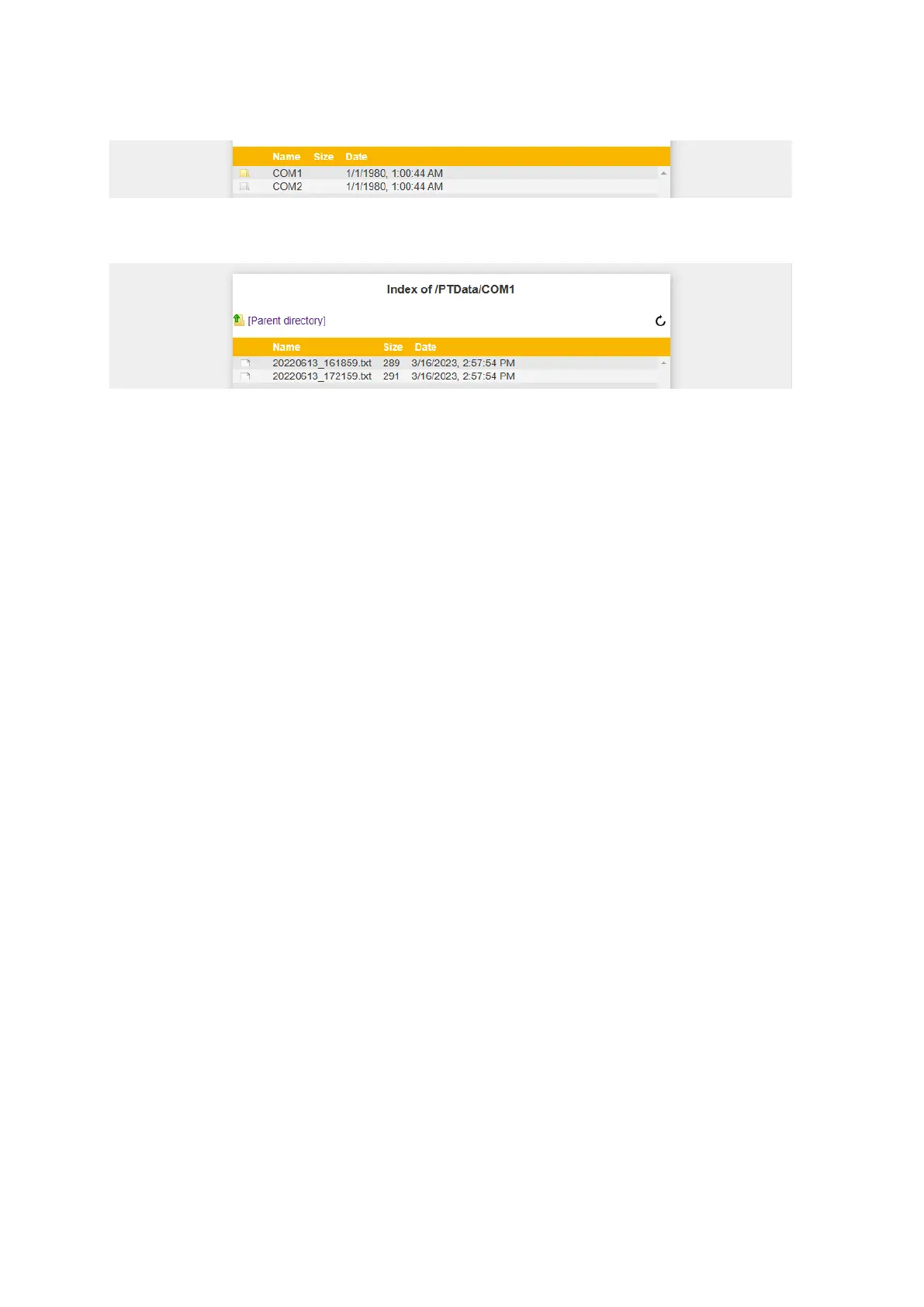
A folder containing files is displayed in yellow. An empty folder is displayed in white:
Figure 12: Empty folders vs. folders with content
Click on any of the folders to display its contents:
Figure 13: List of files
For each file the following information is listed:
▪ File name: the files names are automatically generated with a time stamp at the
point where they are created. The format for the file name is:
yyyymmdd_hhmmss.txt
▪ File size: the file size in bytes
▪ Date: the creation date of the file in the format: mm/dd/yyyy, hh:mm:ss AM/PM



 To Next Page