Pharma Test Apparatebau AG
Operating Manual
B-24-00100_PT-NODE_v1.0e.docx Page 34 of 64
This process can take up to a few minutes. Do not disconnect PT-Node from the power
supply before this process is finished!
Once the update is finished you will be returned to the file index. You can now continue to
use PT-Node with the new configuration file.
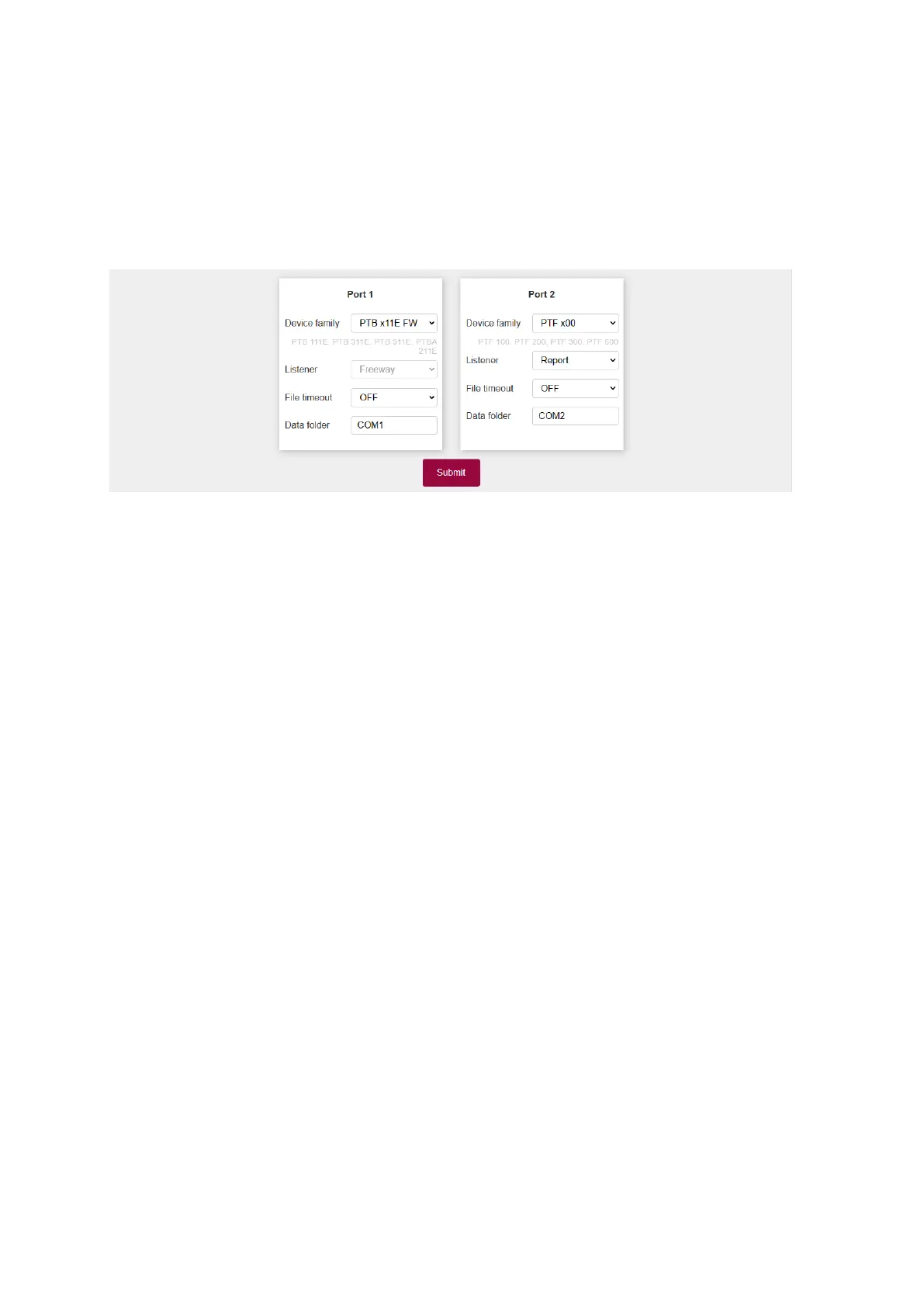
Login and check the devices menu for any new device families that have been added in this
configuration file:
Figure 40: Device manager
Note that updating the PT-Node firmware also re-writes the configuration file on your PT-
Node device with the version included with this firmware. If you are using a version of the
configuration file newer than the firmware version you have just installed, you need to re-
upload the configuration file as well.



 To Next Page