Pharma Test Apparatebau AG
Operating Manual
B-24-00100_PT-NODE_v1.0e.docx Page 29 of 64
Section 4.4.3 Settings
By clicking on “Settings” you can access the user and the date & time settings. You can also
upload configuration files for new instruments and firmware files to update PT-Node’s
firmware.
4.4.3.1 User Settings
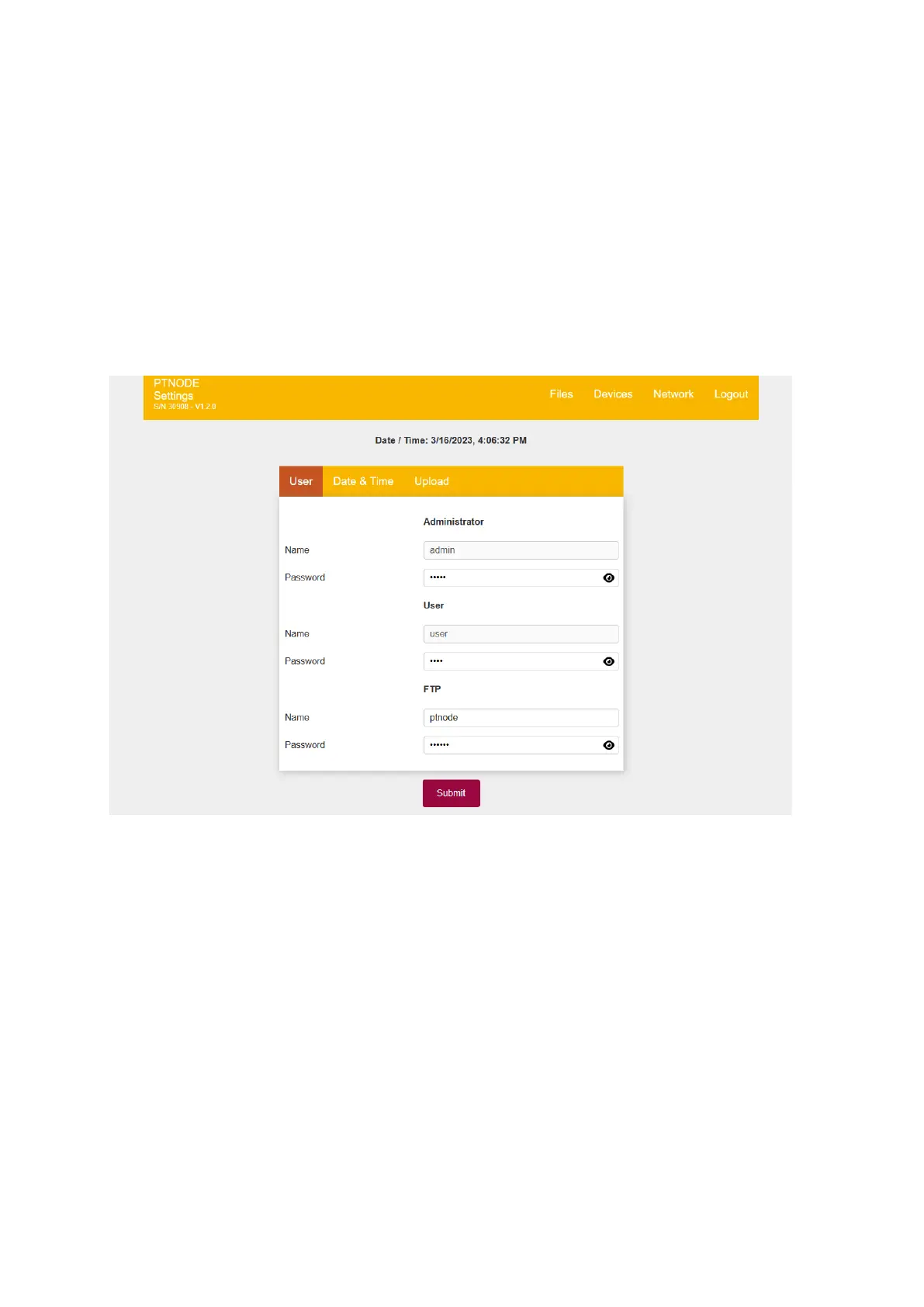
There are three users on PT-Node:
▪ Administrator: Can access the settings menus
▪ User: Can delete individual files on the internal storage of PT-Node
▪ FTP: this information is used to connect to PT-Node through an FTP connection, see
the section below about FTP connection for more details about this
Figure 29: User settings
The default user settings are:
1. Administrator:
Username: admin
Password: admin
2. User:
Username: user
Password: user
3. FTP:
Username: ptnode
Password: ptnode
For security reasons these passwords should be changed when you first receive your PT-
Node!



 To Next Page