Pharma Test Apparatebau AG
Operating Manual
B-24-00100_PT-NODE_v1.0e.docx Page 20 of 64
Section 4.3 Login as an Operator
To be able to download or delete any files stored on PT-Node you have to login as an
operator with password. By default these user settings are defined:
Username: user
Password: user
For security reasons this password should be changed when you first receive your PT-Node.
To do this you first have to login as the administrator. See the instructions below on how to
do that.
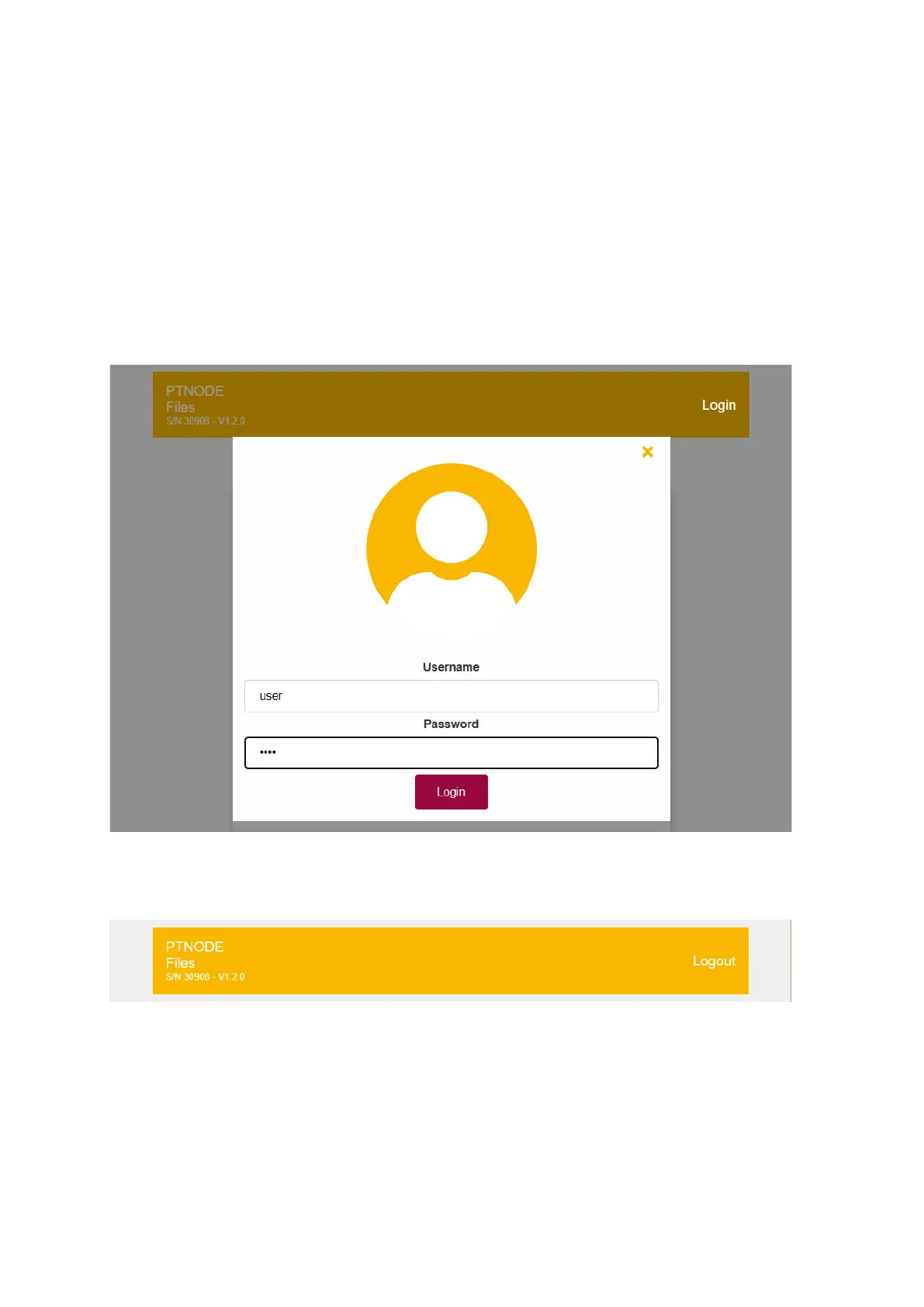
Enter the username and password and click on “Login” to proceed:
Figure 15: Login as user
If you entered the correct username and password the file index will be displayed again.
The login button on the top right has changed to logout:
Figure 16: Logout button
You can click on “Logout” to return the standard view of the file index (without the option to
download or delete files).
Note that a standard operator, who only wants to view and print reports does not need to
use any username or password. He can still access the reports but will not be able to
download or delete any files.



 To Next Page