Installation of Wireless Infrastructure
80
Installin
the Instrument
Making the Config Files Writeable
The Config Files are read-only and must be made writeable for the tool to be used for
configuration. The following steps describe the procedure after the files have been copied to
the configuring computer:
Step 1 Open the ConfigFiles directory by clicking on the ConfigFiles folder in the tools
menu on the configuring PC. The files on the right of the previous figure will be
displayed.
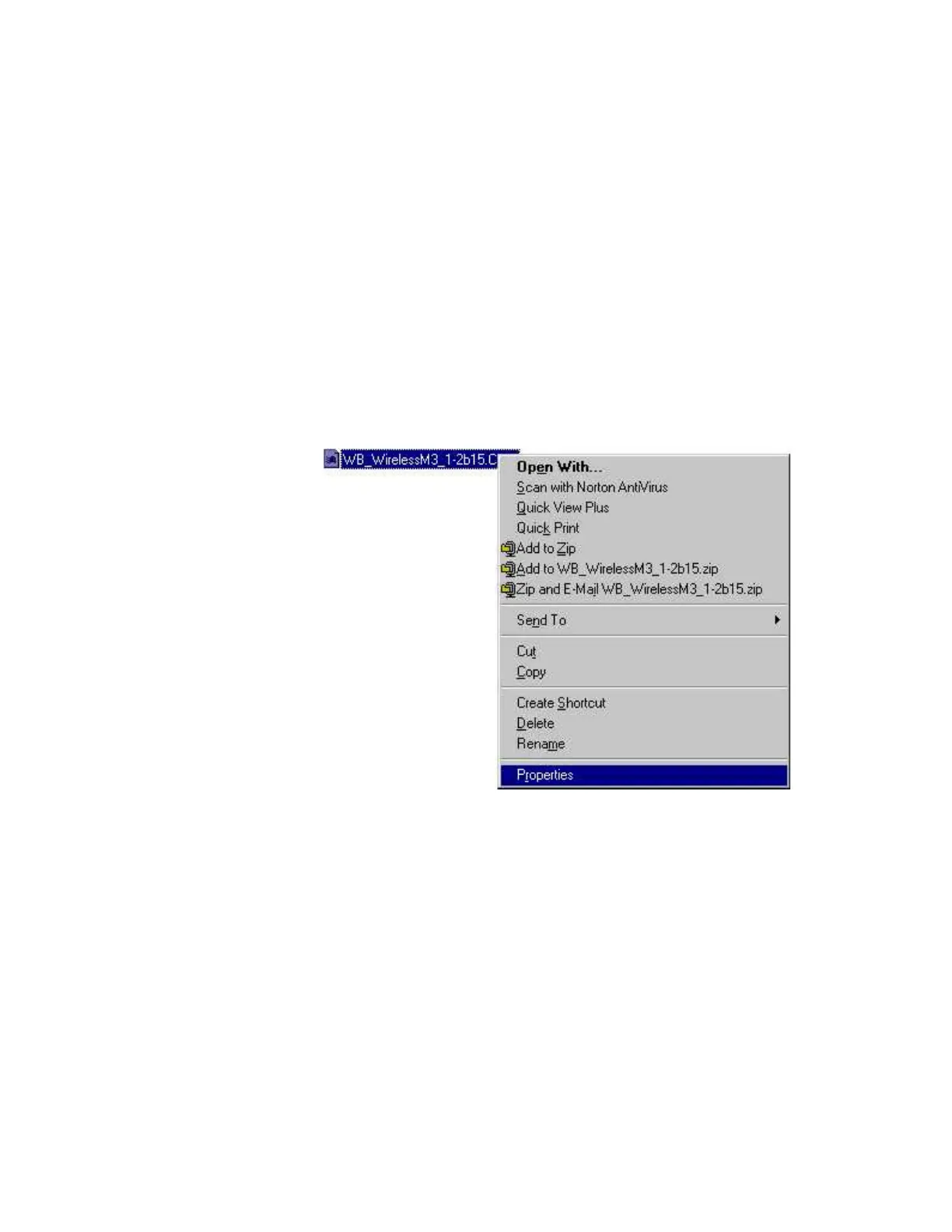
Step 2 Click on the file labelled WB_WirelessM3_1-2b15.CFG to select it.
NOTE The selected file must be made writeable because settings used in the configuration process
are saved to this file so they can be reused when the configuration tool is used again.
Step 3 Place the cursor over either of the highlighted fields and right-click the mouse to
display a menu listing Properties, as shown below:











 To Next Page