Installation of Wireless Infrastructure
Installin
the Instrument
81
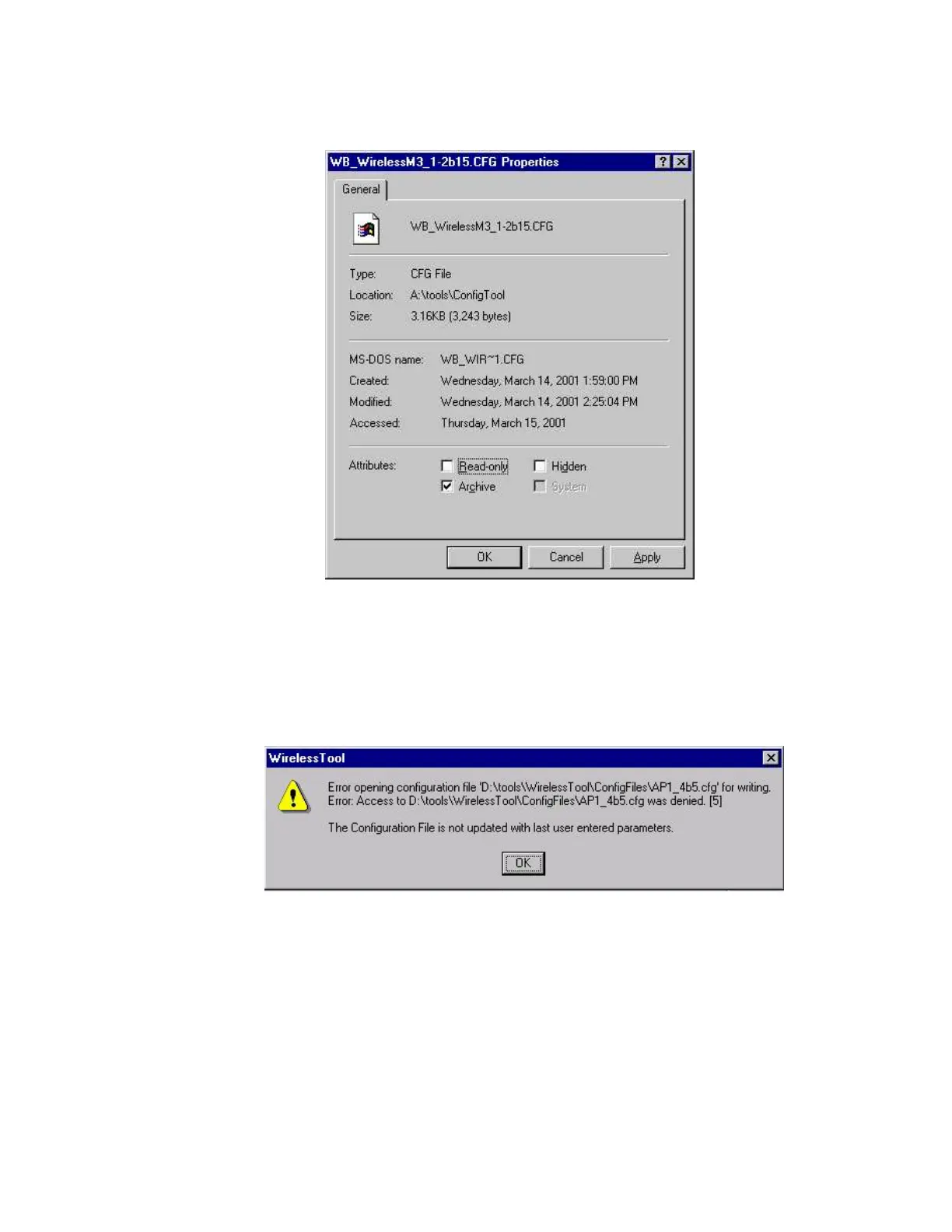
Step 4 Click on Properties to display the selected file’s Properties window.
Click in the Attributes: box preceding Read-only to remove the check. This removes
Read-only from the selected file.
NOTE If the configuration tool is run with this file set as Read-only, the following error message
will be displayed. Clicking OK will exit the tool and the Read-only attribute must be
removed to clear this condition.
Running the Configuration Tool
Once the tool has been copied and made writeable, it can be run. The first step is to select
which device -- Access Point, Switch, or M3/M4 Monitor -- to configure.
Step 5 Run the configuration tools as follows:
a.select Start in the lower left of the Windows Main Menu
b.select Run in the Windows Workstation menu











 To Next Page