Getting Started04
28
En
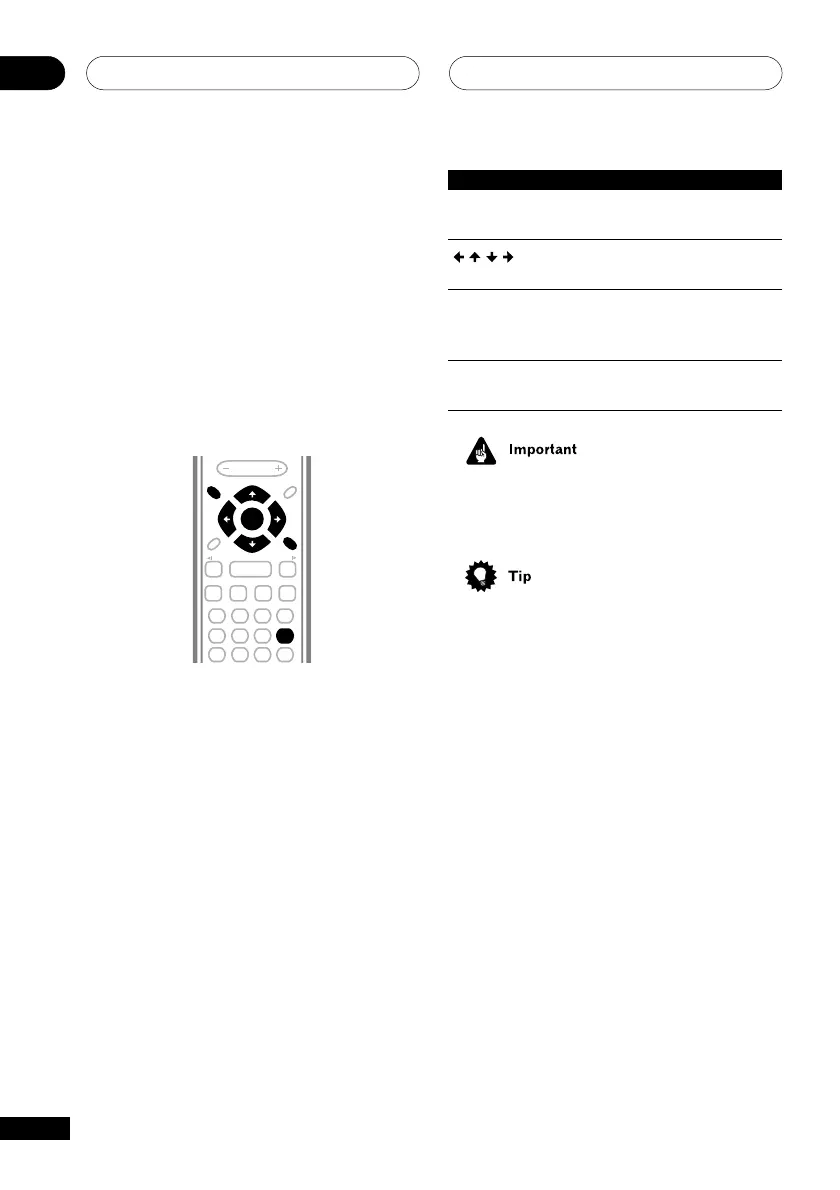
Button What it does
DVD SETUP Display/exit the on-screen
display
Changes the highlighted
menu item
ENTER Selects the highlighted menu
item (both ENTER buttons
work in exactly the same way)
RETURN Returns to the main menu
without saving changes
• Throughout this manual, ‘Select’ means
use the cursor buttons to highlight an
item on-screen, then press ENTER.
• The button guide at the bottom of every
OSD screen shows you which buttons
you’ll need to use for that screen.
Using the on-screen displays
For ease of use, this player makes extensive
use of graphical on-screen displays (OSDs).
You should get used to the way these work as
you’ll need to use them when setting up the
player, using some of the playback features,
such as program play, and when making
more advanced settings for audio and video.
All the screens are navigated in basically the
same way, using the cursor buttons to
change the highlighted item and pressing
ENTER to select it.
123
456
7890
CLEAR
ENTER
SYSTEM SETUP
DVD SETUP
TOP MENU
DVD MENU
VOLUME
PROGRAM
TEST TONE
REPEAT
CH LEVEL
RANDOM
SLEEP
.
RETURN
FOLDER +FOLDER –
SOUND
MODE
ENTER
4
/e
E/
1
¡
¢
8
7
3
3
3



 To Next Page