Listening to the radio
07
53
En
Listening to station presets
1 Press TUNER (front panel) repeatedly
to select the station preset mode.
The display shows ST.
2 Use 4/1 and ¡/¢ to select a
memorized station.
On the remote, use 4 and ¢,
/
or the
number buttons to select the preset you
want.
• You can press ENTER after using the
number buttons in step 2 to listen to the
station preset immediately.
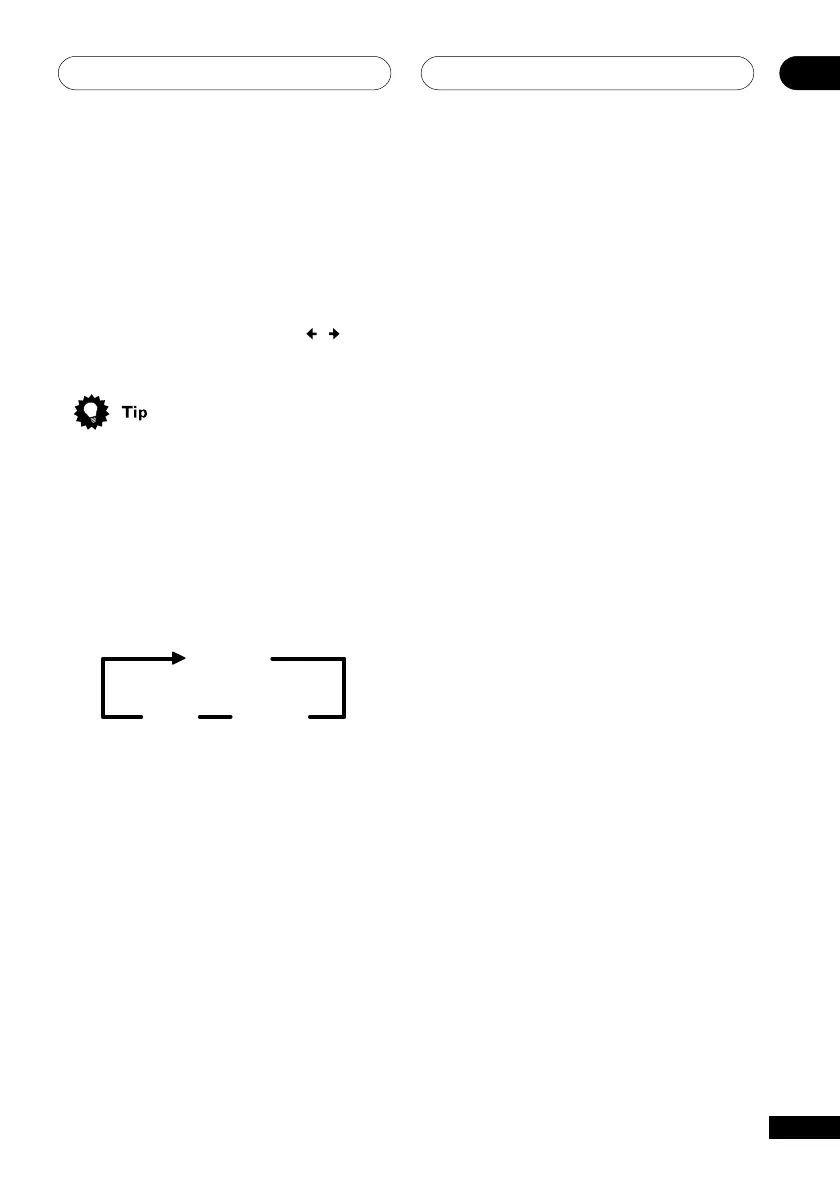
Changing tuner displays
• Press SYSTEM DISP (remote) or
DISPLAY (front panel) repeatedly to cycle
through the tuner displays:
Frequency
Tape
Counter*
Clock
* Only shown while recording using the
tape deck



 To Next Page