The Audio Settings Menu (EV21DVD only)
13
72
En
• Audio DRC is only effective with Dolby
Digital audio sources.
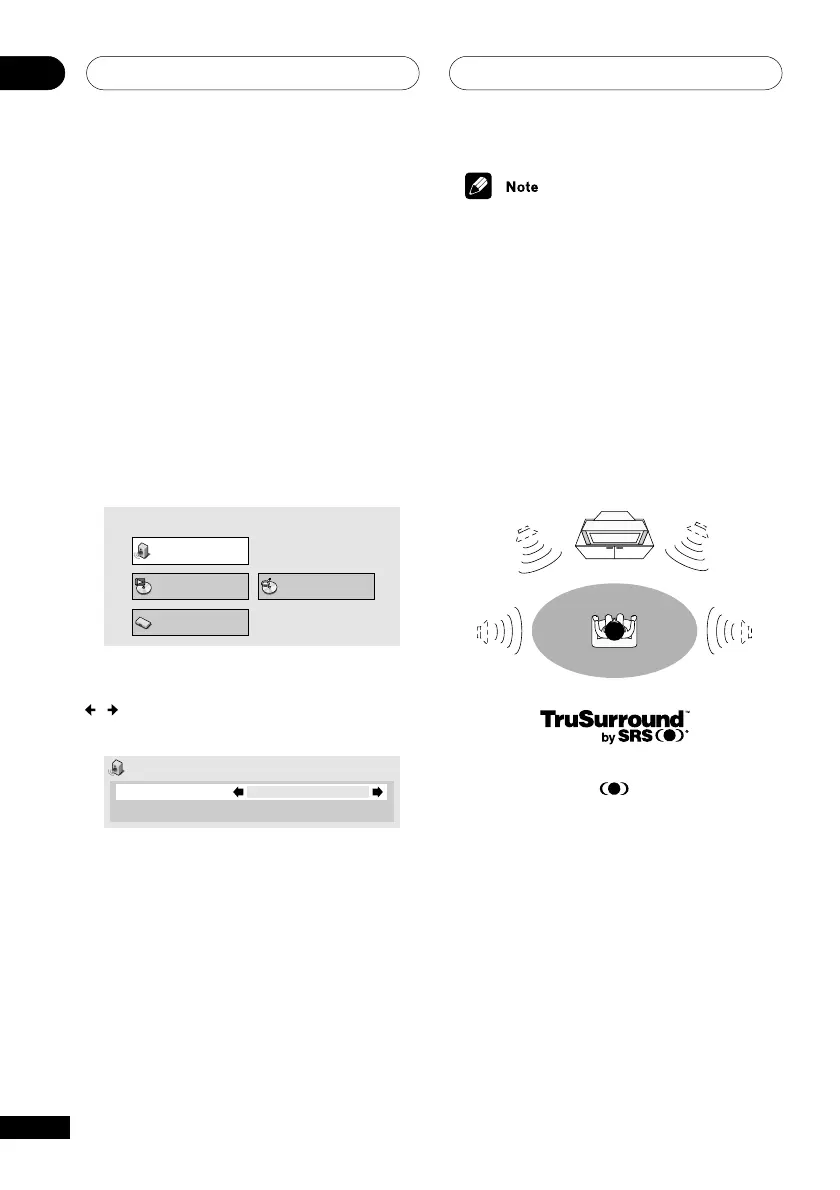
Virtual Surround
• Default setting: Off
Switch on Virtual surround to enjoy surround
sound effects from just two speakers.
When you play a Dolby Digital soundtrack,
Virtual surround, which uses TruSurround
technology from SRS, produces a deep,
realistic 3D soundspace from a pair of stereo
speakers.
TruSurround and the
®
symbol are
trademarks of SRS Labs, Inc. TruSurround
technology is incorporated under license from
SRS Labs, Inc.
Audio DRC
• Default setting: Off
When watching Dolby Digital DVDs at low
volume, it’s easy to lose the quieter sounds
completely—including some of the dialog.
Using Audio DRC (Dynamic Range Control)
can help by bringing up the quieter sounds,
while controlling loud peaks.
How much of a difference you hear depends
on the material you’re listening to. If the
material doesn’t have wide variations in
volume, you may not notice much change.
1 Press DVD SETUP and select ‘Audio
Settings’ from the on-screen display.
Audio Settings
Play Mode Disc Navigator
Initial Settings
2 Highlight Audio DRC, then use the
/
buttons (cursor left/right) to change
to ‘Off’, ‘Medium’ or ‘High’ as required.
Audio Settings
Audio DRC
Virtual Surround
Off
Off
3 Press ENTER to make the setting and
exit the Audio Settings screen.



 To Next Page