Playing discs
06
45
En
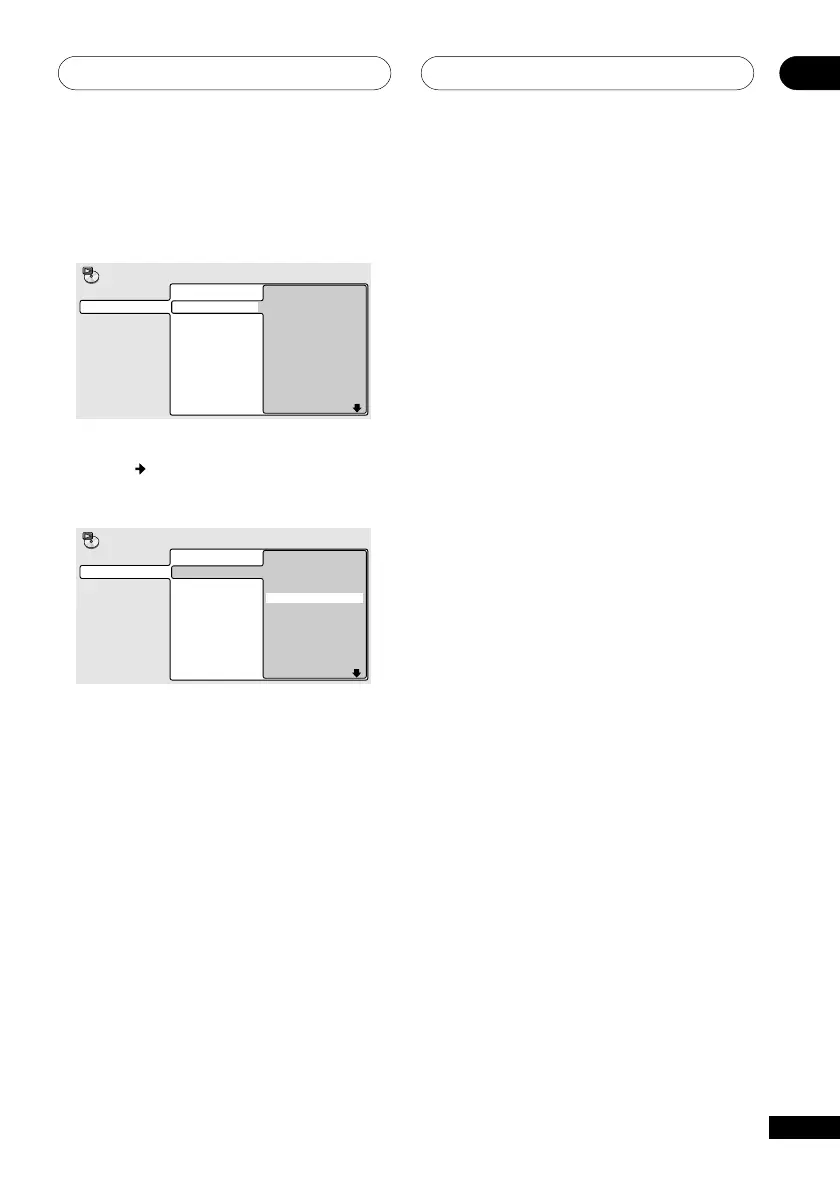
For an MP3 disc, you can add a whole folder,
or a track within a folder to the program list.
• To add a folder, select the folder.
Program Step
01. 001
02.
03.
04.
05.
06.
07.
08.
Folder 1-6
001. ACP
002. Nth Degree
003. Pfeuti
004. Live
005. Glitch music
006. CodHead
Track 1-10
001. Gravity deluxe
002. Tesla's patent
003. Border dispute
004. Delayed by rain
005. Accident incident
006. Pigeon post
007. Outernational
008. Vacuum tube
Program
• To add a track, first find the folder, then
press
(cursor right) and select a track
name from the list.
Program Step
01. 001-003
02.
03.
04.
05.
06.
07.
08.
Program
Folder 1-6
001. ACP
002. Nth Degree
003. Pfeuti
004. Live
005. Glitch music
006. CodHead
Track 1-10
001. Gravity deluxe
002. Tesla's patent
003. Border dispute
004. Delayed by rain
005. Accident incident
006. Pigeon post
007. Outernational
008. Vacuum tube
After pressing ENTER to select the title/
chapter/folder/track, you’ll automatically be
taken to the next step in the program list.
5 Repeat step 4 to build up a program
list.
A program list can contain up to 24 steps.
6 To play the program list, press 3
(play).
Program play remains active until you turn
off program play (see below), erase the
playlist (see below), eject the disc or switch
off the player.
Editing program lists using the OSD
After creating a program list, you can add,
delete and change steps.
1 Press DVD SETUP and select ‘Play
Mode’.
2 Select ‘Program’ from the list of
functions on the left.
3 Select ‘Create/Edit’ from the list of
program options.
4 To clear a step, highlight the step
number and press CLEAR.
5 To insert a step in the middle of the
program list, highlight the step where
you want the new step to appear, then
select a title/chapter/folder/track to add.
After pressing ENTER, the new step is
inserted into the list.
6 To add a step to the end of the
program list, highlight the next free step
then select a title/chapter/folder/track to
add.
Other functions available from the OSD
program menu
As well as creating and editing a program
list, you can start program play, cancel
program play, erase the program list, and
memorize a program list from the Program
menu.
1 Press DVD SETUP and select ‘Play
Mode’.



 To Next Page