Using the timer12
70
En
Setting the record timer
You can set the timer to record from the LINE
IN source, or something off the radio. For
example, you might want to record a
program that is broadcast while you're at
work. During the actual recording, the
volume is automatically set to minimum.
After the recording has finished, the record
timer is canceled.
SYSTEM SETUP
DVD SETUP
TOP MENU
DVD MENU
SUBTITLE
VOLUME
ANGLE ZOOM
ADVANCED
MONO
SYSTEM DISP
DVD DISP
ECHO
DSP
AUDIO
DVD/CD TAPE FM/AM LINE
SURROUND
KARAOKE
I
—
KEYCON
—
i
TIMER
CLOCK ADJ.
MUTE
RETURN
SOUND
MODE
ENTER
STANDBY/ON
TUNE +
TUNE –
• The clock must be set to the correct
time for the record timer to work
properly. (see page 26)
• You cannot have the record timer and
the wake-up timer set at the same time.
1 Set up the tape deck.
Load a cassette tape, wind on past the leader
tape, switch on/off Dolby NR as required and
set the reverse mode (see pages 54–59 for
more on recording cassette tapes).
2 Select the source you want to record.
Press FM/AM (TUNER on the front panel) to
select the tuner or LINE to select the LINE IN
source. If you select the tuner, tune in the
station you want to record (see page 51 for
more detailed instructions on tuning).
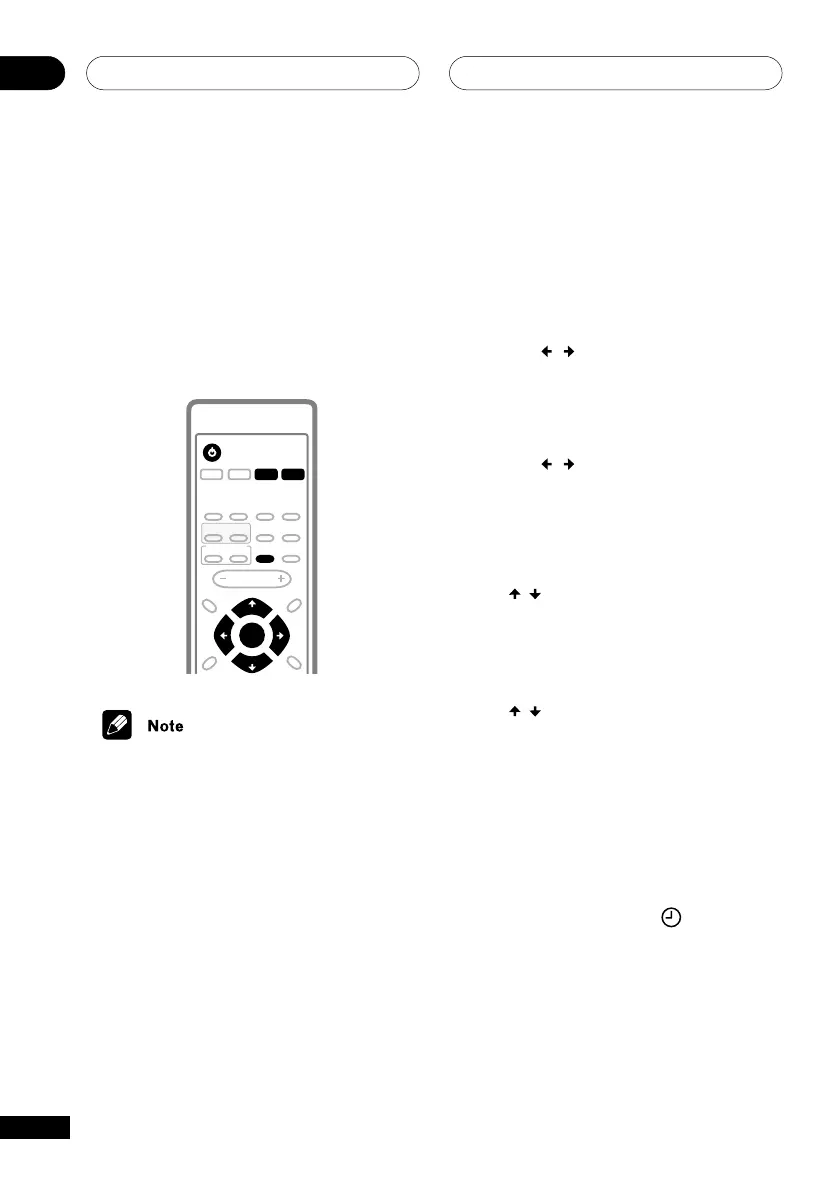
3 Press TIMER/CLOCK ADJ.
4 Use the
/
buttons to select REC.
On the front panel use 4/1 and ¡/
¢.
5 Press ENTER.
6 Use the
/
buttons to select EDIT.
On the front panel use 4/1 and ¡/
¢.
7 Press ENTER.
8 Set the switch-on time.
Use the
/
buttons (4/1 and ¡/¢
on the front panel) to set the hour, then press
ENTER. Set the minute in the same way,
pressing ENTER when you’re done.
9 Set the switch-off time.
Use the
/
buttons (4/1 and ¡/¢
on the front panel) to set the hour, then press
ENTER. Set the minute in the same way,
pressing ENTER when you’re done.
After pressing ENTER this last time, the
switch-on and switch-off times are confirmed
in the display.
10 Switch the system into standby
mode.
REC and the timer indicator (
) show in the
display to confirm that it’s set.
• The record timer will not work if the
system is left on!



 To Next Page