Using surround sound (EV51DVD only)
10
64
En
For a two channel source, you can press
SURROUND repeatedly to select between
the three Dolby Pro Logic II modes.
Pro Logic II
Music
Pro Logic Stereo
Auto
Pro Logic II
Movie
Refer to pages 62–63 for more details about
each mode.
• You can’t use SURROUND and the
karaoke features at the same time.
• When the headphones are connected,
you can only use the STEREO listening
mode.
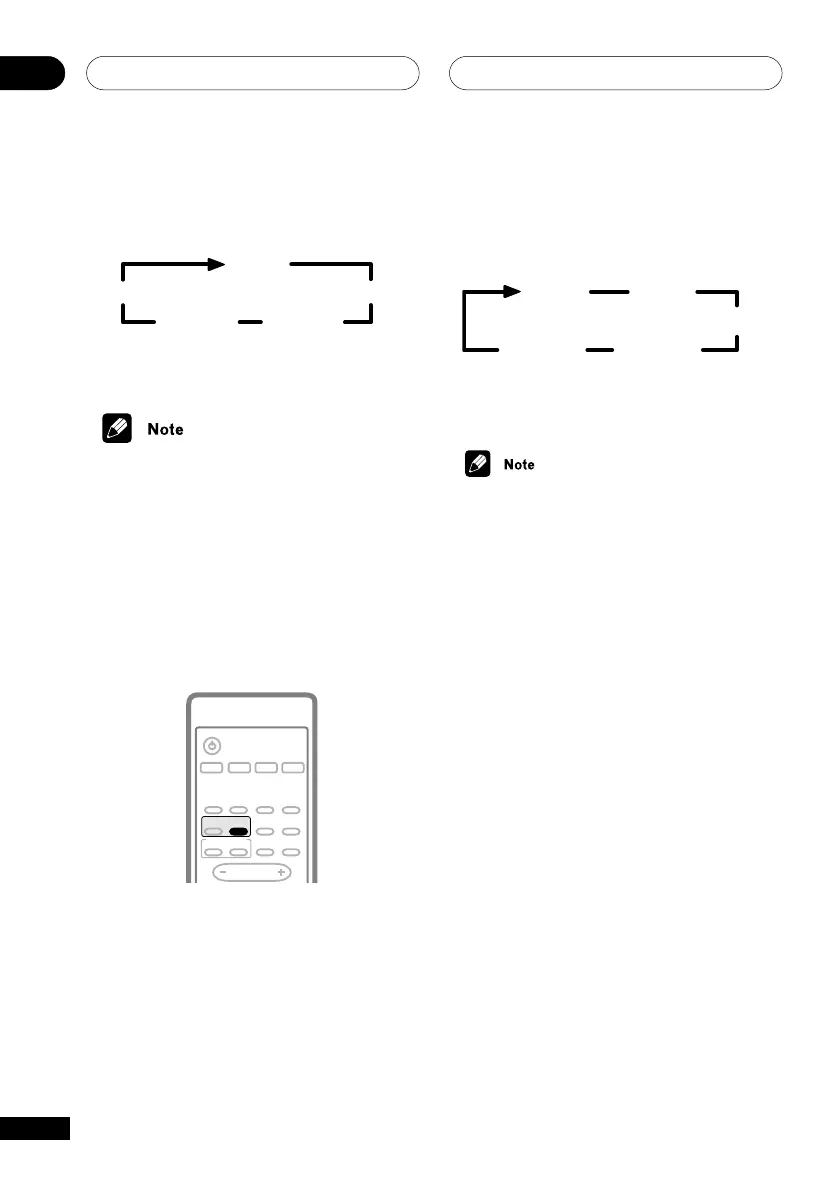
Using Advanced Surround
Use the Advanced Surround modes to add
DSP effects to a multi-channel source.
SUBTITLE
VOLUME
ANGLE ZOOM
ADVANCED
MONO
SYSTEM DISP
DVD DISP
ECHO
DSP
AUDIO
DVD/CD TAPE FM/AM LINE
SURROUND
KARAOKE
I
—
KEYCON —
i
TIMER
CLOCK ADJ.
MUTE
STANDBY/ON
• Press ADVANCED SURROUND (ADV.
SURR) repeatedly to cycle the sound
options.
Each press changes the display as follows:
Music
Extra
Power
Virtual SB
Movie
Expanded
Refer to pages 62–63 for more details about
each surround effect.
• The Music, Movie and Expanded
effects of Dolby/DTS can be adjusted in
the range of 10 to 90 (the default setting
is 70) using the SOUND MODE button
(see page 65). The effect level can be set
for each of these Advanced Surround
modes. The Surround modes cannot be
changed.
• You can’t use ADVANCED SURROUND
and the karaoke features at the same
time.
• When the headphones are connected,
you can only use the STEREO listening
mode.



 To Next Page