Getting Started04
32
En
Video CD PBC menus
Some Video CDs have menus from which
you can choose what you want to watch.
These are called PBC (Playback control)
menus.
You can play a PBC Video CD without having
to navigate the PBC menu by starting
playback using a number button to select a
track, rather than the 3 (play) button.
TV CONTROL
123
456
7890
CLEAR
ENTER
SYSTEM SETUP
DVD SETUP
TOP MENU
DVD MENU
SHIFT
CHANNEL VOLUME
INPUT
SELECT
PROGRAM
TEST TONE
REPEAT
CH LEVEL
RANDOM
SLEEP
RETURN
FOLDER +FOLDER –
SOUND
MODE
ENTER
4
/e
E/
1
¡
¢
8
7
3
3
3
Button What it does
RETURN Displays the PBC menu.
Numbers Selects a numbered menu
option.
4 Displays the previous menu
page (if there is one).
¢ Displays the next menu page
(if there is one).
Listening to auxiliary
components
After you have connected a source to the
LINE jacks on the rear of the unit, you can
listen to the auxiliary component(s) by
pressing the LINE button.
SUBTITLE
VOLUME
ANGLE ZOOM
ADVANCED
MONO
SYSTEM DISP
DVD DISP
ECHO
DSP
AUDIO
DVD/CD TAPE FM/AM LINE
SURROUND
KARAOKE
I
—
KEYCON —
i
TIMER
CLOCK ADJ.
MUTE
STANDBY/ON
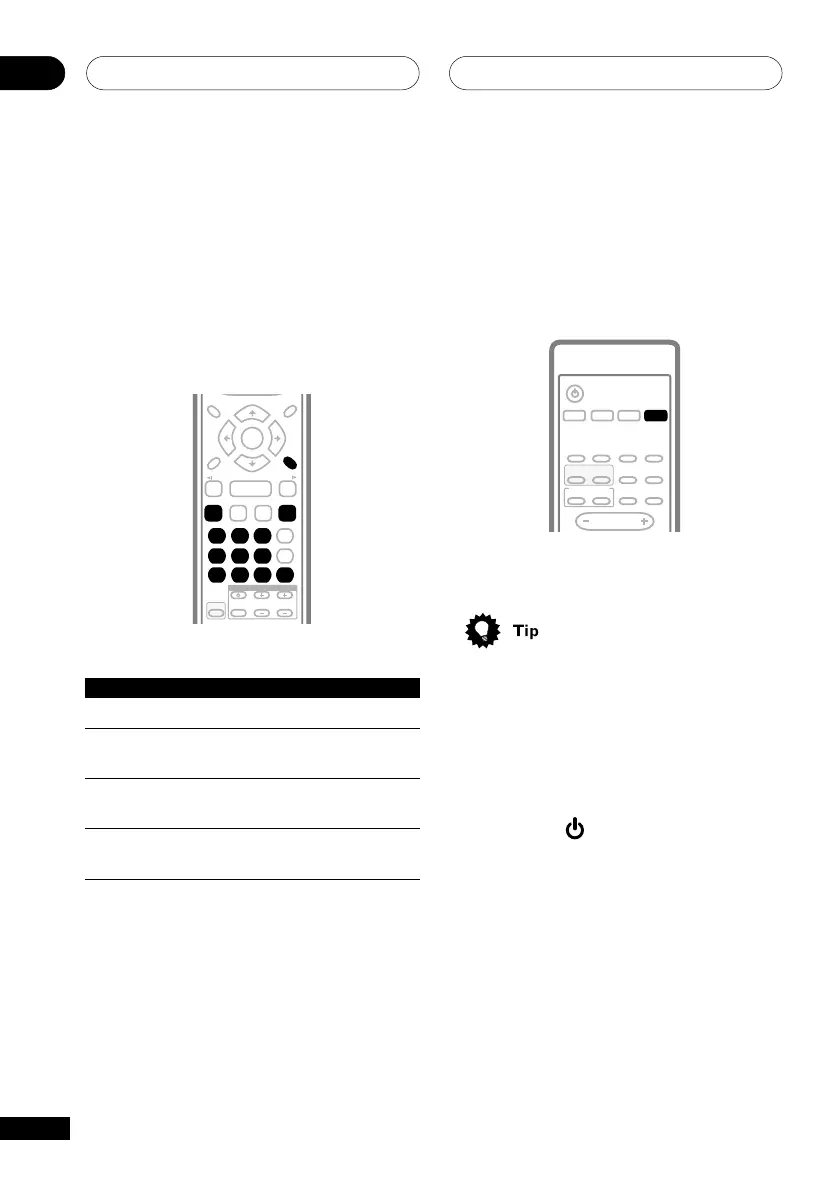
• Press the LINE button to listen to an
auxiliary source.
• If you find that the sound from the line
input is distorting, or unusually loud,
see Reducing the source signal level on
page 59.
Automatic power on buttons
There are a number of buttons other than
STANDBY/ON (
) which will switch the
unit on. DVD/CD, TUNER, TAPE, and LINE
switch the unit on directly into that function.
(In the case of DVD/CD and TAPE, if there is
a disc or tape loaded it will start playing.) The
OPEN/CLOSE button switches the power on
and opens the disc tray, and the PLAY/
PAUSE (front panel) and 3 (remote) buttons
switch the unit on into the last function
selected and start playback.



 To Next Page