Getting Started
04
31
En
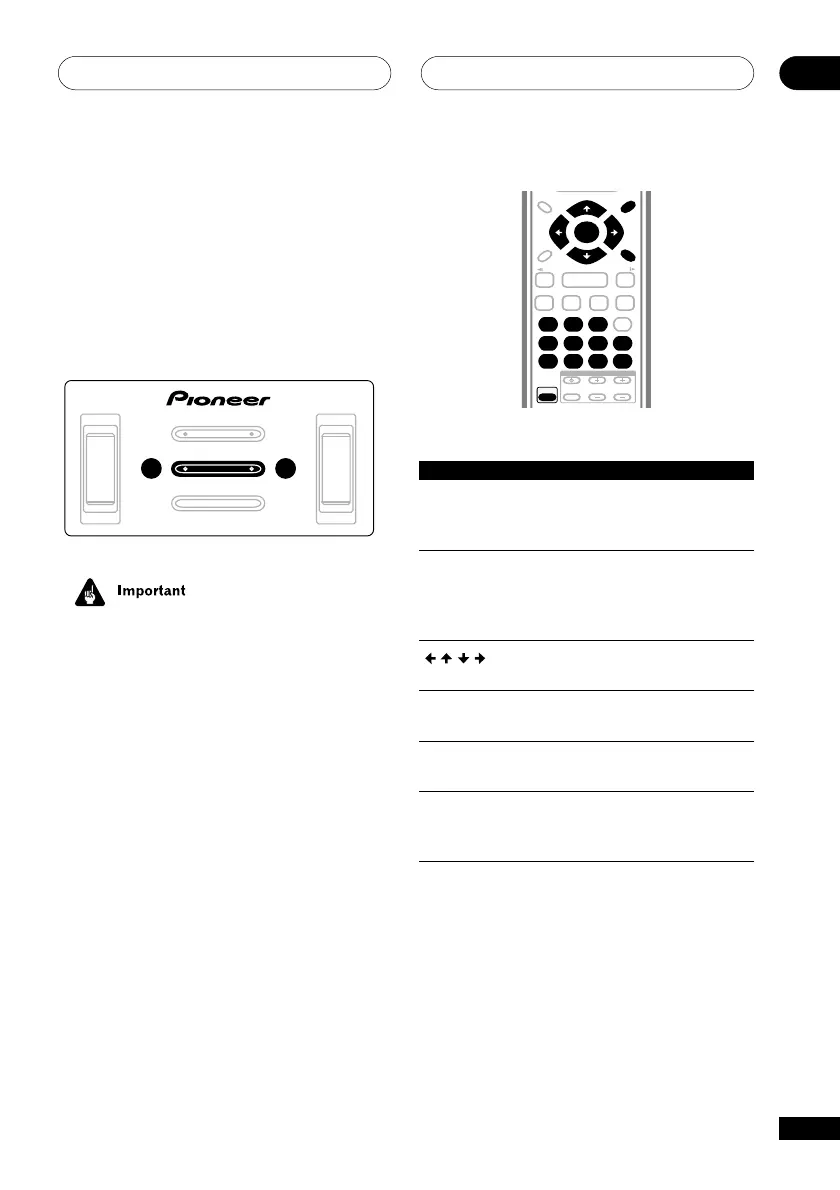
Front panel controls
The PLAY/PAUSE and 7 (stop) buttons on
the front panel work in exactly the same way
as their remote control equivalents.
The combined scan/skip buttons on the front
panel (4/1 and ¡/¢) work slightly
differently from the remote buttons. Press
and hold for fast scan; press for track/
chapter skip.
VOLUME
DVD/CD
TUNER
TA PE
LINE
OPEN/CLOSE
PLAY/PAUSE STOPTUNING –
TUNING +
4/1
¡/¢
– +
• You may find with some DVD discs that
some playback controls don’t work for
certain parts of the disc. This is not a
malfunction.
DVD-Video disc menus
Many DVD-Video discs contain menus from
which you can select what you want to
watch. They may give access to additional
features, such as subtitle and audio lan-
guage selection, or special features such as
slideshows. See the disc packaging for
details.
Sometimes DVD-Video menus are displayed
automatically when you start playback;
others only appear when you press DVD
MENU or TOP MENU.
TV CONTROL
123
456
7890
CLEAR
ENTER
SYSTEM SETUP
DVD SETUP
TOP MENU
DVD MENU
SHIFT
CHANNEL VOLUME
INPUT
SELECT
PROGRAM
TEST TONE
REPEAT
CH LEVEL
RANDOM
SLEEP
RETURN
FOLDER +FOLDER –
SOUND
MODE
ENTER
4
/e
E/
1
¡
¢
8
7
3
3
3
Button What it does
TOP MENU Displays the ‘top menu’ of a
(SHIFT+ DVD disc—this varies with the
DVD MENU) disc.
DVD MENU Displays a DVD disc menu—
this varies with the disc and
may be the same as the ‘top
menu’.
Moves the cursor around the
screen.
ENTER Selects the current menu
option.
RETURN Returns to the previously
displayed menu screen.
Numbers Highlights a numbered menu
option (some discs only).
Press ENTER to select.



 To Next Page