Using surround sound (EV51DVD only)
10
63
En
Movie
Simulates the relaxed environment of a
movie theater, and is suitable for watching
movies.
Virtual Surround Back (VIRTL SB)
The Virtual Surround Back effect simulates
6.1 surround channel listening, giving the
impression that there is a surround back
speaker in your system when listening to a
5.1 channel source.
Expanded
This mode is especially designed to give
sound depth to stereo sources. The overall
effect builds a dynamic and broad sound
space, allowing two-channel (stereo) signals
to imitate a five speaker sound. Use with
Dolby Pro Logic for a stereo surround effect.
You can also use with Dolby Digital sources
for a wider stereo field than the Surround
modes.
Listening to multi-channel
playback
Dolby Pro Logic, Dolby Digital and DTS
signal processing is done automatically
corresponding to the input signal.
SUBTITLE
VOLUME
ANGLE ZOOM
ADVANCED
MONO
SYSTEM DISP
DVD DISP
ECHO
DSP
AUDIO
DVD/CD TAPE FM/AM LINE
SURROUND
KARAOKE
I
—
KEYCON —
i
TIMER
CLOCK ADJ.
MUTE
STANDBY/ON
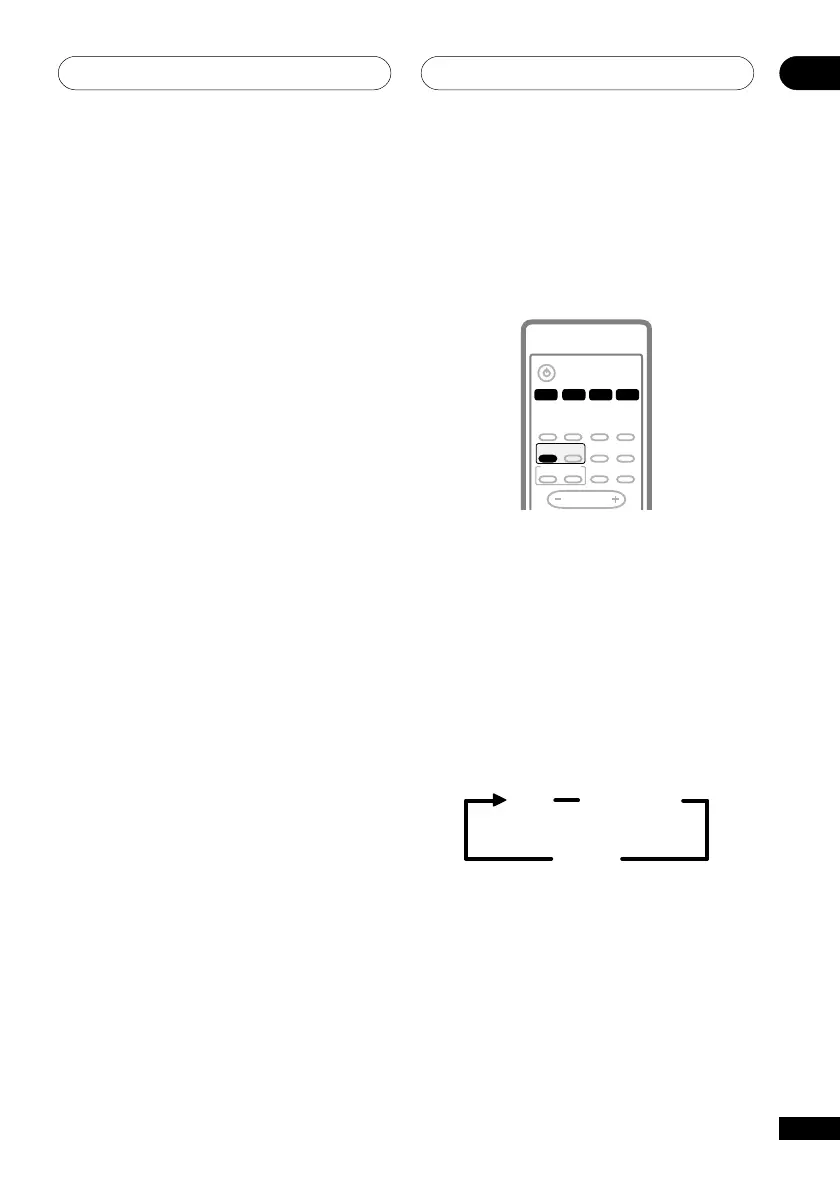
1 Select the source you want to
playback.
2 Press SURROUND.
For multi-channel sources, Dolby/DTS
decoding is selected automatically accord-
ing to the source and AUTO shows in the
display.
Selecting STEREO bypasses the Surround
modes and downmixes multi-channel
sources to your two-front speakers.
Auto
Dolby Digital
or DTS
Stereo



 To Next Page