Playing discs
06
39
En
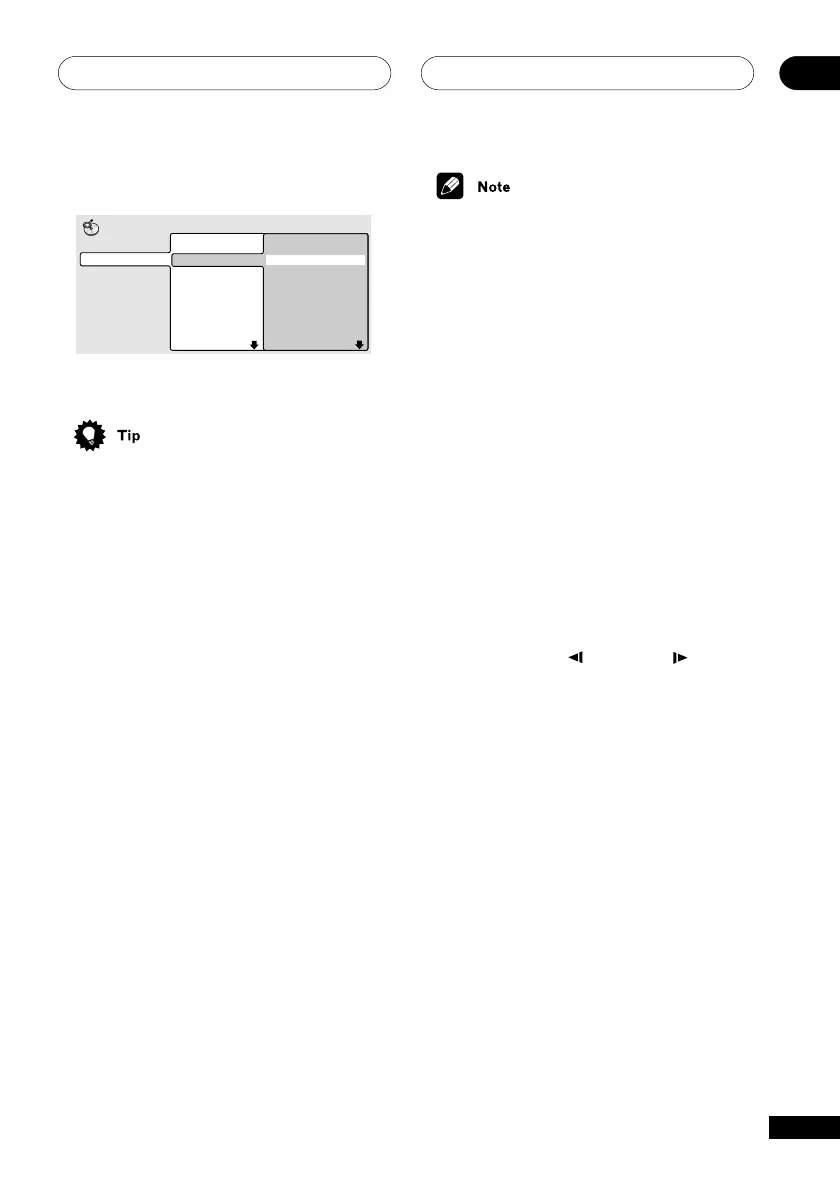
Select a folder, or a track within a folder.
Folder 1-17
001. ACP
002. Nth Degree
003. Pfeuti
004. Live
005. Glitch music
006. CodHead
007. Thermo
008. Missing Man
MP3
Disc Navigator
Track 1-10
001. Gravity deluxe
002. Tesla's patent
003. Border dispute
004. Delayed by rain
005. Accident incident
006. Pigeon post
007. Outernational
008. Vacuum tube
Playback starts after you press ENTER.
• The disc navigator is not available
unless there is a disc loaded.
• Another way to find a particular place on
a disc is to use one of the search
modes. See Searching a disc on page 47.
Scanning discs
You can fast-scan discs forward or backward
at various speeds. Use the remote control for
multiple-speed scanning.
1 During playback, press 1 or ¡
(remote) to start scanning.
2 Press repeatedly to increase the
scanning speed.
• The scanning speed is shown on-screen.
3 To resume normal playback, press 3
(play).
• On the front panel you can press and
hold 4/1 or ¡/¢ once for
single-speed scanning.
• Sound can be heard while scanning
audio CDs and MP3 discs.
• MP3s scan at one speed only.
• There is no sound while scanning DVDs
and Video CDs, and no subtitles while
scanning DVDs.
• Depending on the disc, normal playback
may automatically resume when a new
chapter is reached on a DVD disc.
Playing in slow motion
You can play DVDs and Video CDs at four
different forward slow motion speeds, and
DVDs can also play at two reverse speeds.
1 During playback, press 8 (pause).
2 Press and hold
/e
or
E/
until
slow motion playback starts.
• The slow motion speed is shown on-
screen.
• There is no sound during slow motion
playback
3 Press repeatedly to change the slow
motion speed.
• The slow motion speed is displayed on-
screen.
4 To resume normal playback, press 3
(play).



 To Next Page