Getting Started04
30
En
• I have a standard (4:3) TV and set the
player to show widescreen DVDs in pan &
scan format, so why do I still get black
bars top and bottom with some discs?
Some discs override the display
preferences of the player, so even if you
have 4:3 (Pan & Scan) selected, those
discs will still be shown in letterbox
format. This is not a malfunction.
Basic playback controls
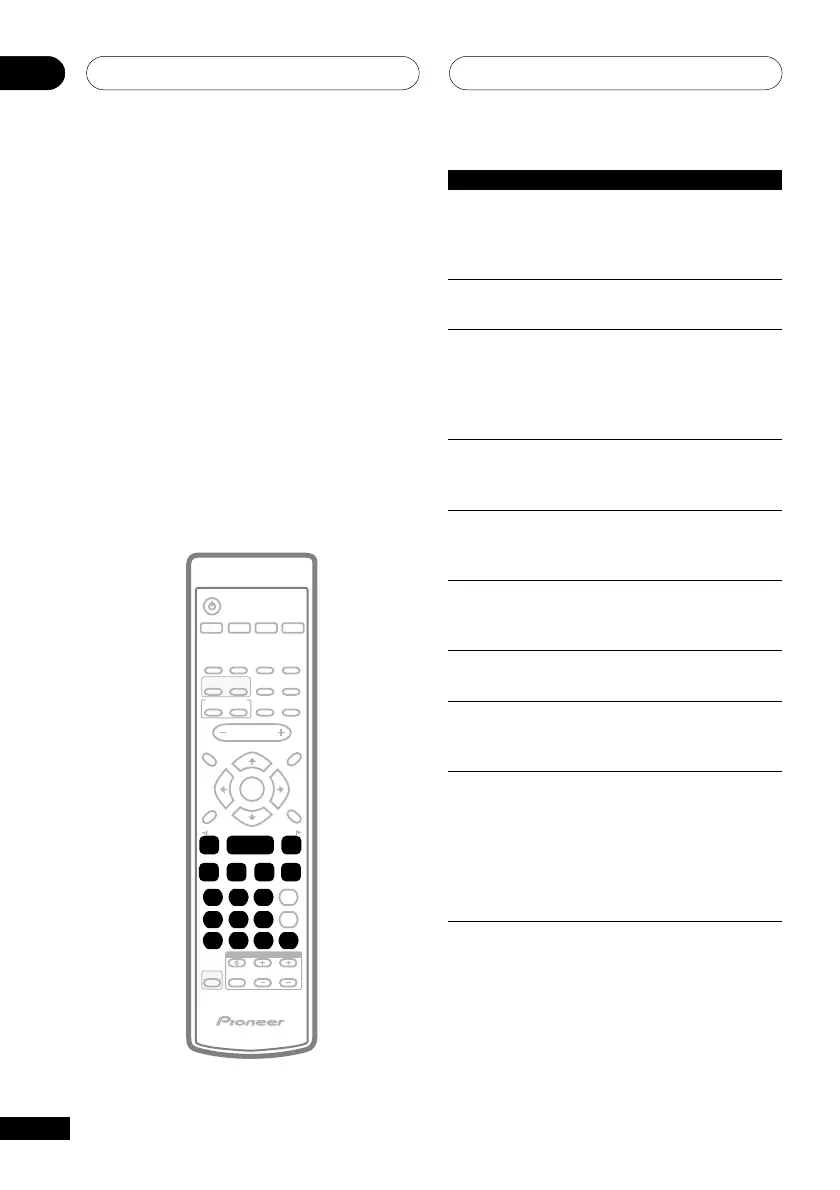
The table below shows the basic controls on
the remote for playing discs. The following
chapter covers more playback features in
more detail.
TV CONTROL
123
456
7890
CLEAR
ENTER
SYSTEM SETUP
DVD SETUP
TOP MENU
DVD MENU
SHIFT
CHANNEL VOLUME
INPUT
SELECT
SUBTITLE
VOLUME
ANGLE ZOOM
ADVANCED
MONO
SYSTEM DISP
DVD DISP
ECHO
DSP
AUDIO
DVD/CD TAPE FM/AM LINE
SURROUND
PROGRAM
TEST TONE
REPEAT
CH LEVEL
RANDOM
SLEEP
KARAOKE
I
—
KEYCON
—
i
TIMER
CLOCK ADJ.
MUTE
RETURN
FOLDER +FOLDER –
SOUND
MODE
ENTER
STANDBY/ON
4
/e
E/
1
¡
¢
8
7
3
3
3
Button What it does
3 Starts playback.
If the display shows RESUME,
playback starts from the
resume point.
8 Pauses a disc that’s playing,
or restarts a paused disc.
7 Stops playback.
With most discs, the display
shows RESUME. Press 7
again to cancel the resume
function.
1 Press to start fast reverse
scanning. Press 3 (play) to
resume normal playback.
¡ Press to start fast forward
scanning. Press 3 (play) to
resume normal playback.
4 Skips to the start of the
current track or chapter, then
to previous tracks/chapters.
¢ Skips to the next track or
chapter.
FOLDER +/- Skips to the next/previous
(SHIFT+ folder when listening to an
4/¢) MP3 disc.
Numbers • If the disc is stopped,
playback starts from the
selected title (for DVD) or track
number (for CD/Video CD).
• If the disc is playing,
playback jumps to the start of
the selected chapter or track.



 To Next Page