The Initial Setup Menu
14
75
En
The DVD format recognizes 136 different
languages. Select Other Language if you
want to specify a language other than those
listed, then follow the on-screen display to
select a language. You may also want to refer
to the Language code list on page 92.
• You can switch between the languages
recorded on a DVD disc any time during
playback using the AUDIO button. (This
does not affect this setting.) See page
48.
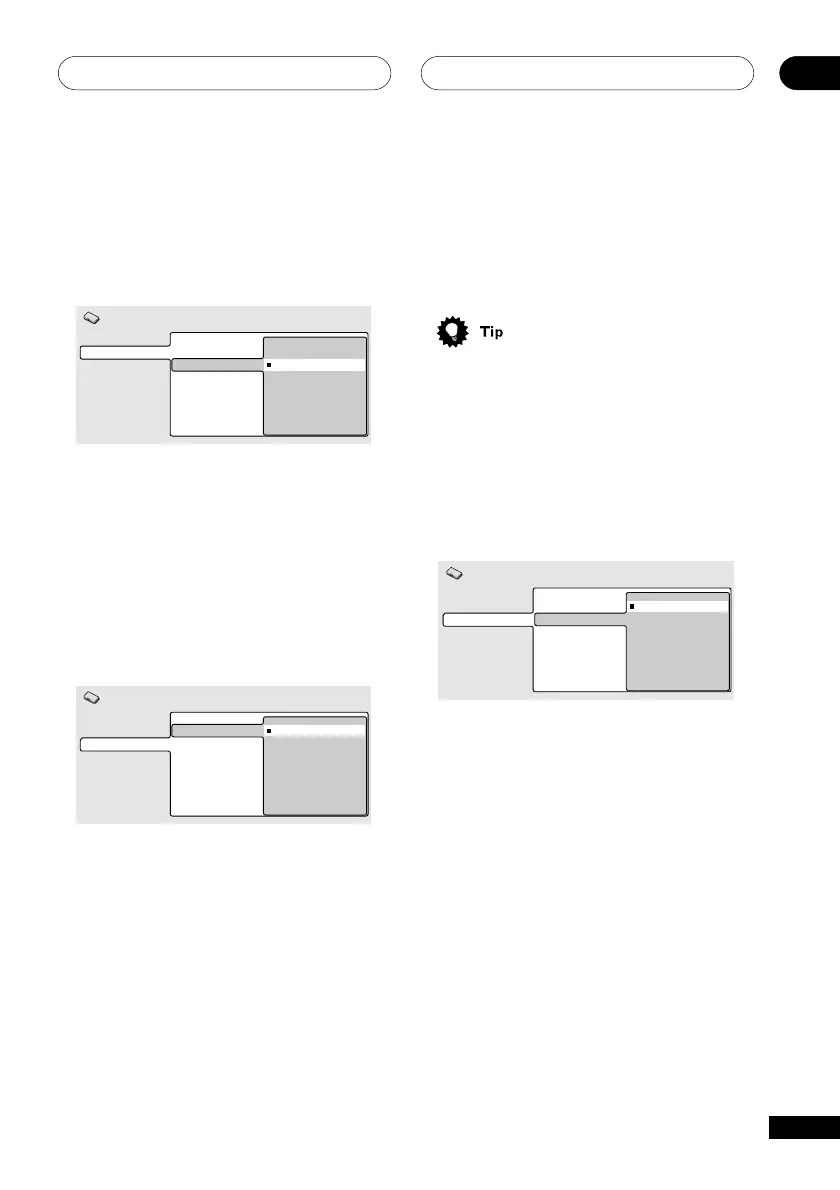
Subtitle Language
• Default Setting: English
Video Output
Language
Display
Options
Audio Language
Subtitle Language
DVD Menu Lang.
Subtitle Display
English
French
Spanish
Chinese
Other Language
Initial Settings
This setting is your preferred subtitle
language for DVD discs. If the language you
specify here is recorded on a disc, the
system automatically plays the disc with
those subtitles.
The DVD format recognizes 136 different
languages. Select Other Language if you
want to specify a language other than those
listed, then follow the on-screen display to
select a language. You may also want to refer
to the Language code list on page 92.
S-Video Out
• Default setting: S2
You only need to make this setting if you
connected this player to your TV using an
S-Video cord.
Video Output
Language
Display
Options
TV Screen
S-Video Out
S1
S2
Initial Settings
If you find that the picture is stretched or
distorted on the default S2 setting, try
changing it to S1.
Language settings
Audio Language
• Default Setting: English
Video Output
Language
Display
Options
Audio Language
Subtitle Language
DVD Menu Lang.
Subtitle Display
English
French
Spanish
Chinese
Other Language
Initial Settings
This setting is your preferred Audio Lan-
guage for DVD discs. If the language you
specify here is recorded on a disc, the
system automatically plays the disc in that
language.



 To Next Page