Playing discs
06
41
En
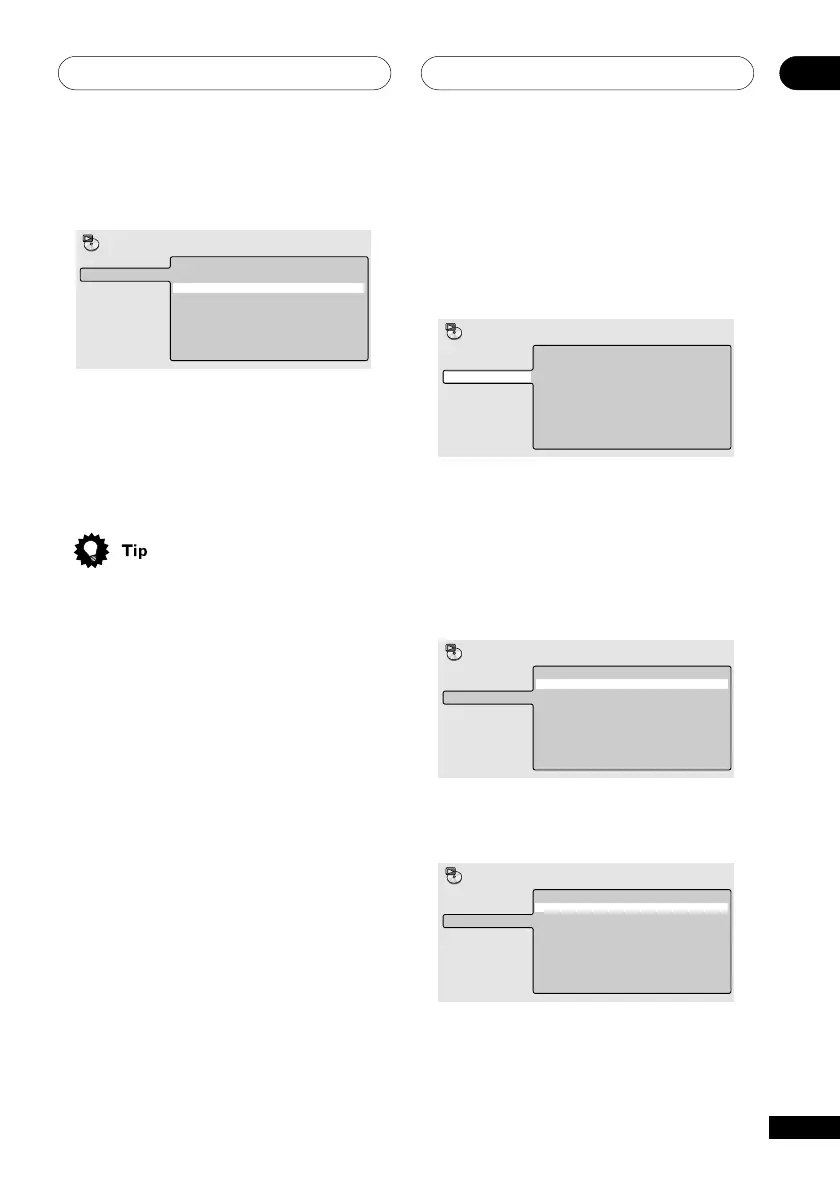
4 Press ENTER on ‘B(End Point)’ to set
the loop end point.
A(Start Point)
B(End Point)
Off
A-B Repeat
Repeat
Random
Program
Search Mode
Play Mode
After pressing ENTER, playback jumps back
to the start point and plays the loop.
• The minimum loop time is 2 seconds.
5 To resume normal playback, select
‘Off’ from the menu.
• While the loop is being played, you can
press CLEAR to resume normal
playback.
Using repeat play
There are various repeat play options,
depending on the kind of disc loaded. It’s
also possible to use repeat play together with
program play to repeat the tracks/chapters in
the program list (see Creating program lists
on page 43).
Repeat play is not available with Video CDs
in PBC mode, or unfinalized CD-R/RW discs.
Using the
OSD
1 During playback, press DVD SETUP
and select ‘Play Mode’.
2 Select ‘Repeat’ from the list of
functions on the left.
Title Repeat
Chapter Repeat
Repeat Off
A-B Repeat
Repeat
Random
Program
Search Mode
Play Mode
3 Select a repeat play option.
If program play is active, select Program
Repeat to repeat the program list, or Repeat
Off to cancel.
For DVD discs, select Title Repeat or
Chapter Repeat (or Repeat Off).
Title Repeat
Chapter Repeat
Repeat Off
A-B Repeat
Repeat
Random
Program
Search Mode
Play Mode
For CDs and Video CDs, select Disc Repeat
or Track Repeat (or Repeat Off).
Disc Repeat
Track Repeat
Repeat Off
A-B Repeat
Repeat
Random
Program
Search Mode
Play Mode



 To Next Page