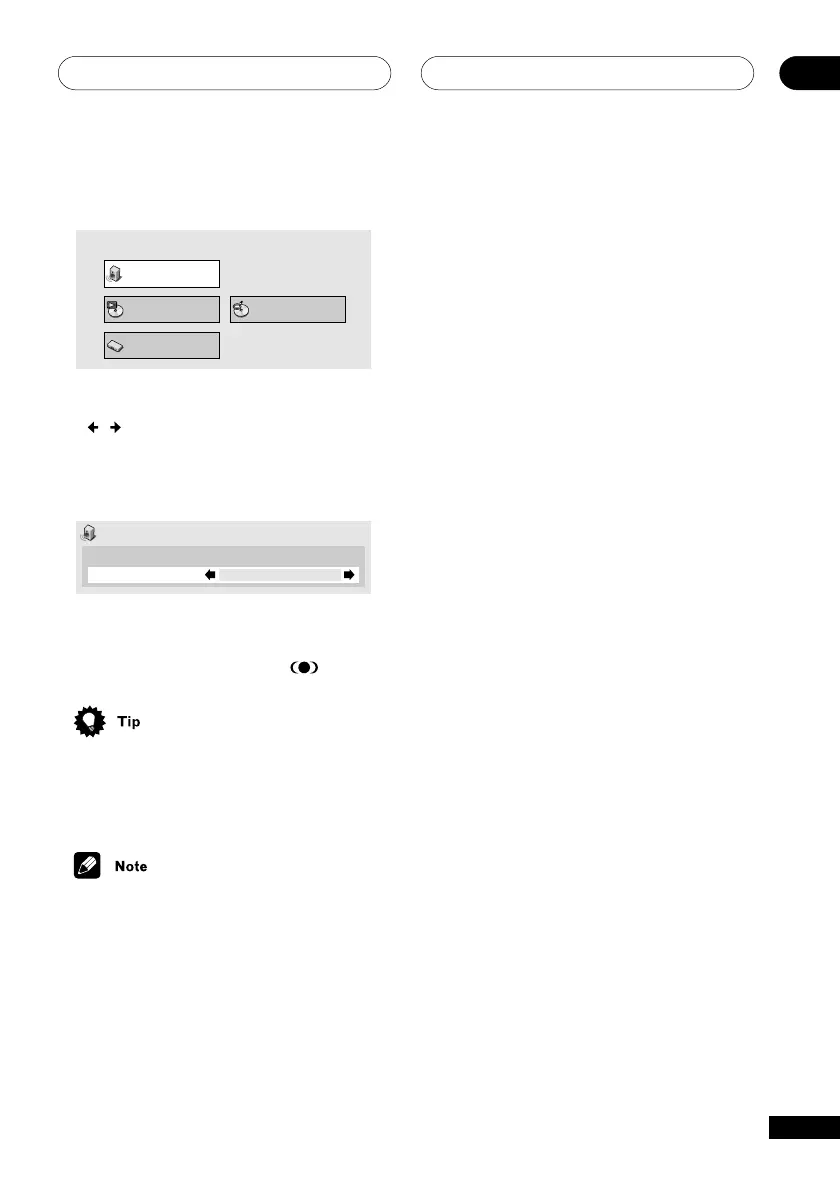
The Audio Settings Menu (EV21DVD only)
13
73
En
1 Press DVD SETUP and select ‘Audio
Settings’ from the on-screen display.
Audio Settings
Play Mode Disc Navigator
Initial Settings
2 Highlight Virtual Surround, then use
the
/
buttons (cursor left/right) to
switch on or off as required.
The display toggles between Virtual
Surround and Off.
Audio Settings
Audio DRC
Virtual Surround
Off
Off
3 Press ENTER to make the setting and
exit the Audio Settings screen.
The Virtual Surround indicator (
) lights.
• You can also use the VIRTL. SURR.
(VIRTUAL SURROUND on the front
panel) button to switch Virtual Surround
on or off.
• You can only use this feature when
DVD/CD is selected.
• The quality of the surround effect varies
with the disc.



 To Next Page