The Initial Setup Menu14
80
En
Video Output
Language
Display
Options
Initial Settings
Country Code List Code
us
2 1 1 9
Parental Lock: Country Code
****
Password
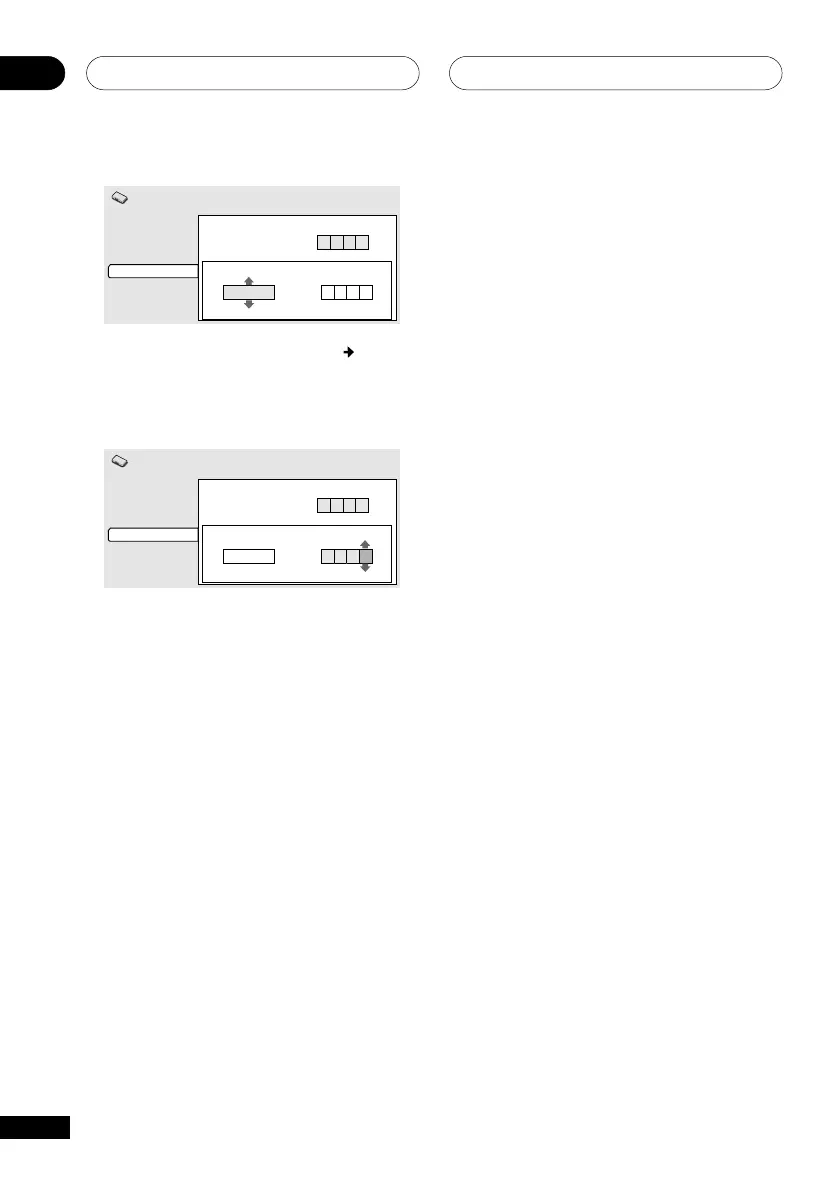
•Select by code number: Press (cursor
right) then use the number buttons to
enter the 4-digit country code (you can
find the Country code list on page 92.
Video Output
Language
Display
Options
Initial Settings
Country Code List Code
us
2 1 1 9
Parental Lock: Country Code
****
Password
4 Press ENTER to set the new Country
Code and return to the Options menu
screen.
he Country Code only takes effect after you
have reloaded a disc.



 To Next Page