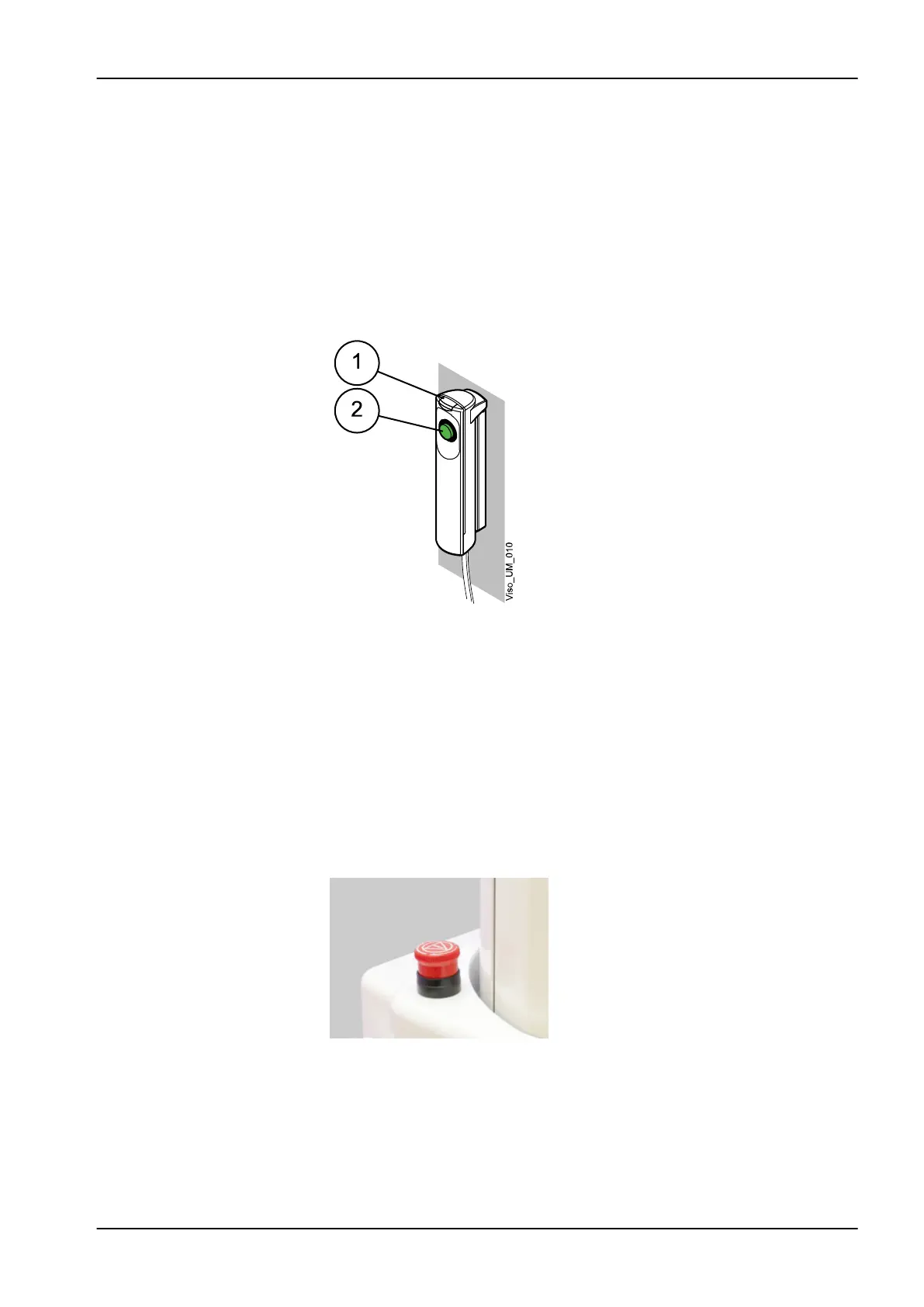
3.7 Exposure switch
The exposure switch can be mounted on the wall, or it can be hung from the
hook provided on the stationary column top if a protected area is within
reach.
Green lights flash on the exposure button and on the touch screen when the
X-ray system is getting ready for an exposure. The green lights stop flashing
and stay on continuously when the X-ray system is ready for an exposure.
During exposure yellow radiation warning lights illuminate on the exposure
switch and on the touch screen. They indicate that the X-ray unit is
generating radiation.
1 Exposure switch
2 Exposure button
3.8 Emergency stop button
The emergency stop button is located on the top of the stationary column.
Press the button to stop the X-ray unit operating in an emergency. When the
emergency stop button is pressed down, all movements of the X-ray unit are
blocked and the unit will not generate radiation. The up / down movement
will stop within a distance of 10 mm (0.4 in.).
A help message will appear on the touch screen. Guide the patient away
from the X-ray unit. Then release the emergency stop button. The X-ray unit
will automatically restart.
3 Main parts
User's manual Planmeca ProMax 13














 To Next Page