Factory presets for panoramic exposures
PATIENT SIZE kV VALUE mA VALUE
Small adult (S) 64 7.1
Medium-sized adult (M) 66 9
Large adult (L) 68 11
Extra large adult (XL) 70 14
MultiView SmartPan
Child (XS) 62 10
Small adult (S) 64 11
Medium-sized adult (M) 66 12.5
Large adult (L) 68 14
Extra large adult (XL) 70 16
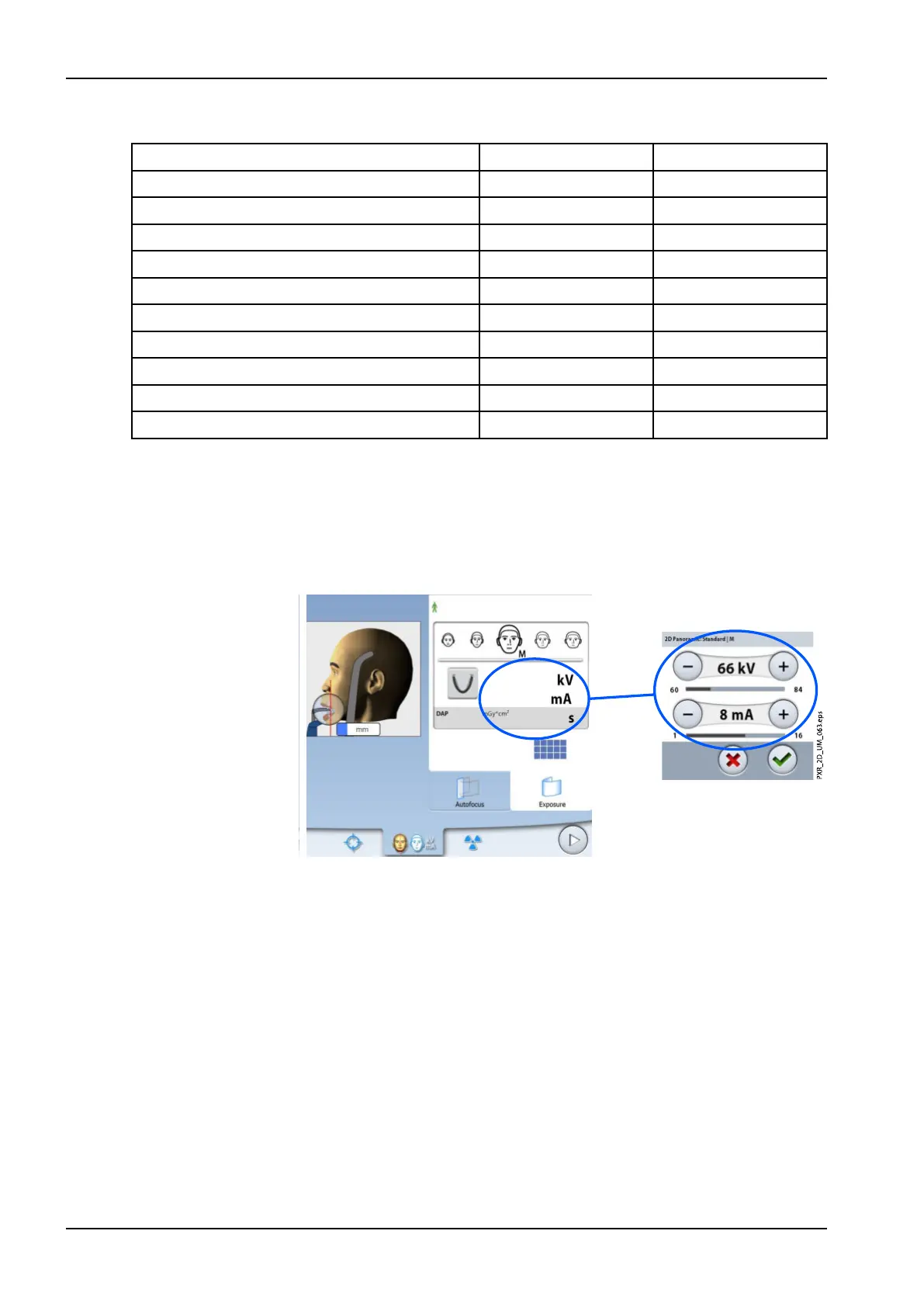
If you need to adjust the preset exposure values for this exposure:
1. Select the kV / mA field.
2. Use the minus or plus buttons to set the exposure values you wish to
use. To improve the image contrast, reduce the kV value. To reduce the
radiation dose, reduce the mA value.
3. Select the green check mark button.
NOTE
You can adjust the preset exposure values permanently as described in
section "Programs" on page 22.
6.8 Selecting Dynamic Exposure Control (DEC) (Planmeca ProMax 2D X-
ray units)
NOTE
Dynamic Exposure Control (DEC) is an optional feature for Planmeca
ProMax 2D X-ray units.
NOTE
DEC and vertical segmenting can be used simultaneously. However, the
right-most vertical segment cannot be deselected.
6 Panoramic exposure
52 Planmeca ProMax User's manual














 To Next Page