NOTE
Always try to minimise the radiation dose to the patient.
NOTE
You can restore the exposure values that have been preset at the factory
(i.e. overrule your own settings) by selecting Program > 2500 Reset to
Factory Defaults.
NOTE
You can adjust the preset exposure values temporarily as described in
section "Adjusting exposure values for current exposure" on page 51.
9.2.2 Program Features (2200)
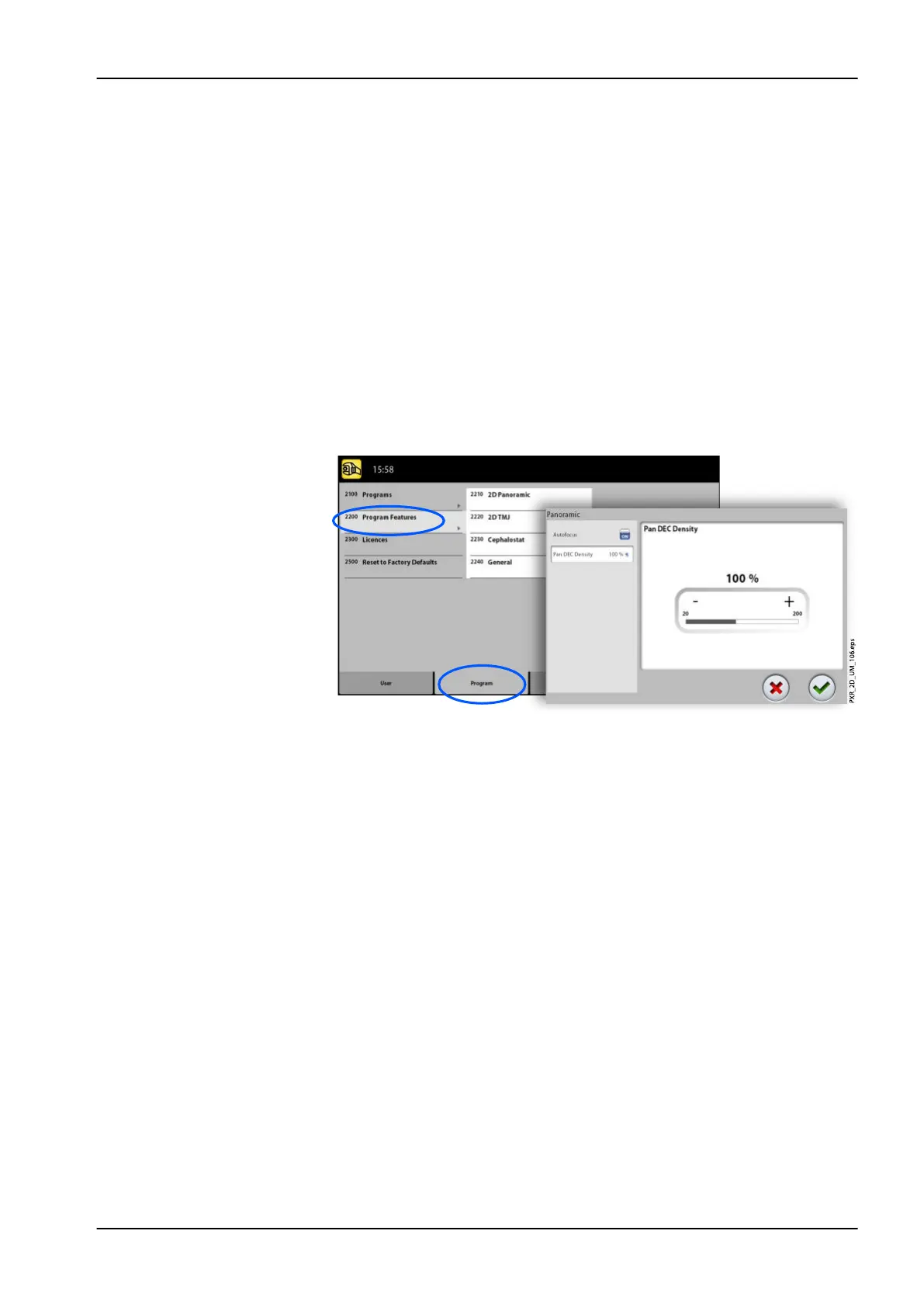
Select Program > 2200 Program Features to manage program settings. For
details on a specific setting, refer to the manual section that contains the
corresponding function.
9.2.3 Licences (2300)
To activate a program licence:
1. Select Program > 2300 Licences.
2. Select the licence you wish to activate:
• SmartPan (Basic 2D panoramic, TMJ and sinus programs with 3D
sensor)
• Horizontal and Vertical Segmenting (Reduced exposure area for 2D
panoramic programs)
• Bitewing Panoramic Program (True extraoral bitewing program)
• Advanced Panoramic Programs (Additional 2D panoramic, TMJ and
sinus programs)
• 2D Tomography (2D tomographic programs, for Planmeca ProMax
2D only)
• Panoramic DEC (Dynamic Exposure Control for 2D panoramic
programs with Dimax sensor)
• Cephalometric DEC (Dynamic Exposure Control for 2D
cephalometric programs with Dimax sensor)
• 2D Views for 3D (LAT, PA and LAT-PA views for 3D programs)
• 3D Model Scan (3D Impression and 3D Plaster Cast programs)
9 Settings
User's manual Planmeca ProMax 95














 To Next Page