6.2 Selecting exposure settings
Refer to section "Touch screen" on page 14 for general information on how
to make or cancel selections on the touch screen.
6.3 Selecting program
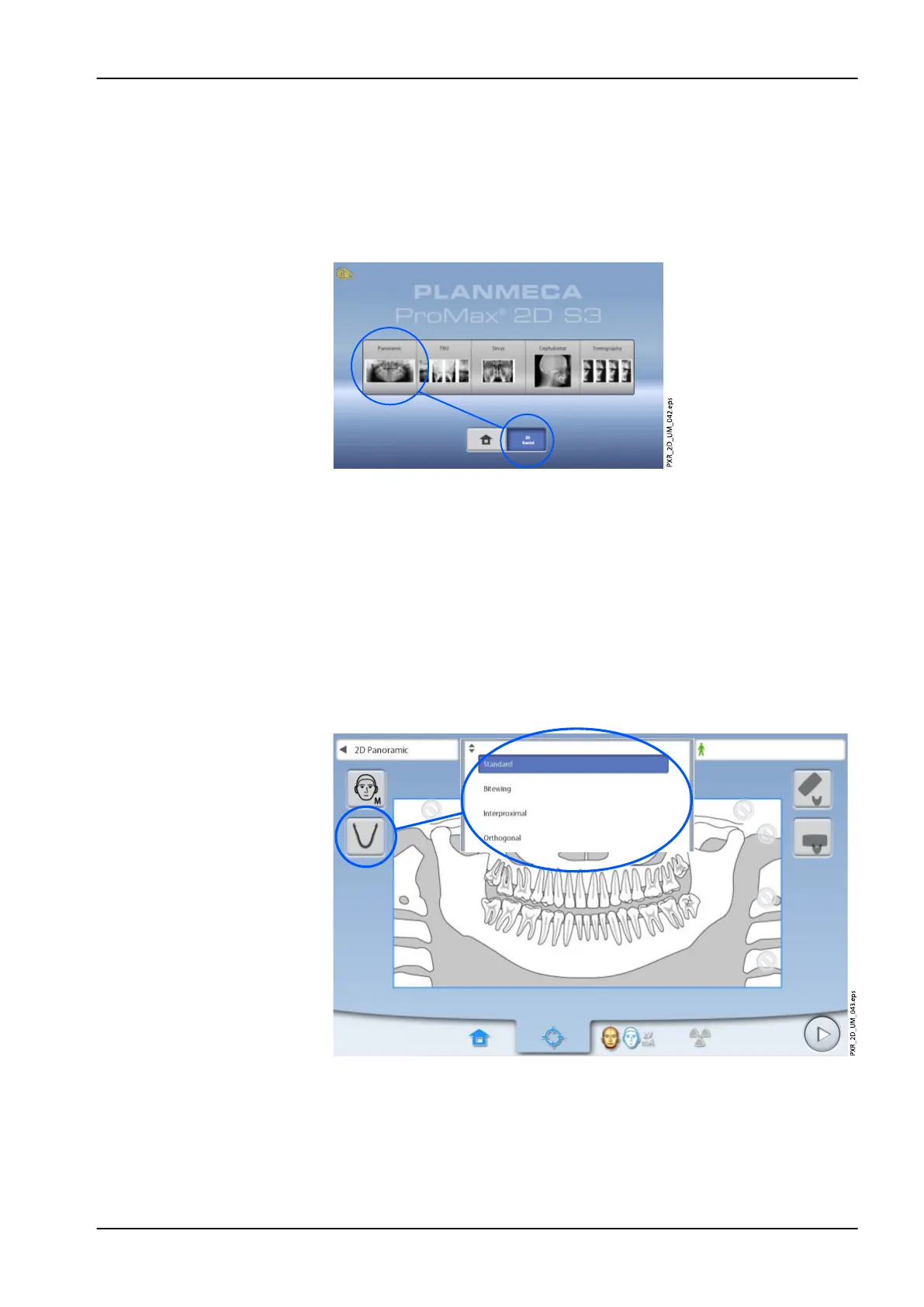
Select the panoramic program (2D Dental > Panoramic).
6.3.1 Selecting program type
Select the program type from:
• The drop-down menu at the top
OR
• The left of the screen
Refer to section "Panoramic programs" on page 22 for details.
NOTE
The available options depend on the X-ray unit model.
6 Panoramic exposure
User's manual Planmeca ProMax 39














 To Next Page