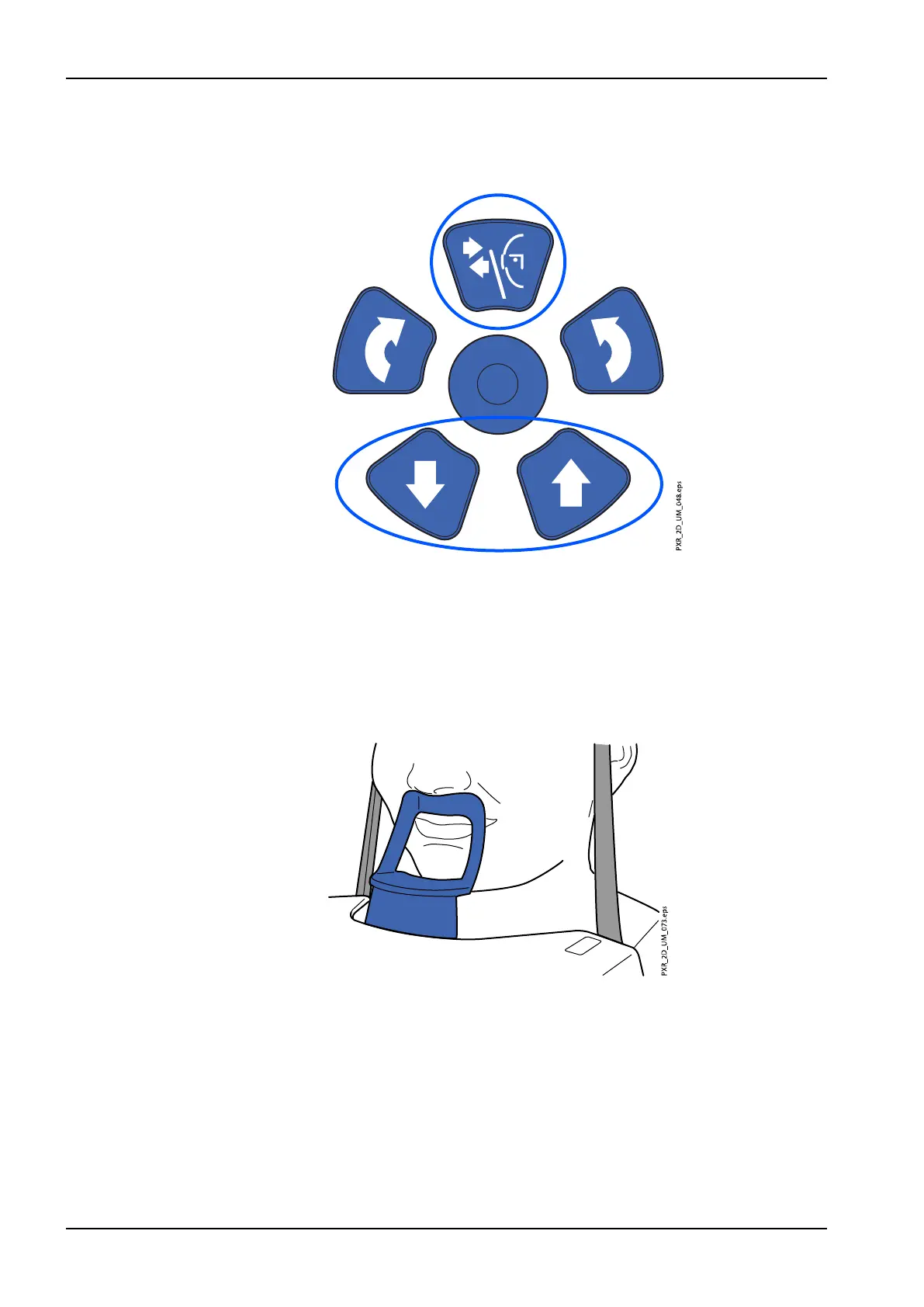
7.3.2 Positioning patient’s head
1. Press the temple support button to open the temple supports if they are
not already open.
2. Guide the patient to the X-ray unit.
3. Adjust the X-ray unit to suit the height of the patient. To do this, press
either of the height adjusting buttons until the opening in the chin support
is approximately level with the patient’s mouth.
4. Ask the patient to step forward, grasp the patient handles, stretch and
straighten their back and neck, and press their lips against the chin
support. The patient's nose must rest on top of the support and their
mouth must be closed, and their teeth must be together.
The positioning lights for the midsagittal plane, Frankfort plane (and TMJ
position, depending on unit configuration) show on the patient’s face.
The lights will automatically switch off after two minutes. To switch them
off earlier, press the positioning joystick.
7 Temporomandibular joint (TMJ) exposure
62 Planmeca ProMax User's manual














 To Next Page