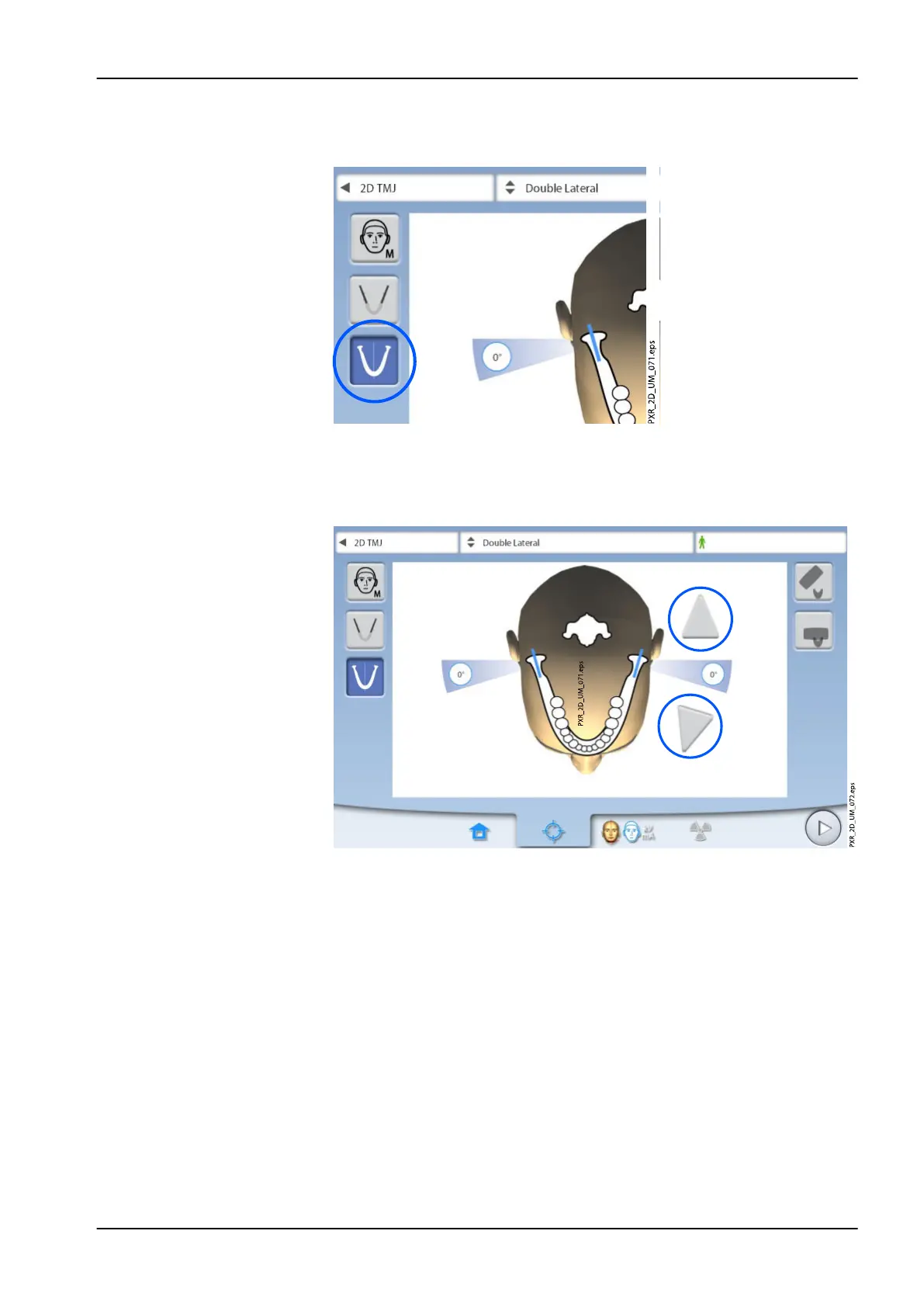
7.2.4 Selecting jaw side(s)
Use this button to select the right, left or both jaw sides.
7.2.5 Selecting imaging angle (Planmeca ProMax 2D S3 and Planmeca ProMax 3D X-
ray units)
Use the arrow buttons to select the imaging angle for this exposure.
NOTE
To change the default angle (0 degrees), select Settings > Program > 2200
Program Features > 2220 2D TMJ > Lateral TMJ Default Angle or PA TMJ
Default Angle and adjust the setting with the plus or minus sign.
7.3 Patient positioning
7.3.1 Selecting patient entry position
Select the patient entry position as described in section "Selecting patient
entry position" on page 41.
7 Temporomandibular joint (TMJ) exposure
User's manual Planmeca ProMax 61














 To Next Page