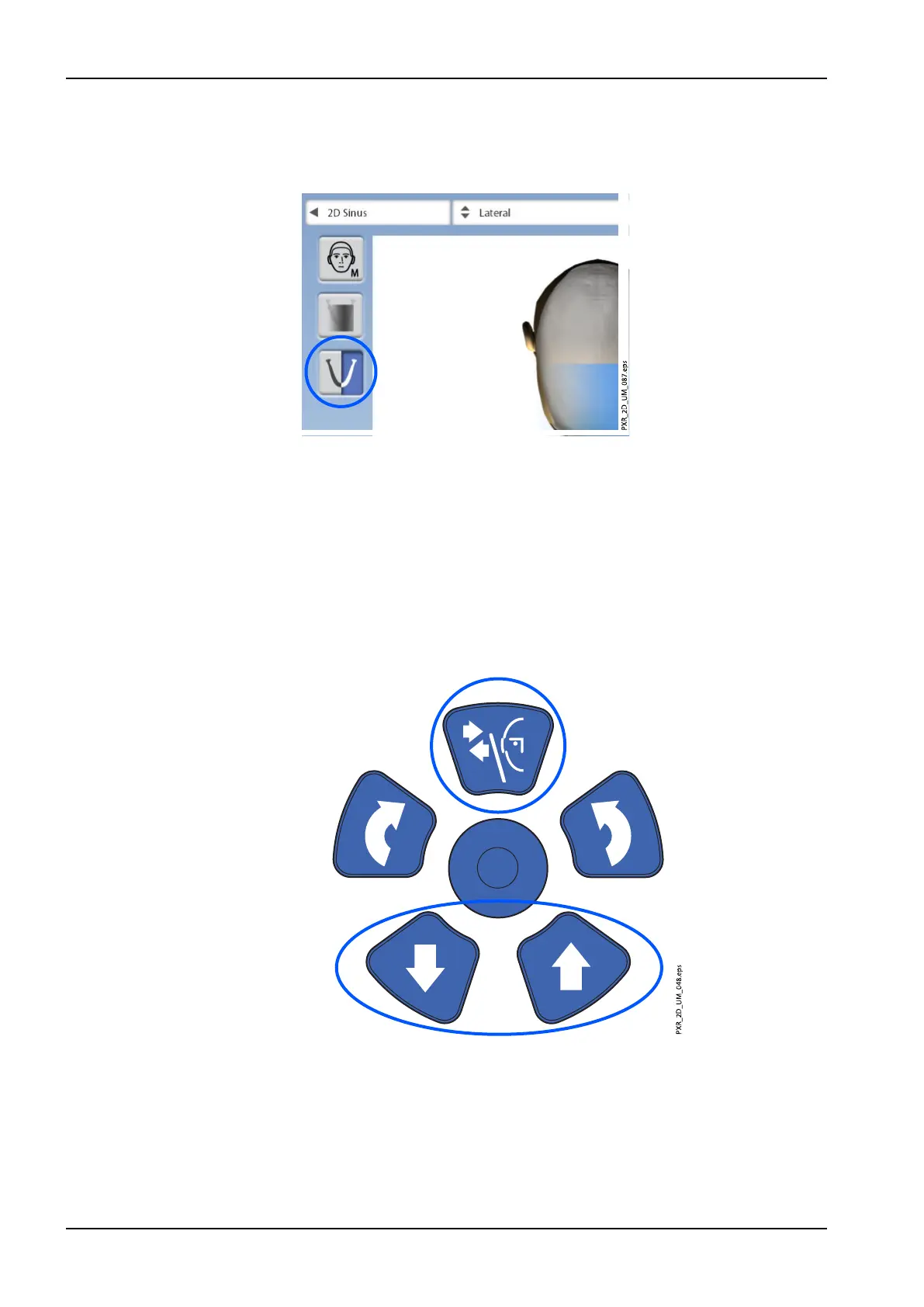
8.4 Selecting jaw side for lateral exposures (Planmeca ProMax 2D S3 and
Planmeca ProMax 3D X-ray units)
Use this button to select the right or left jaw side.
8.5 Patient positioning
8.5.1 Selecting patient entry position
Select the patient entry position as described in section "Selecting patient
entry position" on page 41.
8.5.2 Positioning patient’s head
1. Press the temple support button to open the temple supports if they are
not already open.
2. Guide the patient to the X-ray unit.
3. Adjust the X-ray unit to suit the height of the patient. To do this, press
either of the height adjusting buttons until the opening in the chin support
is approximately level with the patient’s mouth.
8 Sinus exposure
78 Planmeca ProMax User's manual














 To Next Page