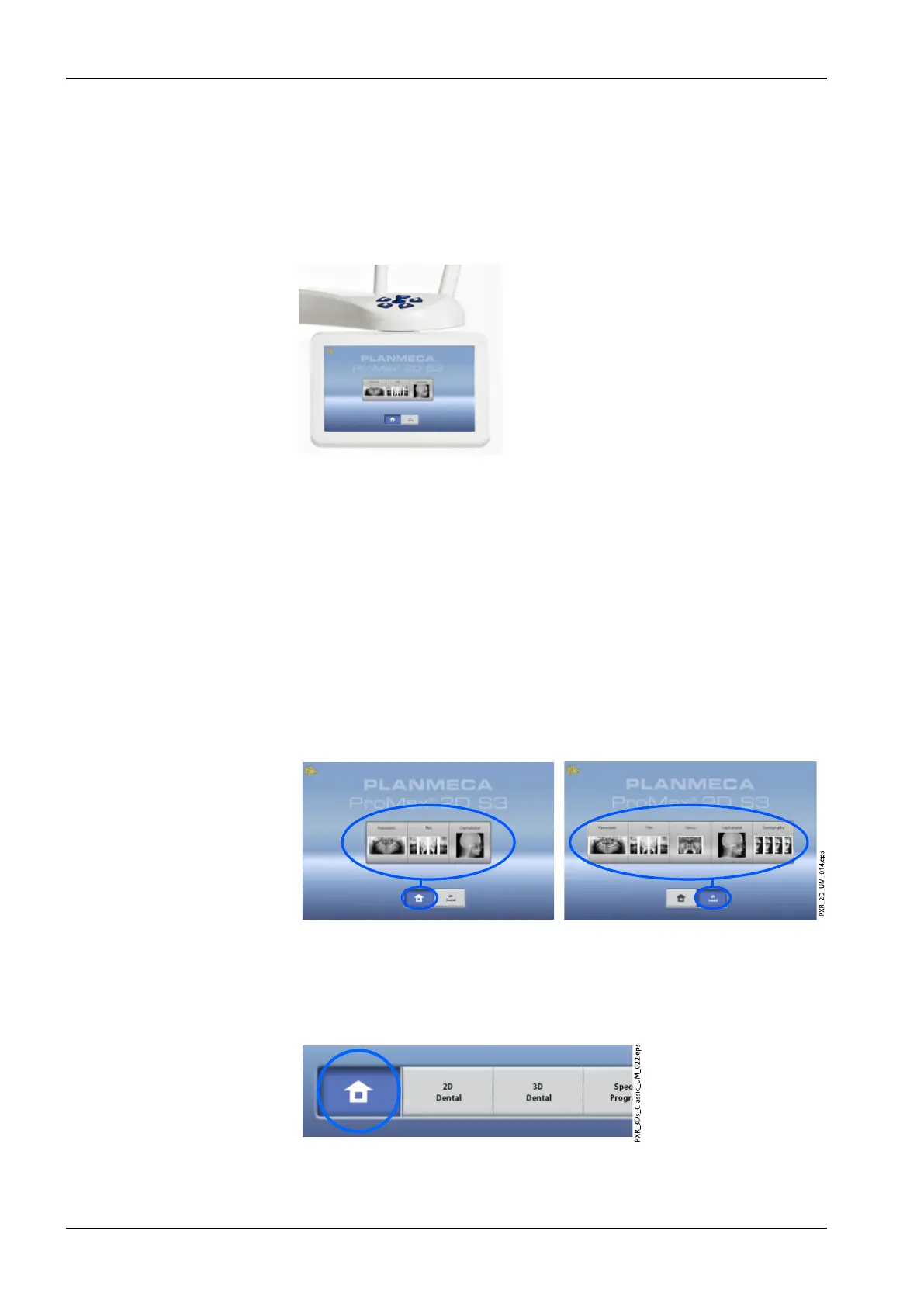
3.9 Touch screen
NOTE
The options shown on the touch screen depend on the unit configuration.
The X-ray unit can be upgraded with new programs and features, contact
your dealer for further information. The views and values shown in this
manual are only examples.
NOTE
The illustrations shown on the touch screen are based on approximate
patient anatomy. The actual exposure area depends on the individual
anatomy of the patient.
NOTE
Never allow patients to touch the screen when they are positioned in the X-
ray unit. Touching the screen during exposure will stop the imaging process.
Main screen
The main screen shows the name and the imaging programs of the X-ray
unit. You can use the buttons at the bottom of the main screen to change the
appearance of the main view.
Home button
To view up to five most recently used programs, select the home button. The
most recently used program is shown first. This is the default view of the
main screen.
3 Main parts
14 Planmeca ProMax User's manual














 To Next Page