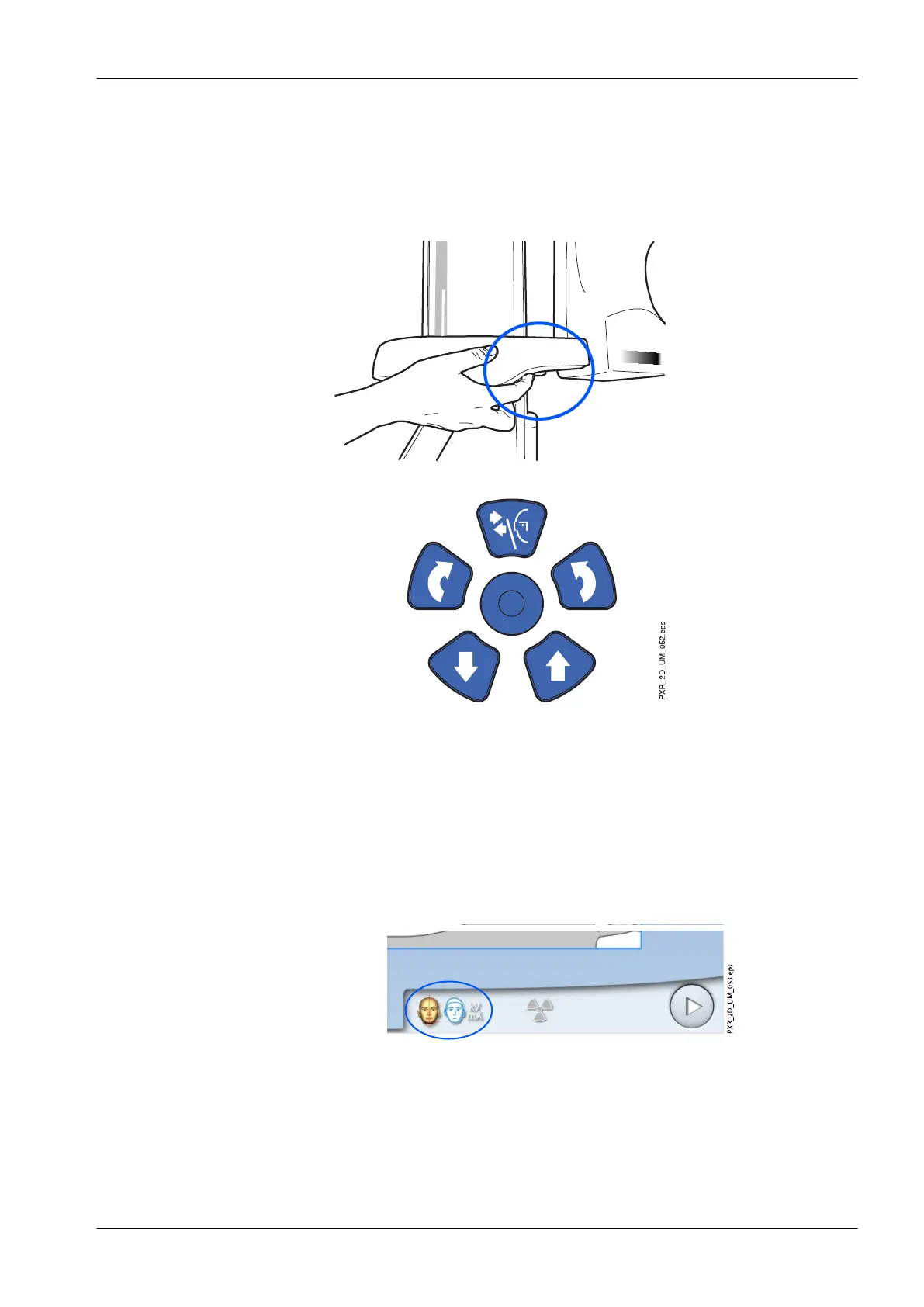
The positioning lights will automatically switch off after two minutes. To
switch them off earlier, press the positioning joystick.
To switch them back on, do one of the following:
1. Press the thumb wheel on the underside of the patient support table.
2. Press any of the positioning controls (button or joystick).
6.4.3 Adjusting patient’s head position
The positioning lights and the illustrations on the touch screen help you to
position the patient’s head correctly.
NOTE
The illustrations are for guidelines only.
1. To go to the next screen, select
• This symbol:
OR
6 Panoramic exposure
User's manual Planmeca ProMax 45














 To Next Page