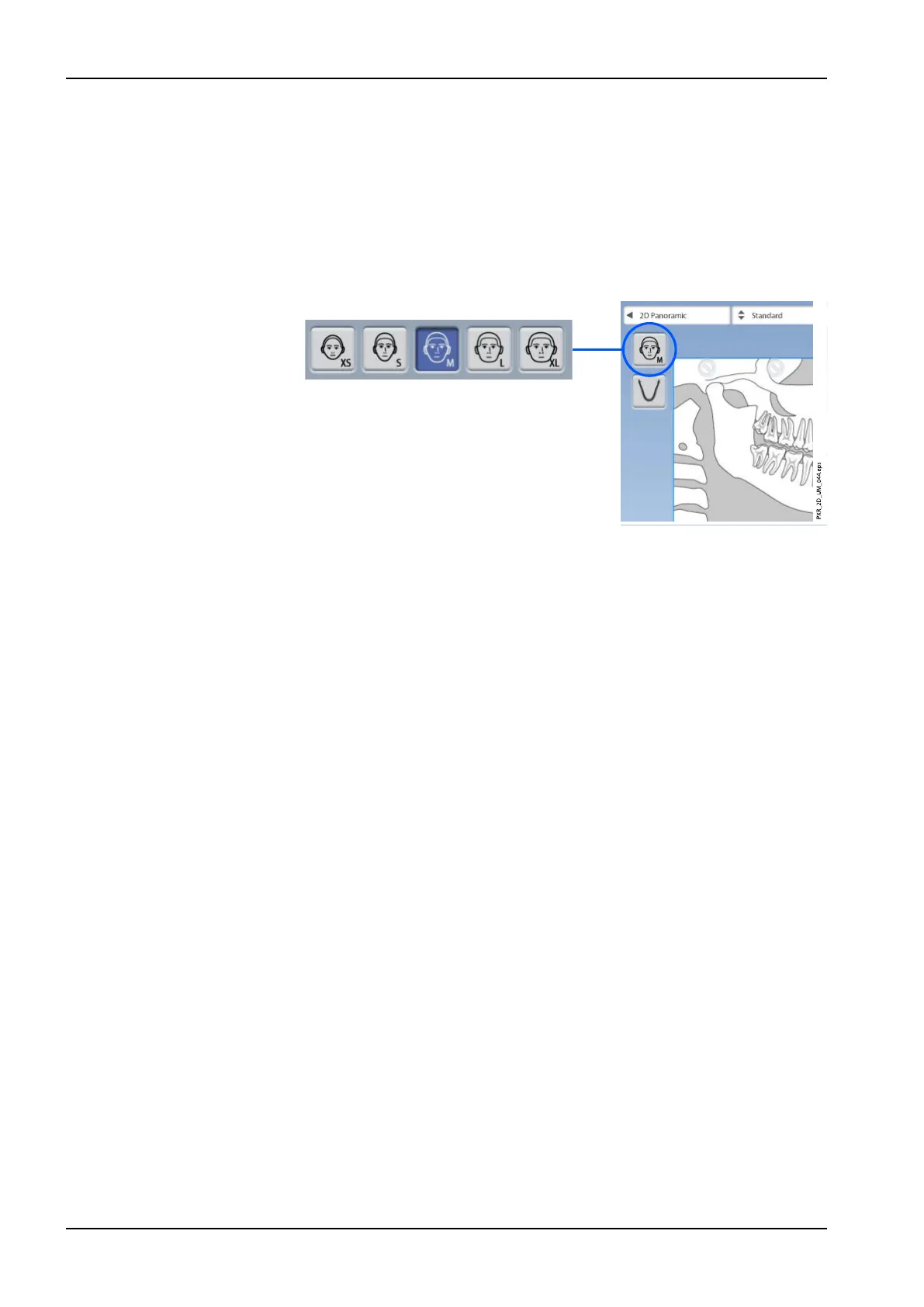
6.3.2 Selecting patient size
Use this button to select the patient size:
• XS = Child
• S = Small adult
• M = Medium-sized adult
• L = Large adult
• XL = Extra large adult
NOTE
Selecting child patient (XS) will automatically reduce the exposure area and
patient dose.
NOTE
The exposure values will automatically change according to the selected
patient size.
NOTE
The patient size can also be selected on the next screen.
6 Panoramic exposure
40 Planmeca ProMax User's manual














 To Next Page