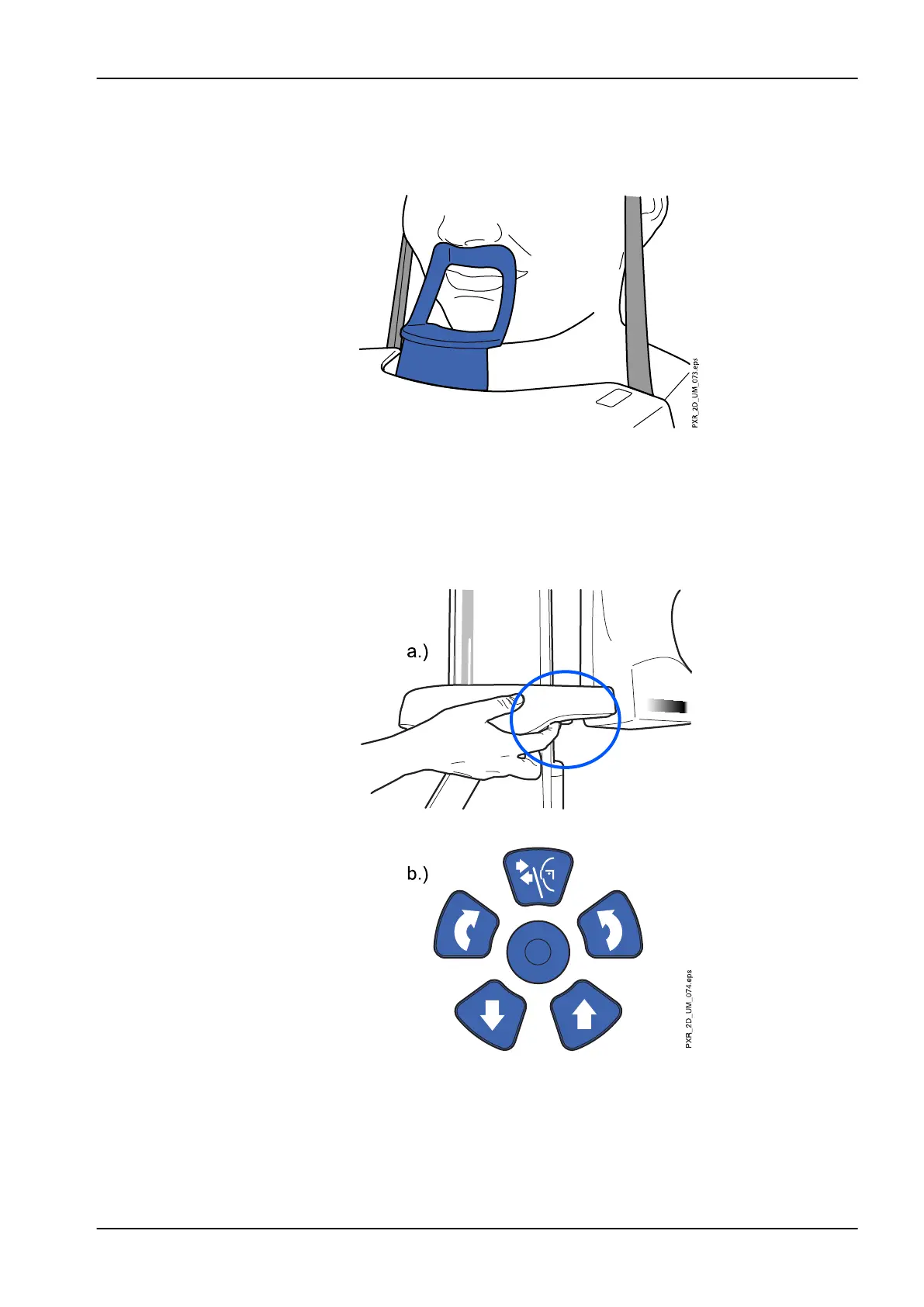
4. Ask the patient to step forward, grasp the patient handles, stretch and
straighten their back and neck, and press their lips against the chin
support. The patient's nose must rest on top of the support and their
mouth must be closed.
The positioning lights for the midsagittal and Frankfort plane show on the
patient’s face. The lights will automatically switch off after two minutes.
To switch them off earlier, press the positioning joystick.
To switch them back on, do one of the following:
1. Press the thumb wheel on the underside of the patient support table.
2. Press any of the positioning controls (button or joystick).
8.5.3 Adjusting patient’s head position
The positioning lights and the illustrations on the touch screen help you to
position the patient’s head correctly.
8 Sinus exposure
User's manual Planmeca ProMax 79














 To Next Page