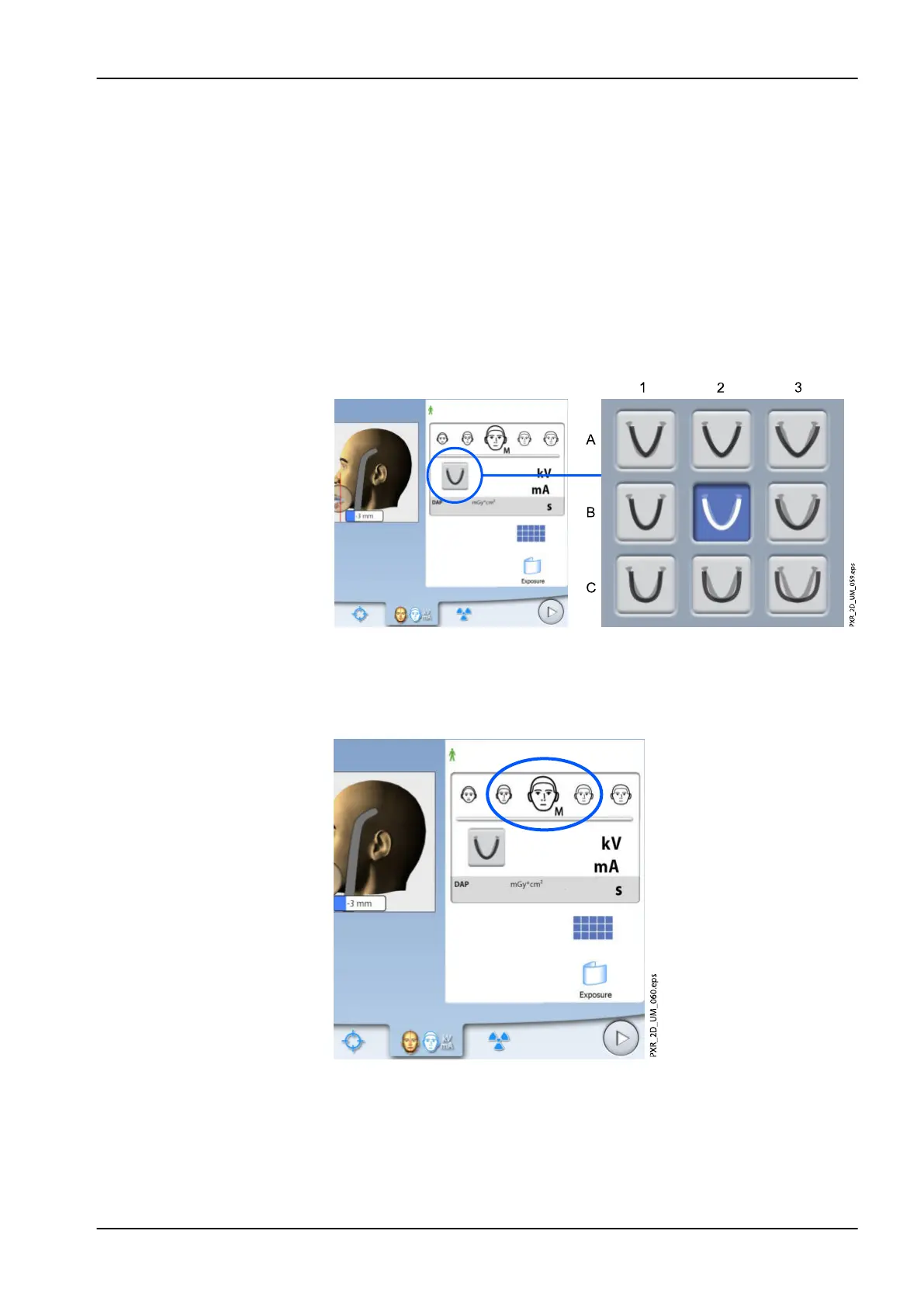
6.5 Selecting jaw size and shape
Use this button to select the following:
• Jaw size of the patient (columns):
1. Small
2. Medium
3. Large
• Jaw shape of the patient (rows):
1. V-shaped
2. Standard
3. U-shaped
NOTE
The jaw size will automatically change according to the selected patient size
(XS = 1, S & M & L = 2, XL = 3).
6 Panoramic exposure
User's manual Planmeca ProMax 49














 To Next Page