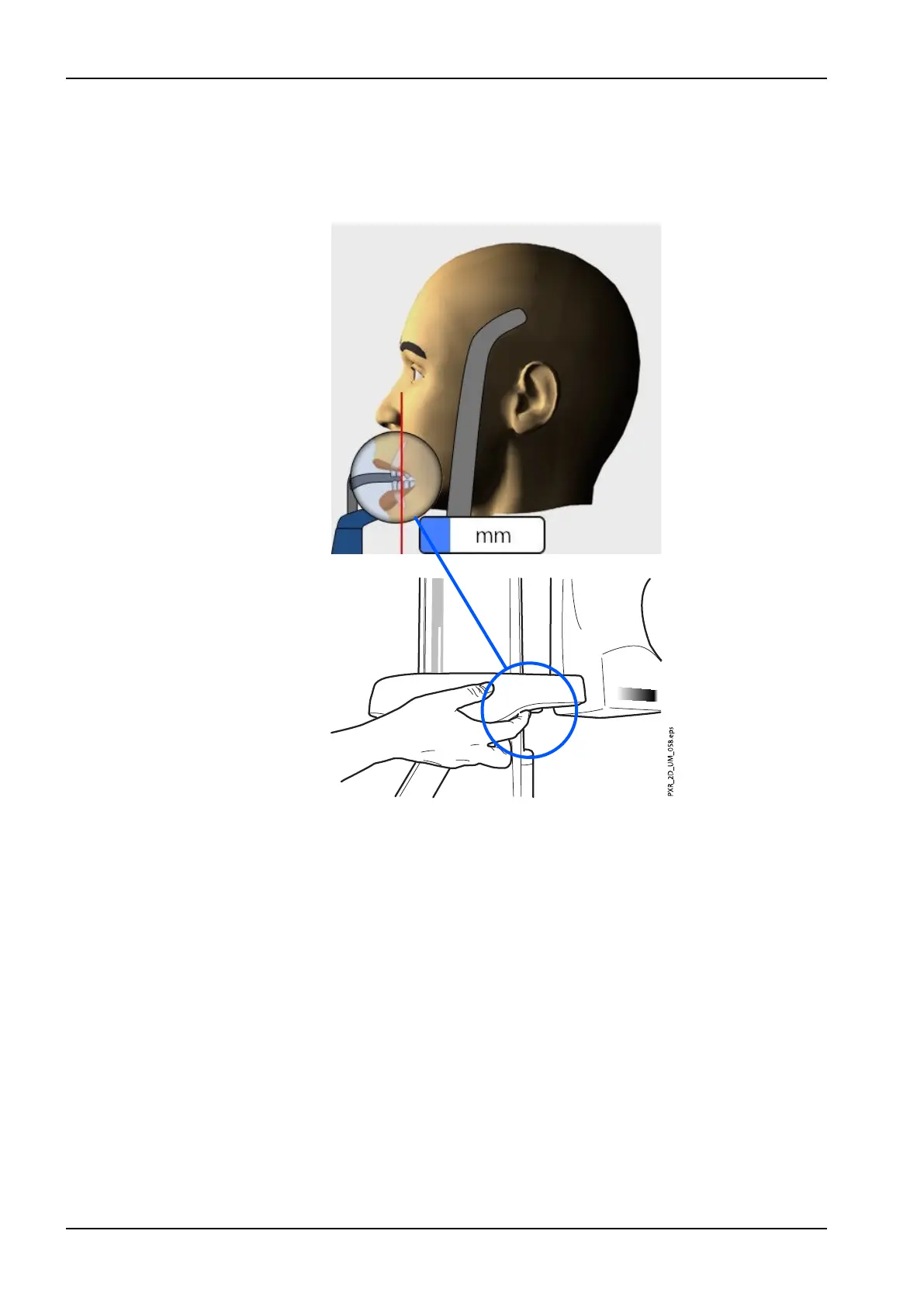
4. Position the apices of the patient’s upper central incisors within the
image layer of the X-ray unit.
To do this, rotate the thumb wheel on the underside of the patient
support table to move the layer light until it falls between the second
incisor and the canine.
NOTE
The layer light is switched off when Autofocus is selected. Refer to
section "Taking an exposure with Autofocus (Planmeca ProMax 2D S3
and Planmeca ProMax 3D X-ray units)" on page 55 for details.
5. Check that the midsagittal plane light and the Frankfort plane light are
still correctly positioned. Reposition them if necessary.
6 Panoramic exposure
48 Planmeca ProMax User's manual














 To Next Page