NOTE
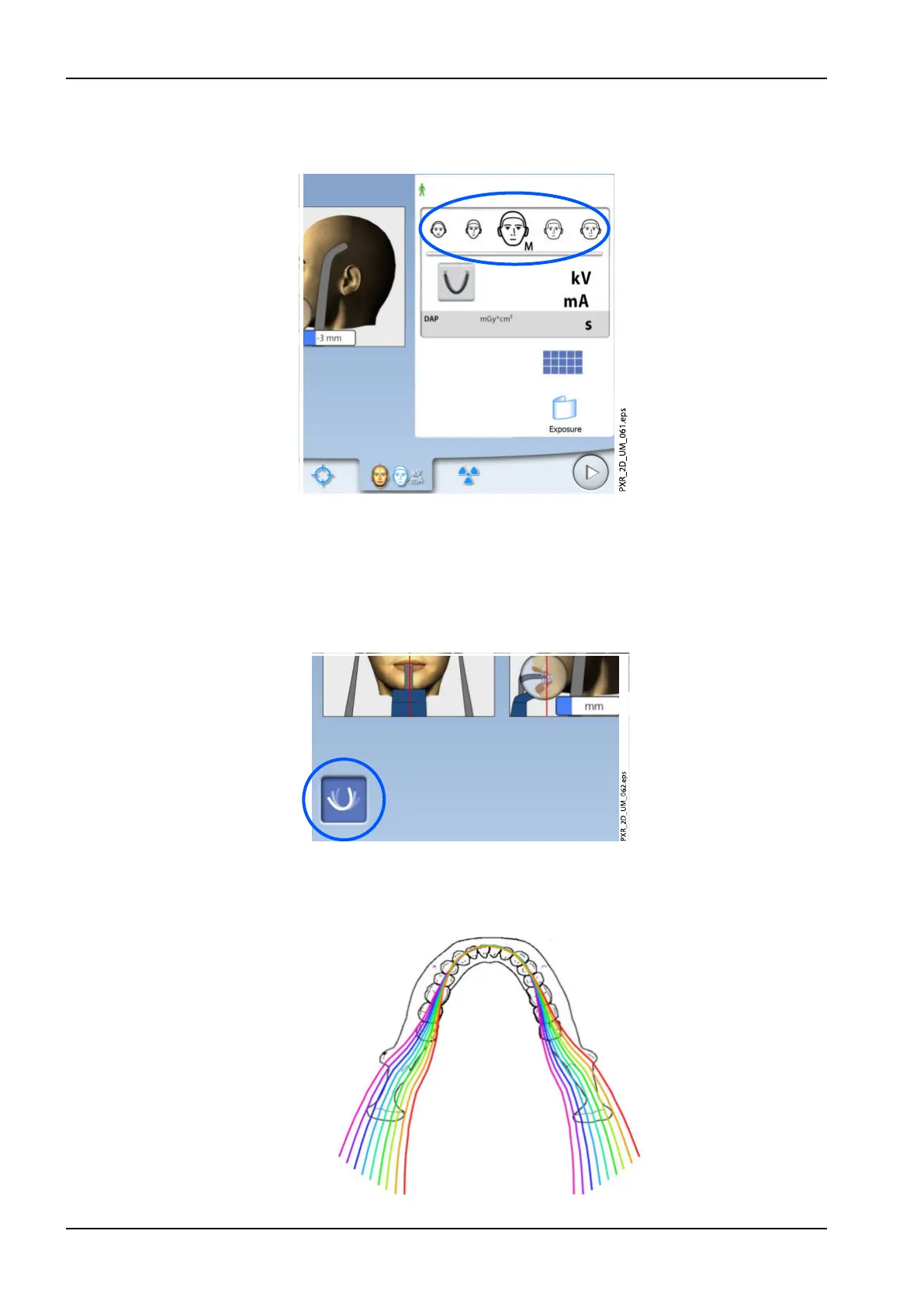
If needed, you can change the patient size on this screen.
6.6 Selecting MultiView (Planmeca ProMax 3D X-ray units)
NOTE
MultiView is an optional feature for Planmeca ProMax 3D X-ray units.
Use this button to select the MultiView imaging mode.
This function allows you to adjust the viewing angle in the Planmeca
Romexis program.
• Panoramic layers with MultiView (button selected)
6 Panoramic exposure
50 Planmeca ProMax User's manual














 To Next Page