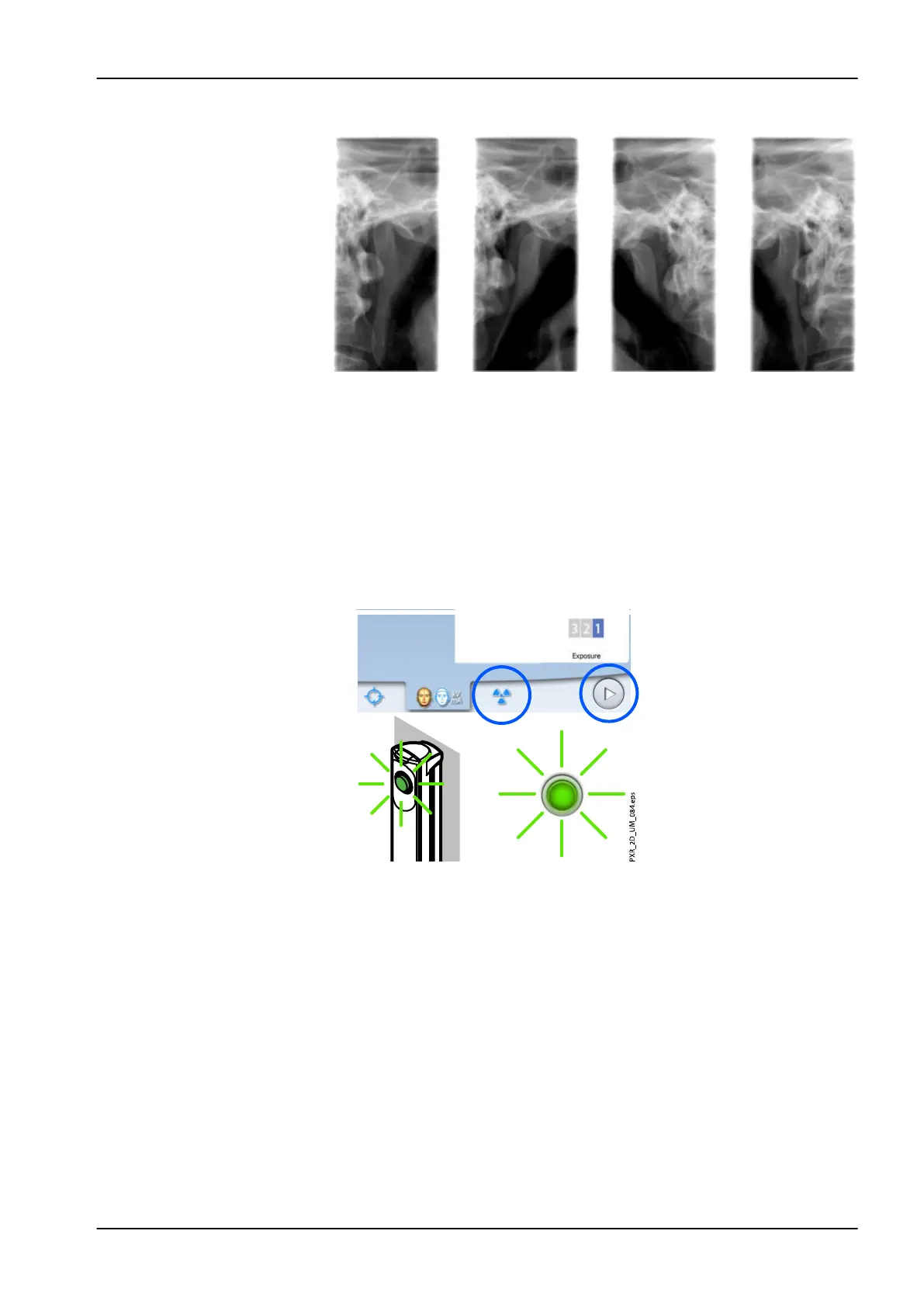
4. The image is shown on the computer screen.
• Note that you must accept the image in the Planmeca Romexis
program.
5. Guide the patient away from the X-ray unit.
7.6 Taking an exposure in three angle TMJ programs
NOTE
Make sure that you have selected the correct patient and exposure mode in
the Planmeca Romexis program.
1. Select the radiation symbol or the forward button.
Green lights flash on the touch screen and exposure button when the X-
ray system is getting ready for an exposure. The green lights stop
flashing and stay on continuously when the X-ray system is ready for an
exposure.
2. Ask the patient to stay as still as possible. Explain to the patient that this
is a multiple exposure and that the C-arm will move through three
exposure cycles.
3. Move to a protected area.
7 Temporomandibular joint (TMJ) exposure
User's manual Planmeca ProMax 73














 To Next Page