NOTE
You need a licence if you wish to use the application for moving to the ready
status. Contact your dealer for help.
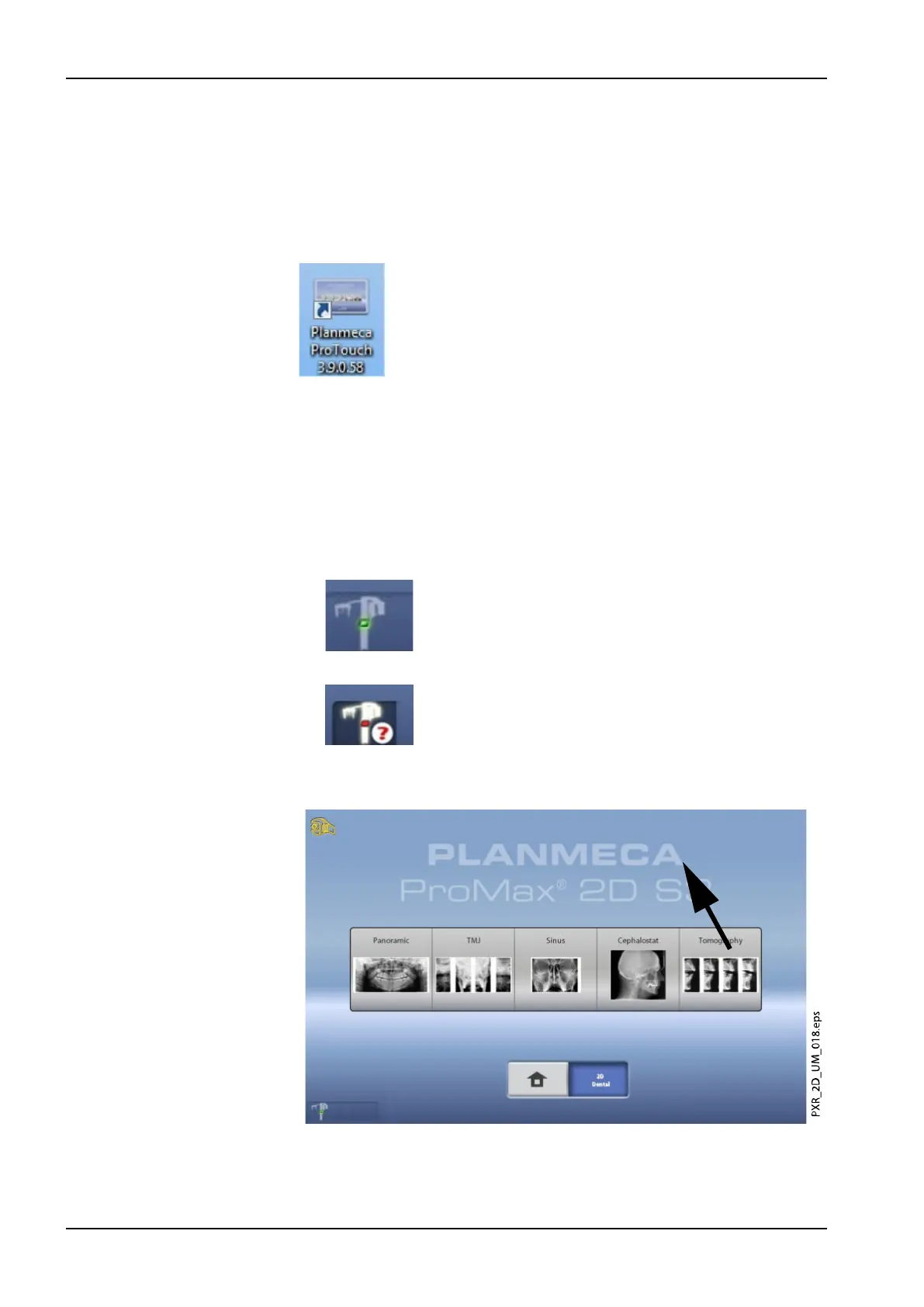
To use the virtual control panel, double-click the ProTouch icon on your
computer screen. Then click your mouse on the function that you wish to
use.
NOTE
A help message appears if you used the settings menu before you opened
the application. The application will automatically close when you accept the
help message. You can reopen the application by double-clicking the icon
again.
The small icon in the bottom left corner of the screen indicates when the
application is connected to the X-ray unit.
• A green icon indicates that the connection is working:
• A red icon indicates that the connection is not working:
Restart the X-ray unit if the icon is red.
To move the control panel screen, drag it with your mouse.
3 Main parts
18 Planmeca ProMax User's manual














 To Next Page