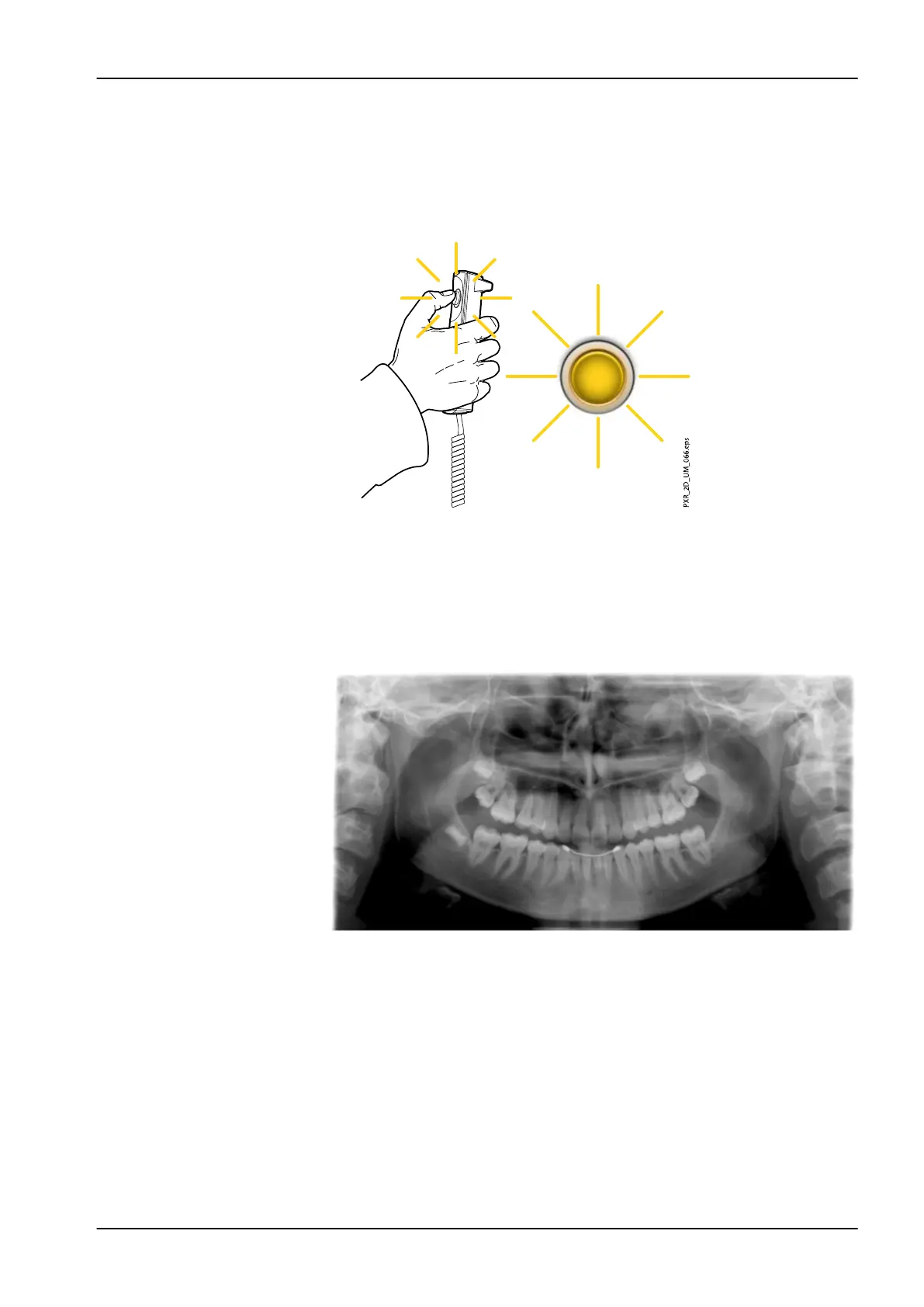
4. Press and hold down the exposure button again to take the second
exposure. The second exposure will produce the actual image and the
C-arm will now move through one complete exposure cycle.
During exposure yellow radiation warning lights illuminate on the
exposure switch and on the touch screen, and you hear a radiation
warning tone.
Additionally, a radiation warning symbol is shown on the touch screen.
NOTE
Maintain audio and visual contact with the patient and X-ray unit during
exposure. If the C-arm stops moving during exposure, or moves in an
erratic way, release the exposure button immediately.
5. The image is shown on the computer screen.
Note that you must accept the image in the Planmeca Romexis program.
6. Guide the patient away from the X-ray unit.
6 Panoramic exposure
User's manual Planmeca ProMax 57














 To Next Page