2. Ask the patient to stay as still as possible. Explain to the patient that this
is a double exposure and that the C-arm will move twice around the
patient’s head.
3. Move to a protected area.
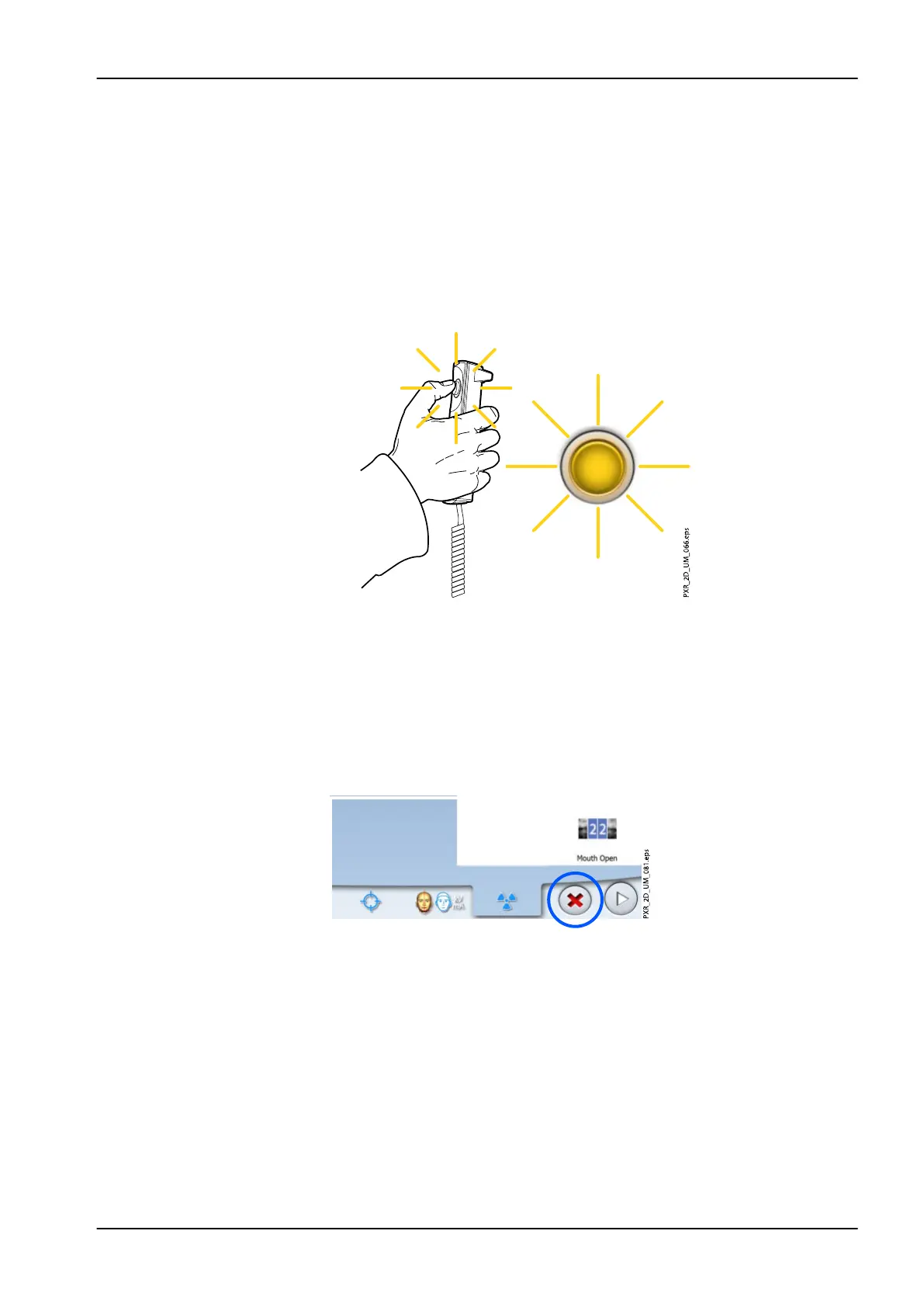
4. Press and hold down the exposure button for the duration of the first
exposure.
The C-arm moves around the patient’s head. During exposure yellow
radiation warning lights illuminate on the exposure switch and on the
touch screen, and you hear a radiation warning tone. Additionally, a
radiation warning symbol is shown on the touch screen.
NOTE
Maintain audio and visual contact with the patient and X-ray unit during
exposure. If the C-arm stops moving during exposure, or moves in an erratic
way, release the exposure button immediately.
NOTE
If needed, you can stop the imaging process by touching the red cross
button after you have taken the first exposure.
7 Temporomandibular joint (TMJ) exposure
User's manual Planmeca ProMax 71














 To Next Page