DocAction II16
All rights are reserved.
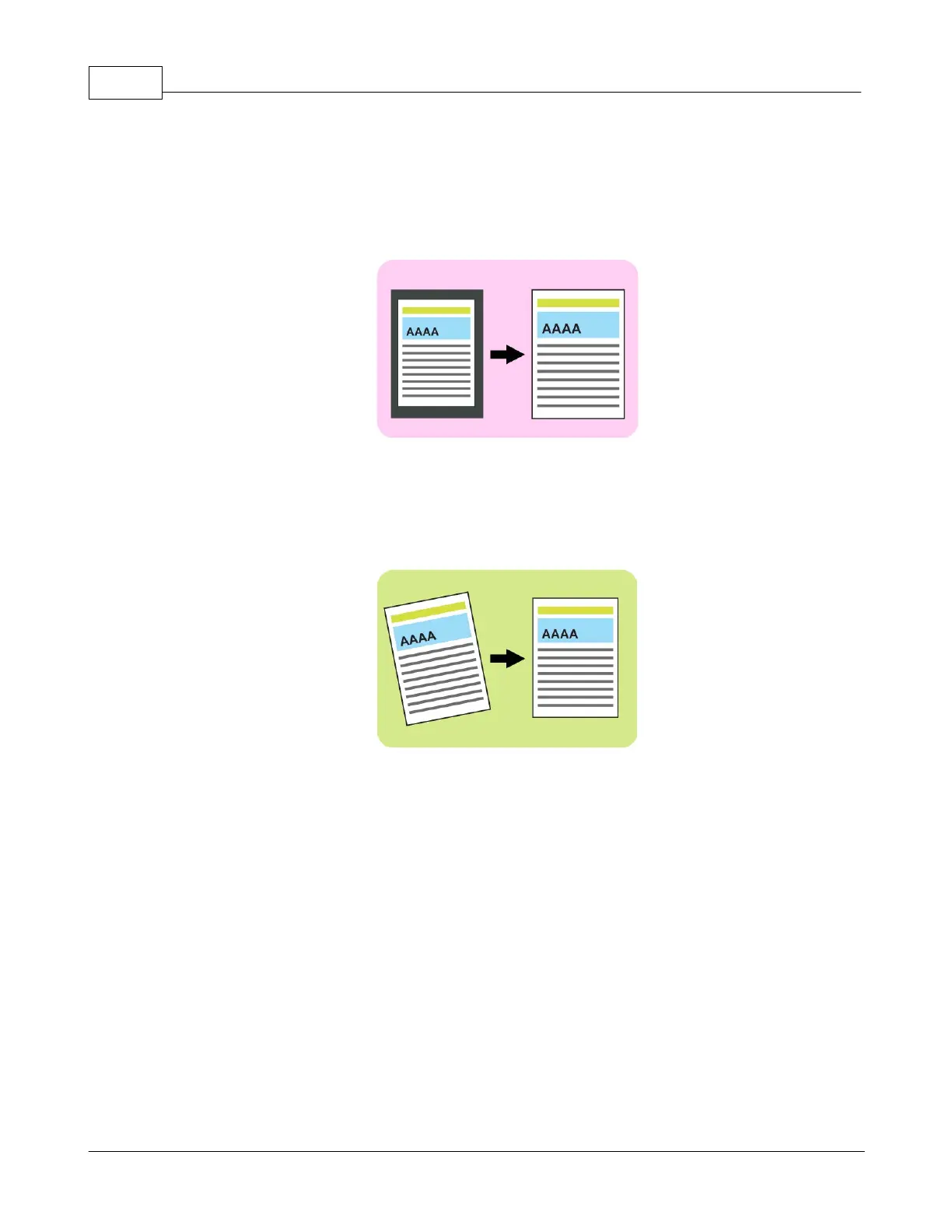
: Tick this check box to have DocAction II automatically identify the
dimensions of the image you scanned and crop around the edges. The crop
shape will be a square or rectangle and it will not trace the edges of oddly-
shaped images. This command can be useful when scanning smaller images
: Tick this check box if you want DocAction II to automatically
straighten the skewed image after auto crop is done. If the placed image is too
slanted (>10°), the Auto Deskew
function will not recognize the skewed
: Tick the check box of Edge Fill, the edge of scanned image would be
to open a dialog for more settings.











 To Next Page